Copilot
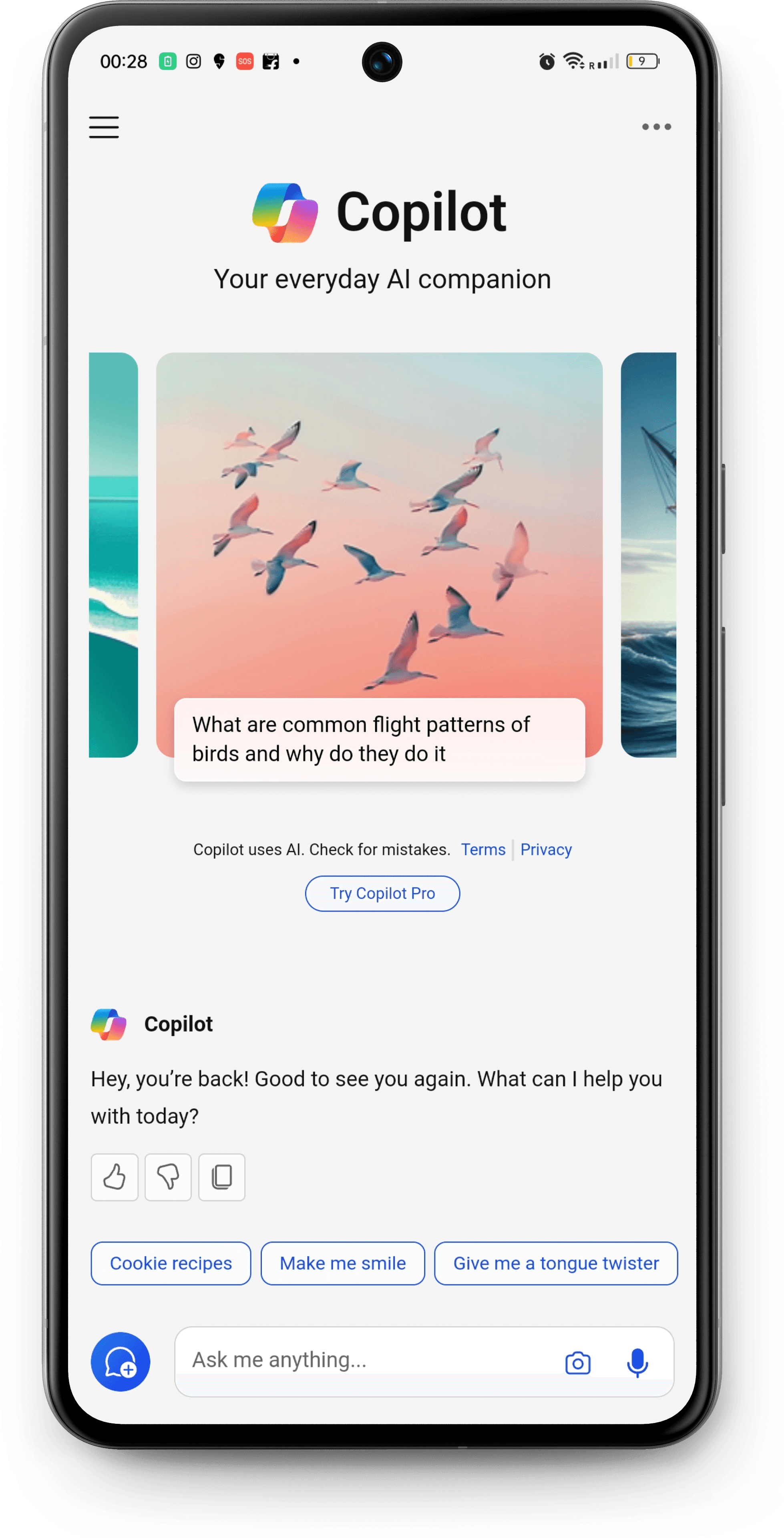
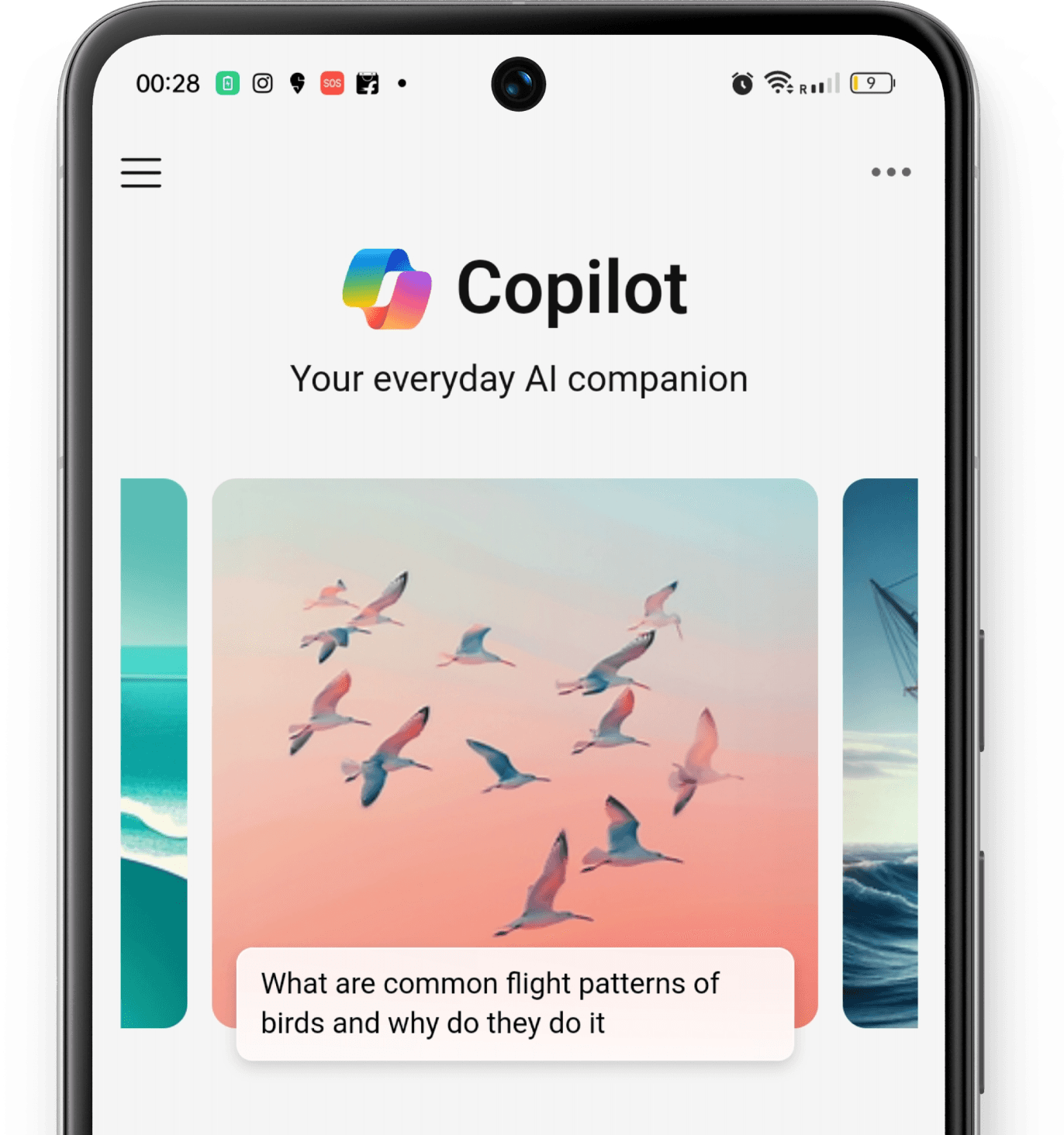
A new touch to Microsoft Copilot
Multimodality
Redesign
Objective
To identify areas for improvement in the copilot AI assistant and to devise a redesign solution that enhances usability by integrating multimodal interactions.
Scope
Interventions in the multiple modal interactions such as gestures and haptic feedback into Copilot can significantly enhance the user experience.
2 weeks
Duration
UX research
UX/ UI mobile design
Prototyping
Responsibilities
Figma
Tools
/ Process
The entire process included three phases - Research phase, Ideation phase and Execution phase
RESEARCH
Desk & primary research
Existing task flow
Identifying gaps
IDEATION
Gather insights
Problem statement
Potential ideas
EXECUTION
Wireframe
Screen prototype
Prototype testing
RESEARCH
/ Desk Research (Understanding more about Copilot)
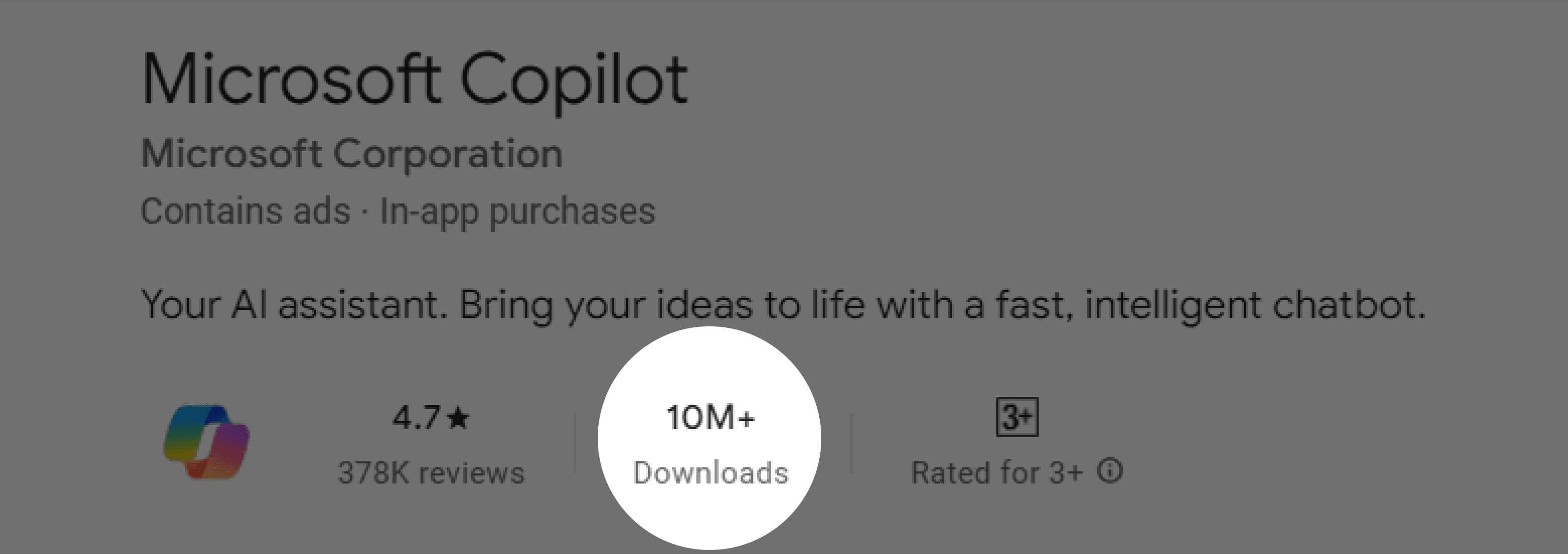
After the introduction of AI in doing day to day life tasks, people have started depending on generative AI software to increase productivity. Microsoft Copilot app having more than 10Million downloads, was created to help users with a variety of tasks, including text generation, document summarization, to-do list creation, and email management. Microsoft’s Copilot AI takes technology from OpenAI, including ChatGPT and Dall-E, and blends it with its own web data from Bing.
One of the significant challenges existing in the application is the image generation experience. Recognizing this need for enhancement, I’ve aimed to address this particular challenge.
/Feature Comparison (Understanding the features in other generative AI applications)
RESEARCH


Uses Google’s Imagen 2 model for generating images based on text prompts.
Does not provide built-in image editing capabilities.
Easy download from the chat page itself.
No option to save/ collect favorite images
Possible to view one image after another while viewing full screen.
Images can be saved but there is no accessibility to these saved images.
Not possible to view one image after another while viewing full screen.
Need to go to the edit page to download the image.
Provide built-in image editing capabilities.
Uses DALL-E 3 from OpenAI for generating images based on text prompts.
RESEARCH
/Existing Task Flow (Finding gaps or opportunities for intervention)
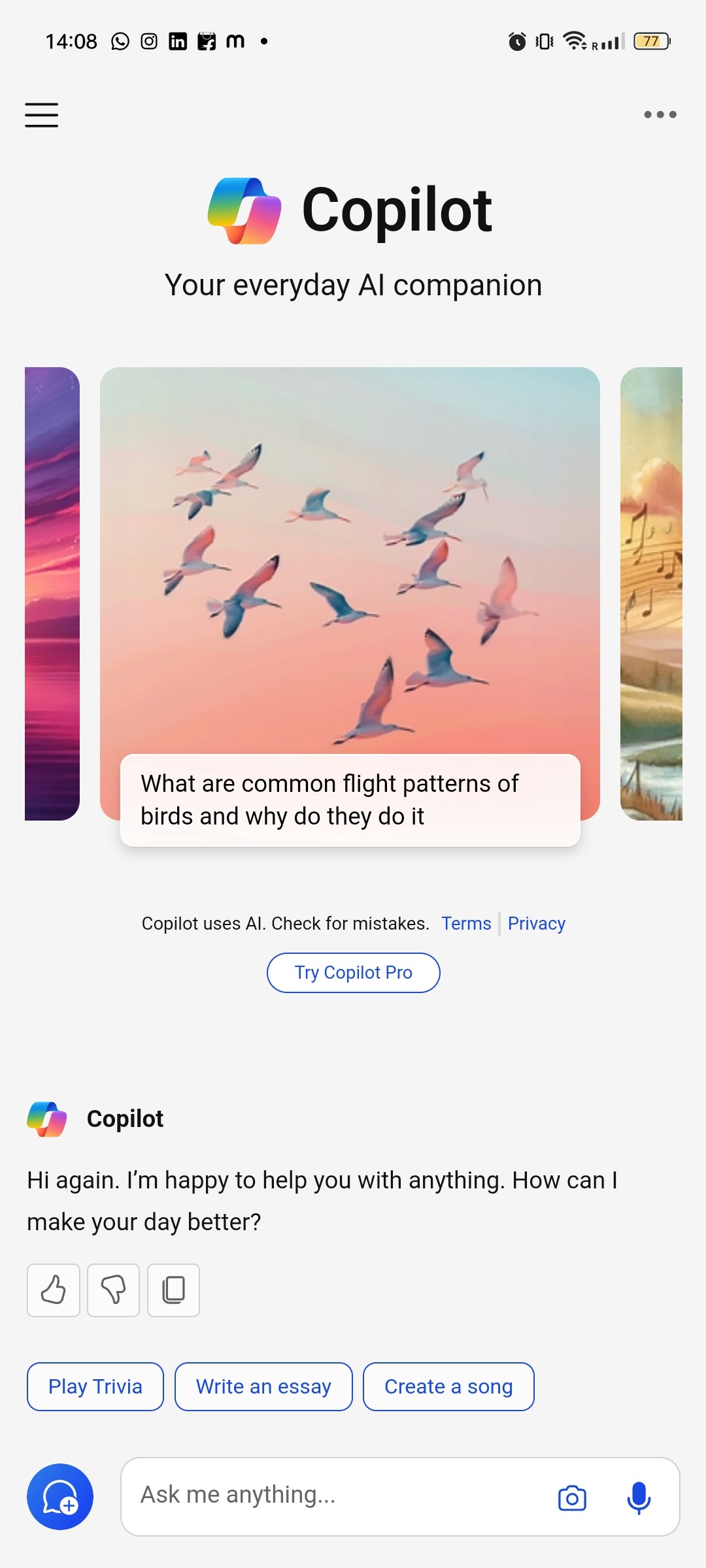
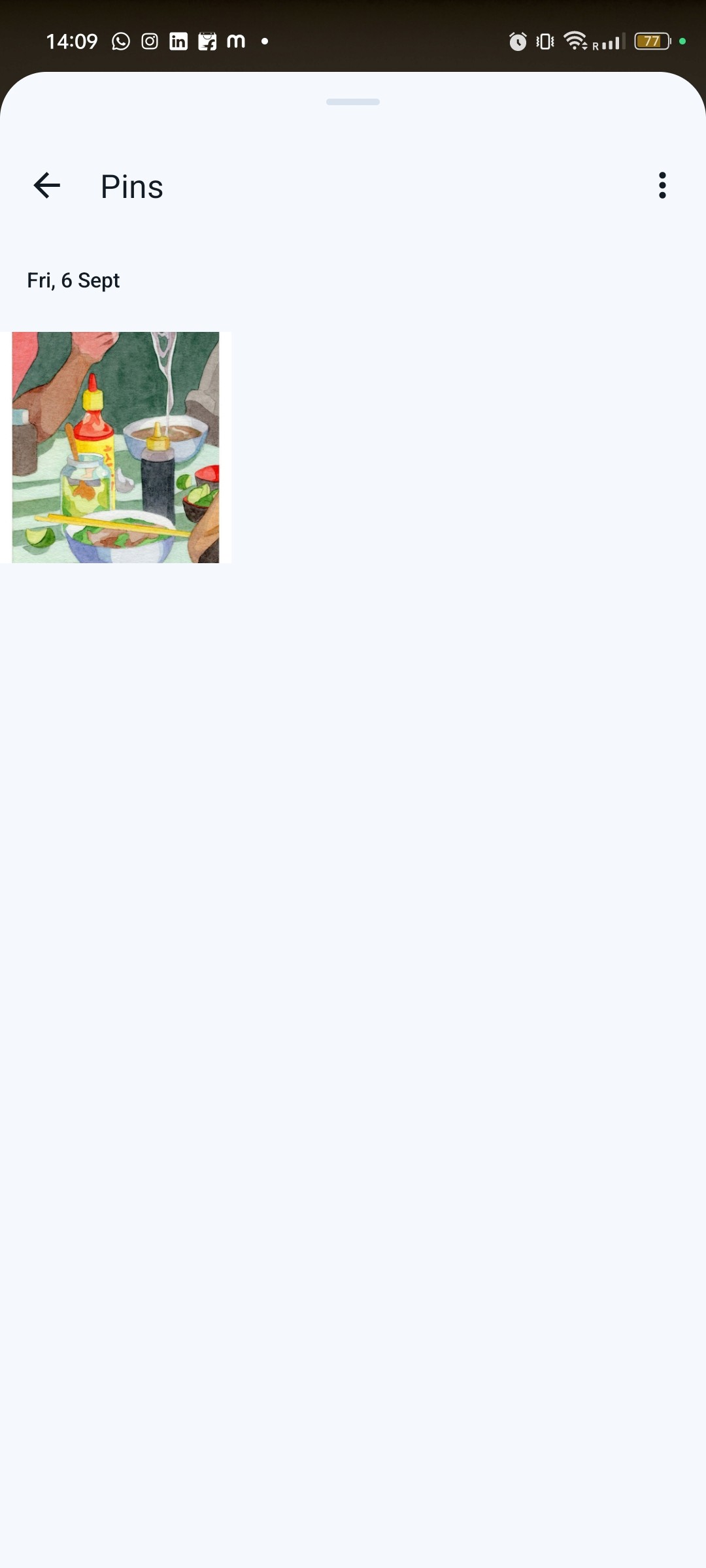
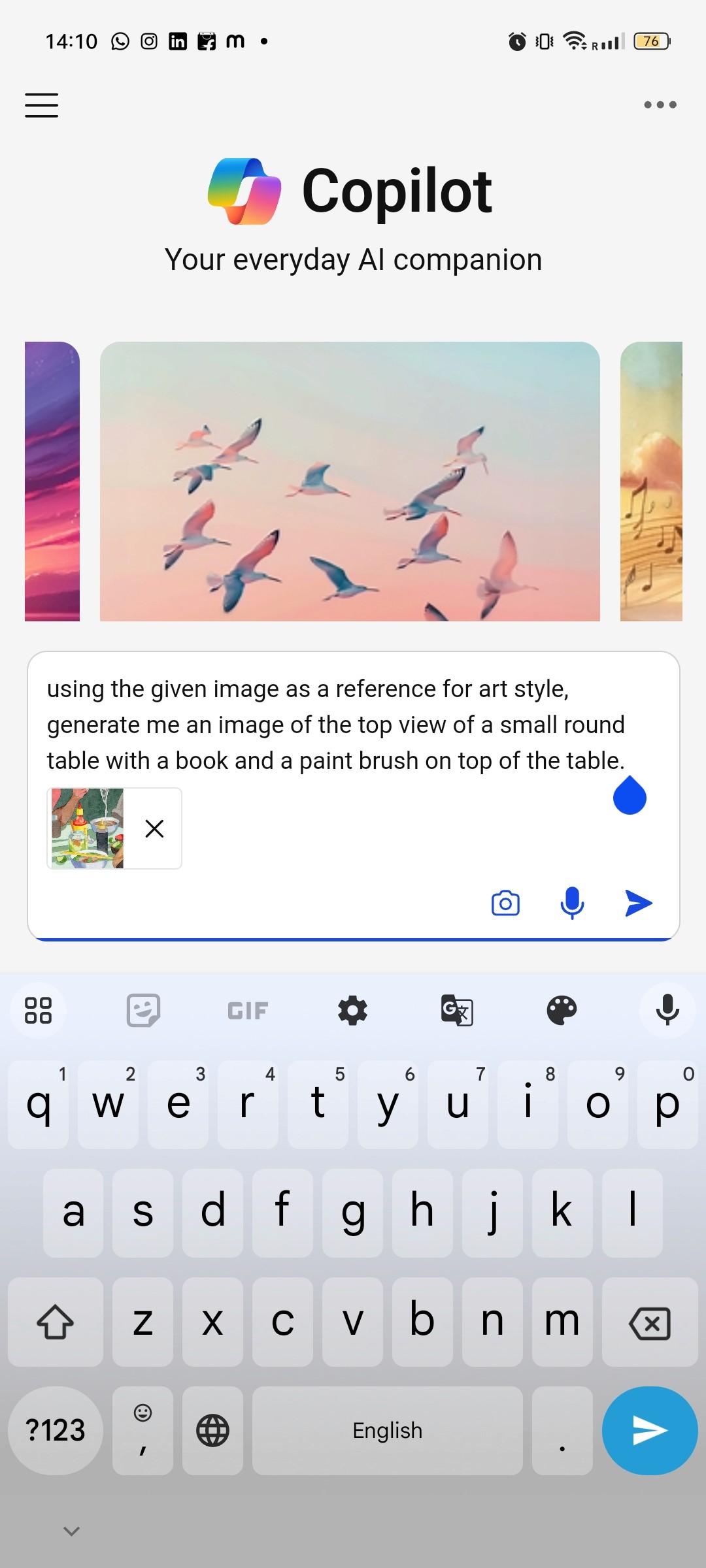
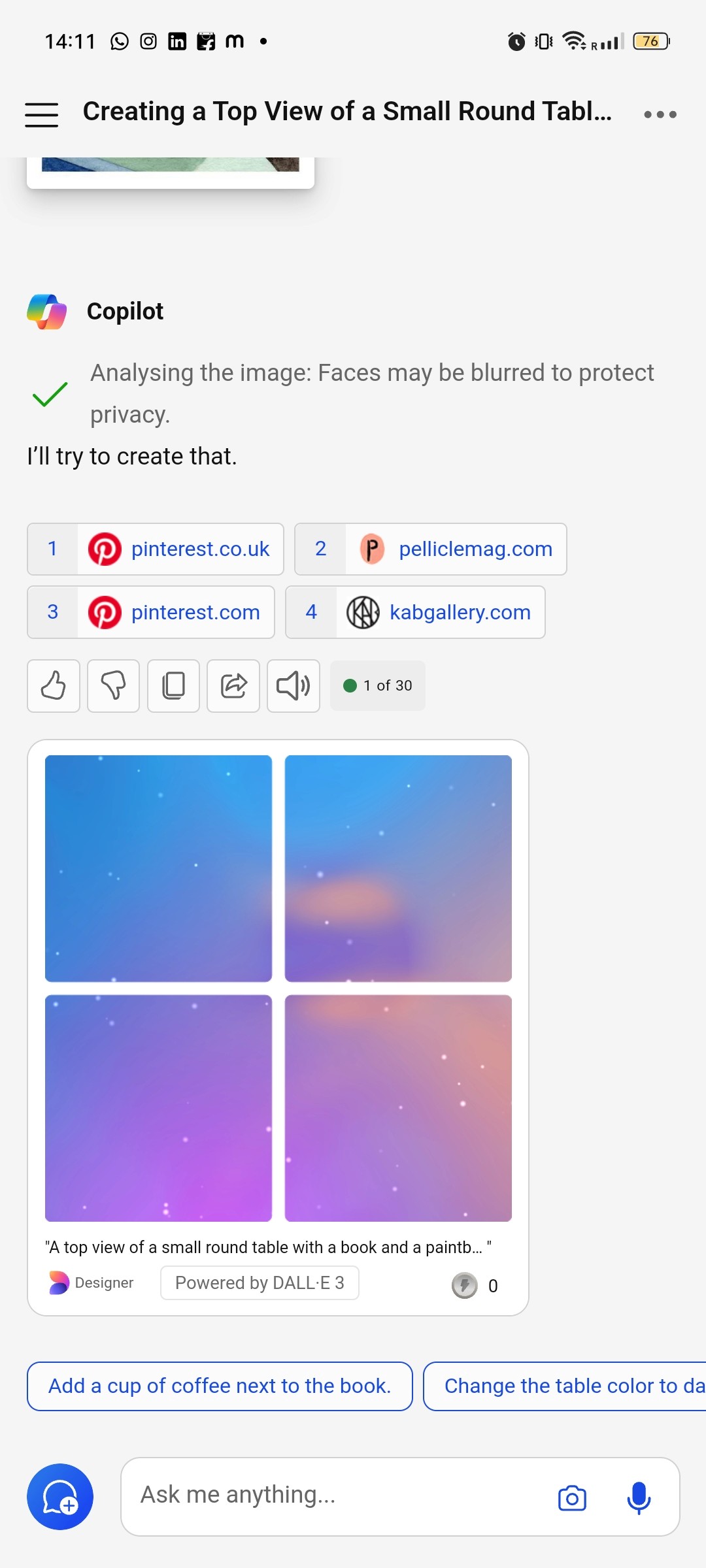
Voice Input
Text Input
Chat Screen
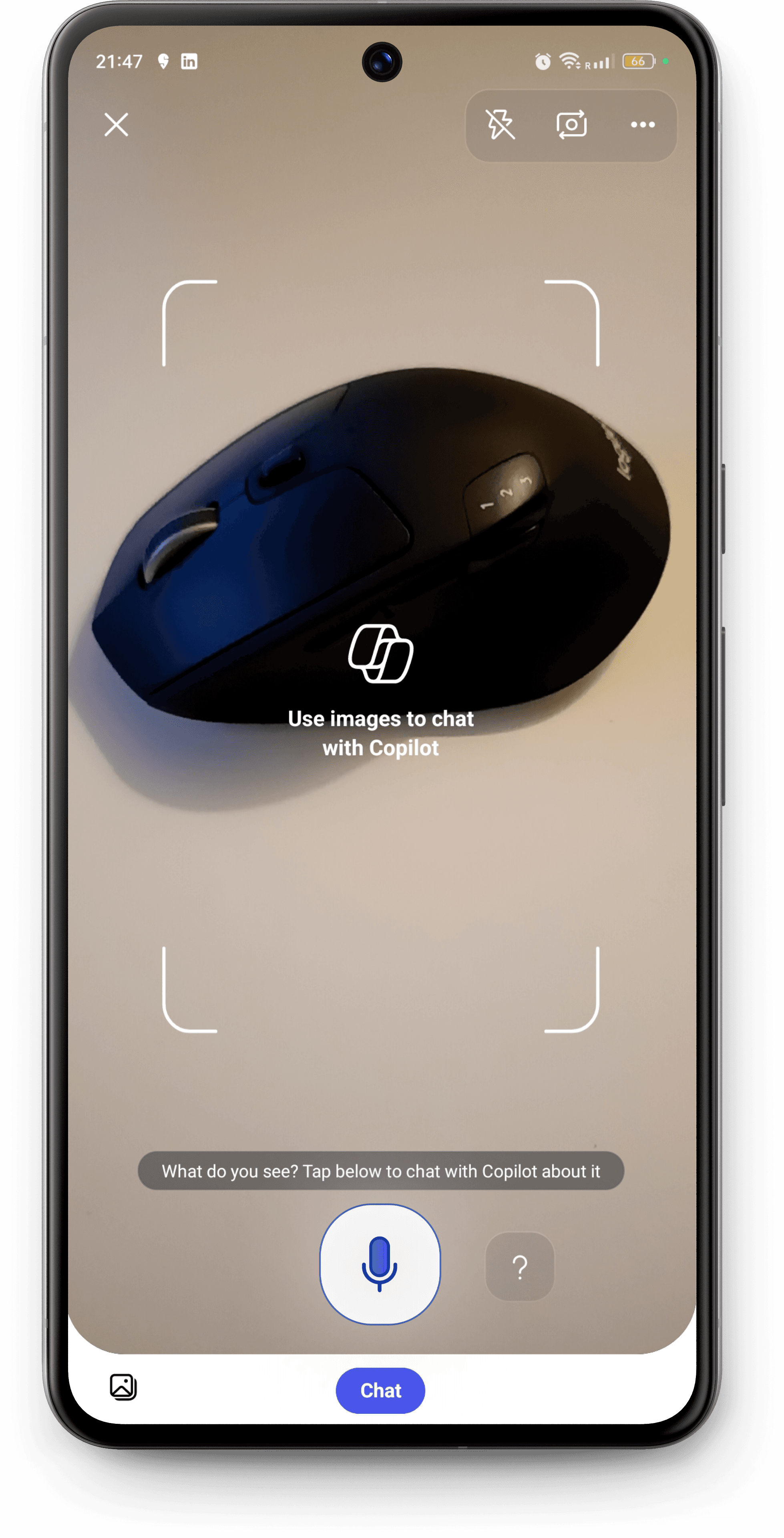
Camera Screen
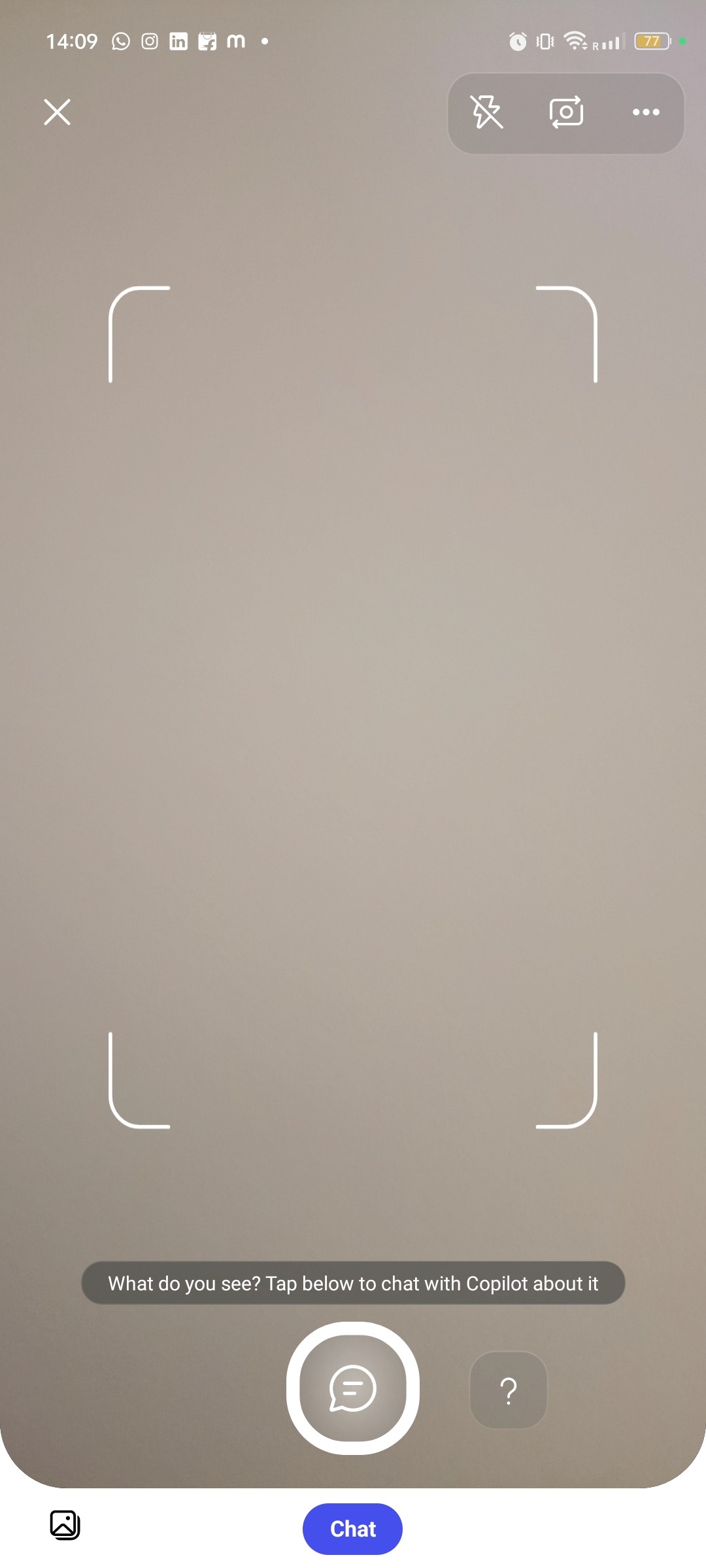
Image Input (Camera & Gallery)
VOICE INPUT FOR SEARCHING DOES NOT WORK SIMULTANEOUSLY WHEN ACCESSING CAMERA
LACK OF FEEDBACK (OTHER THAN VISUAL) TO INDICATE THAT IMAGE IS BEING GENERATED WHEN THE APP IS KEPT OPEN IN THE TAB
GAPS IDENTIFIED ARE NOTED DOWN IN STICKY NOTES
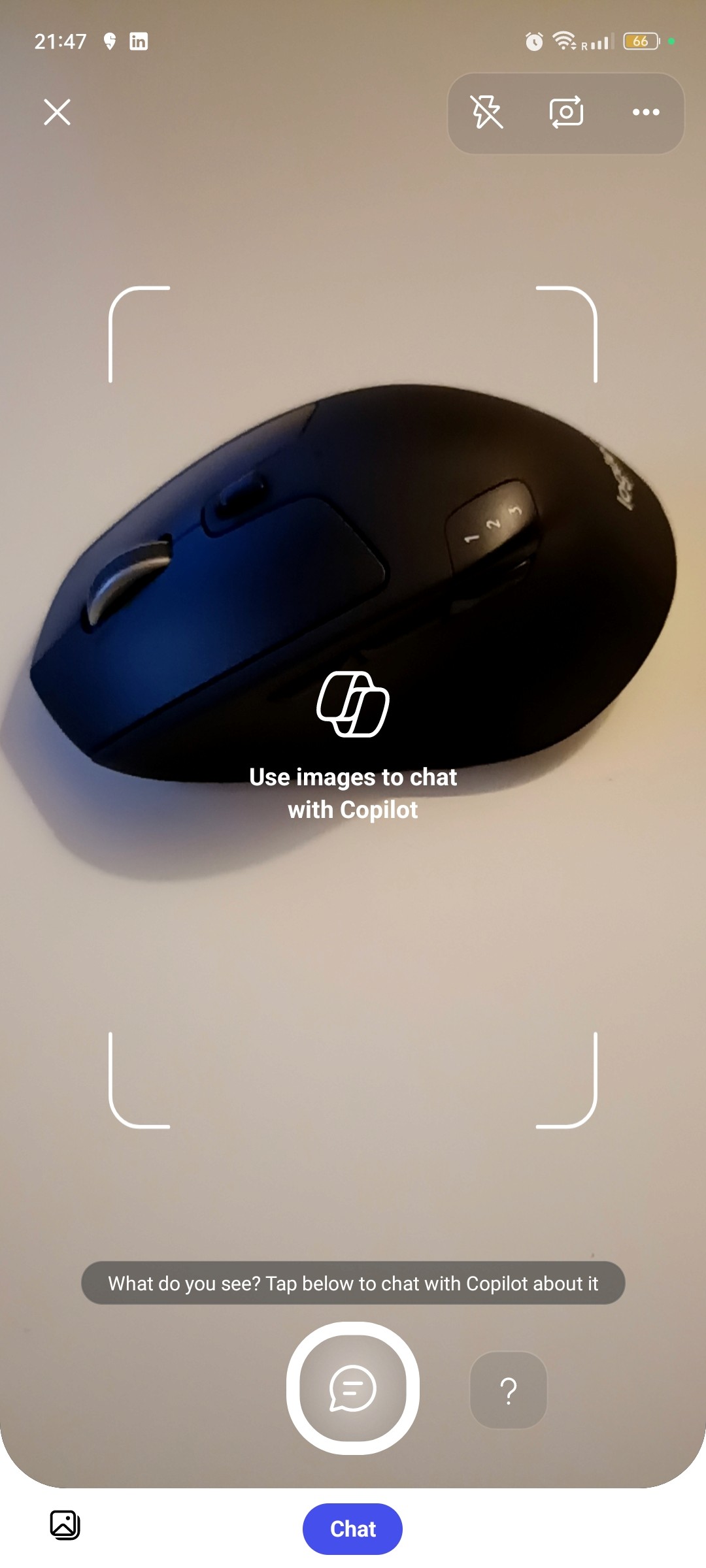
Image Input via camera
Searching with reference via text/ voice input
Selecting any image for reference
Select from Gallery
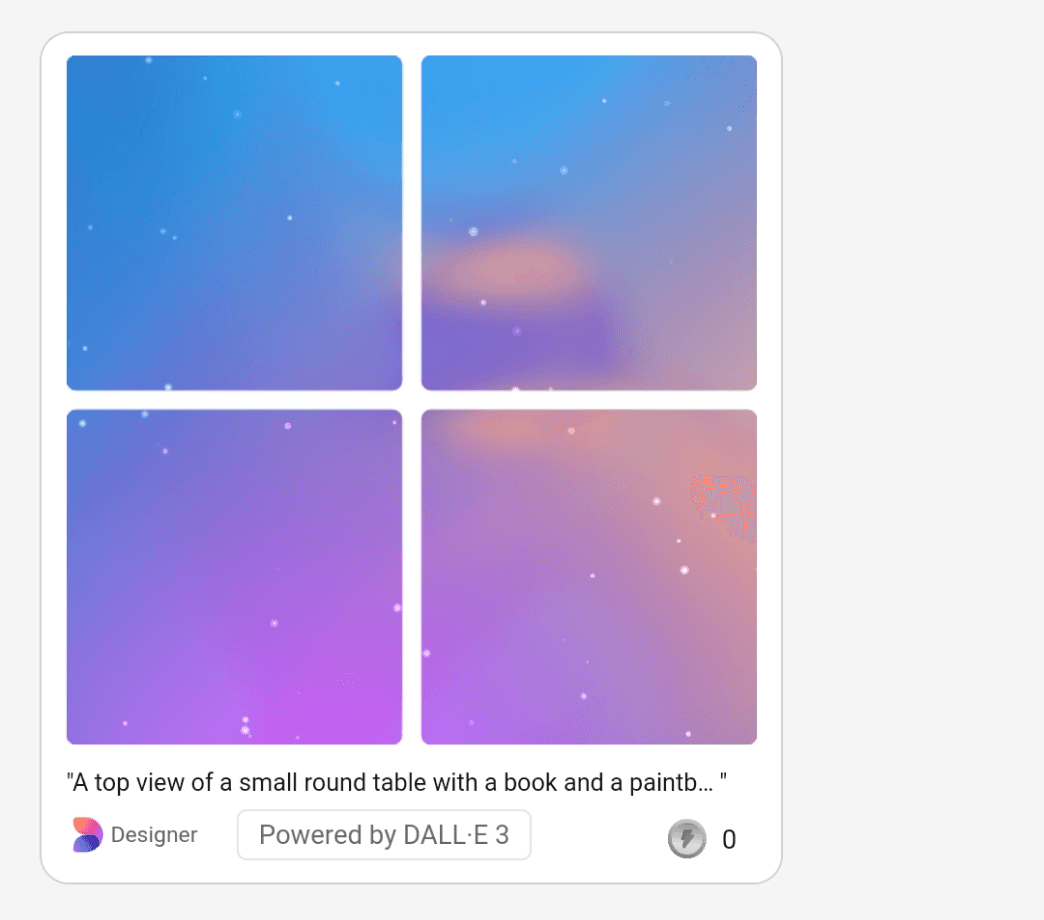
Generating images using an image reference
1
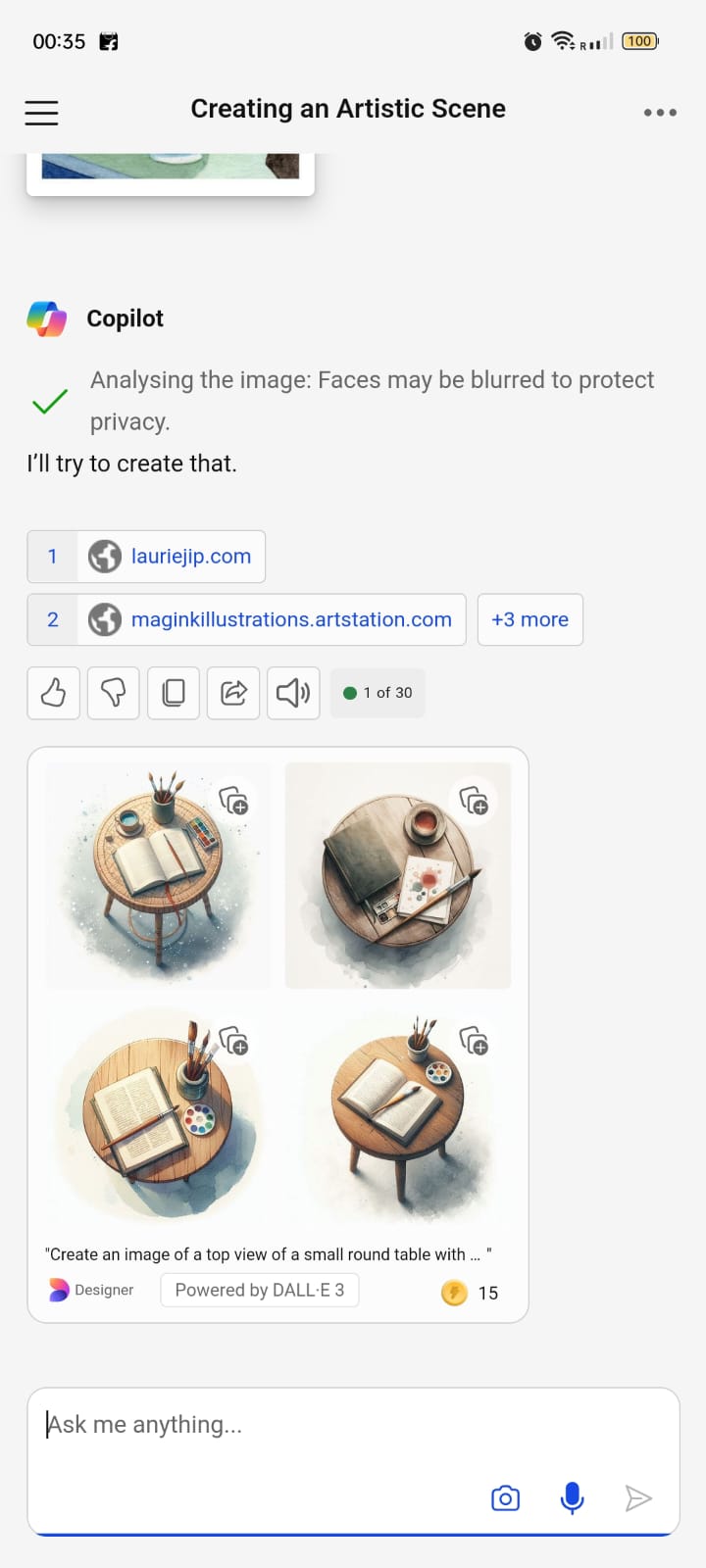
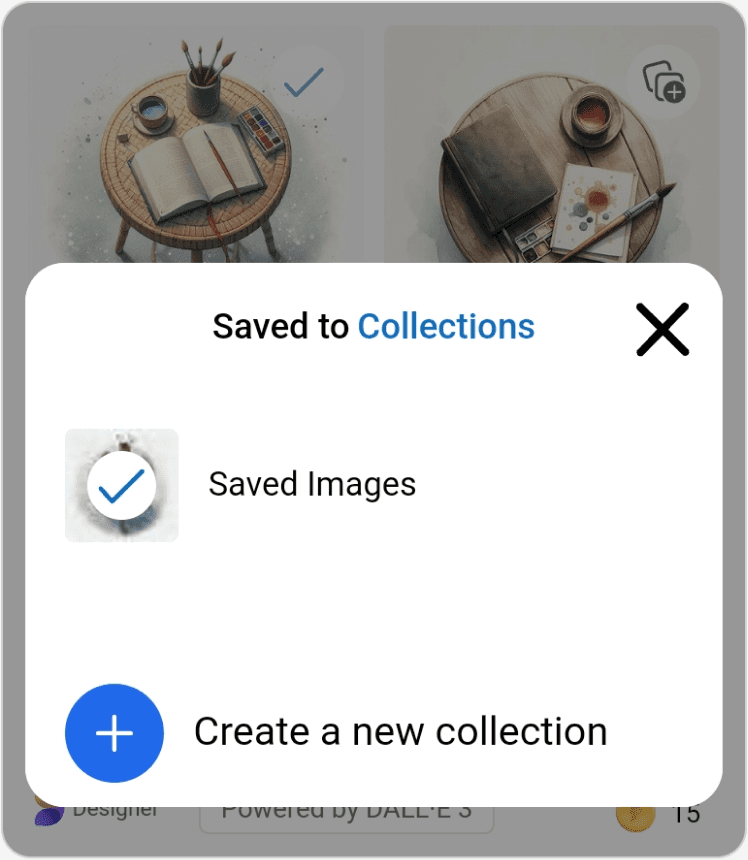
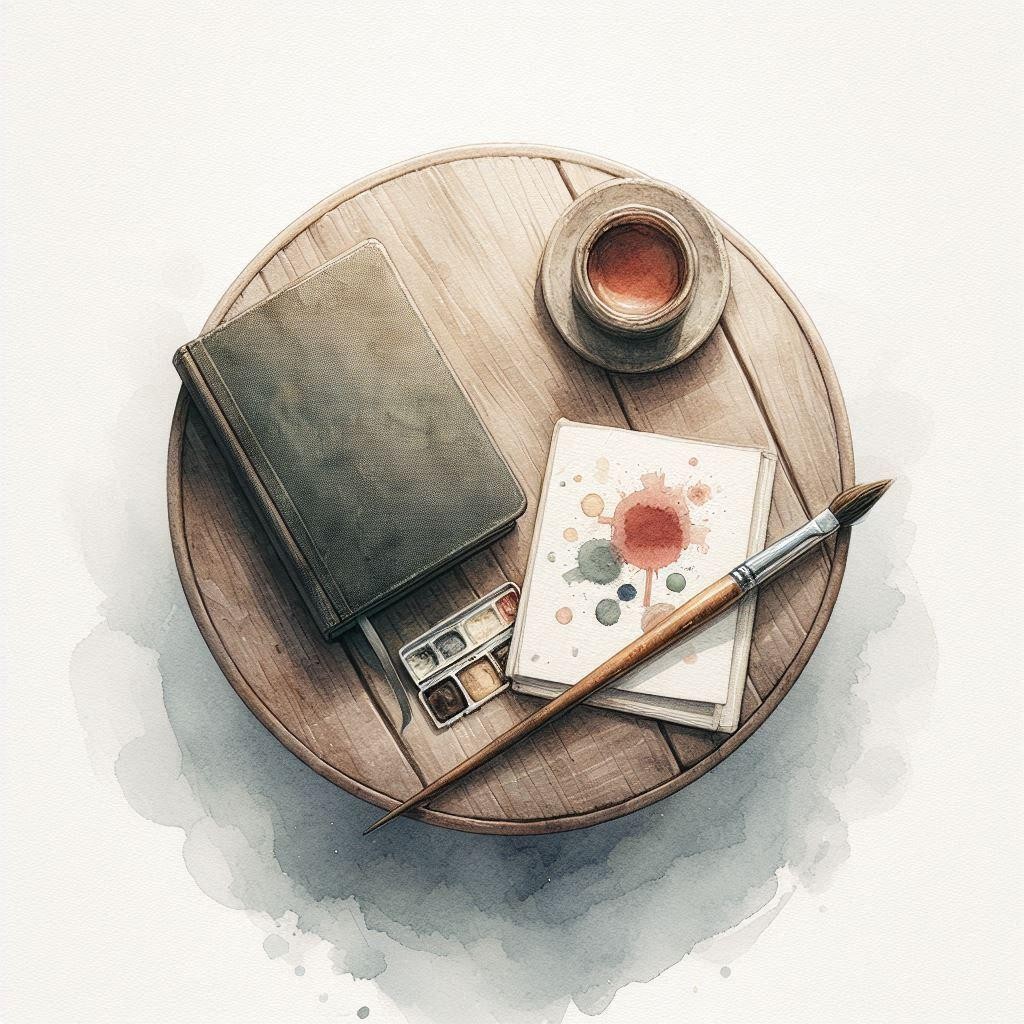
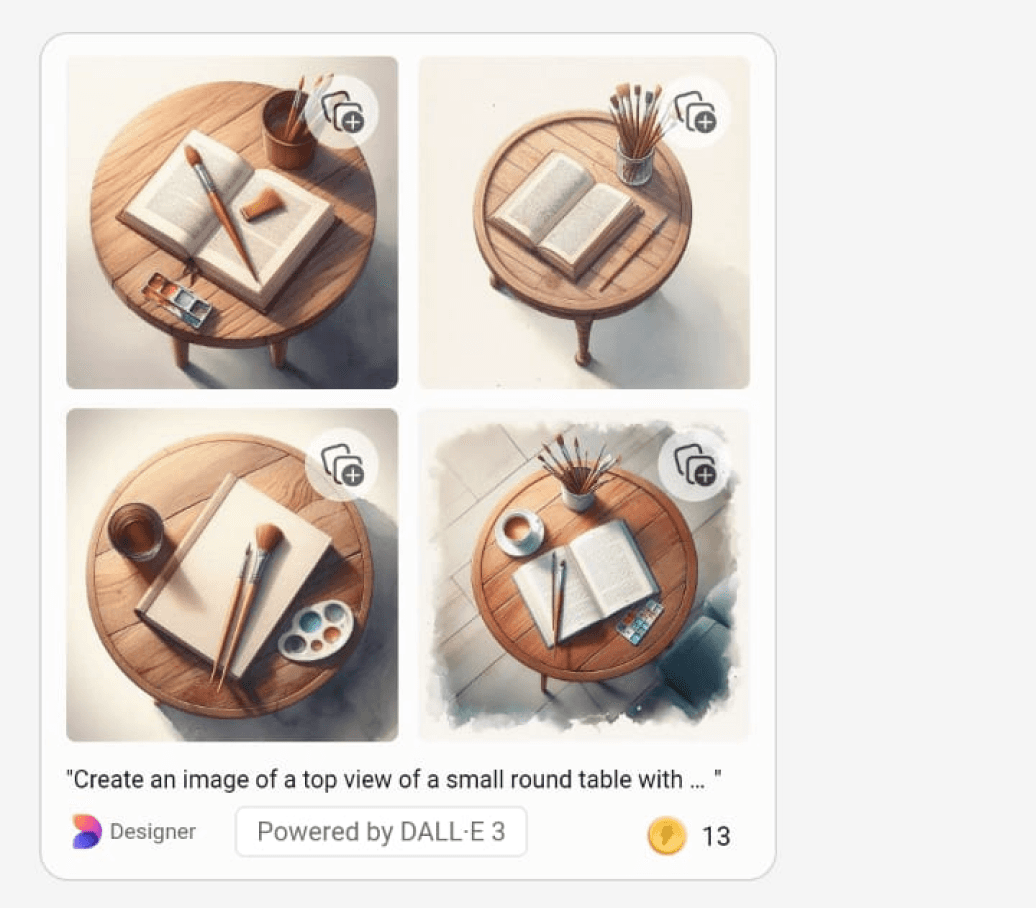
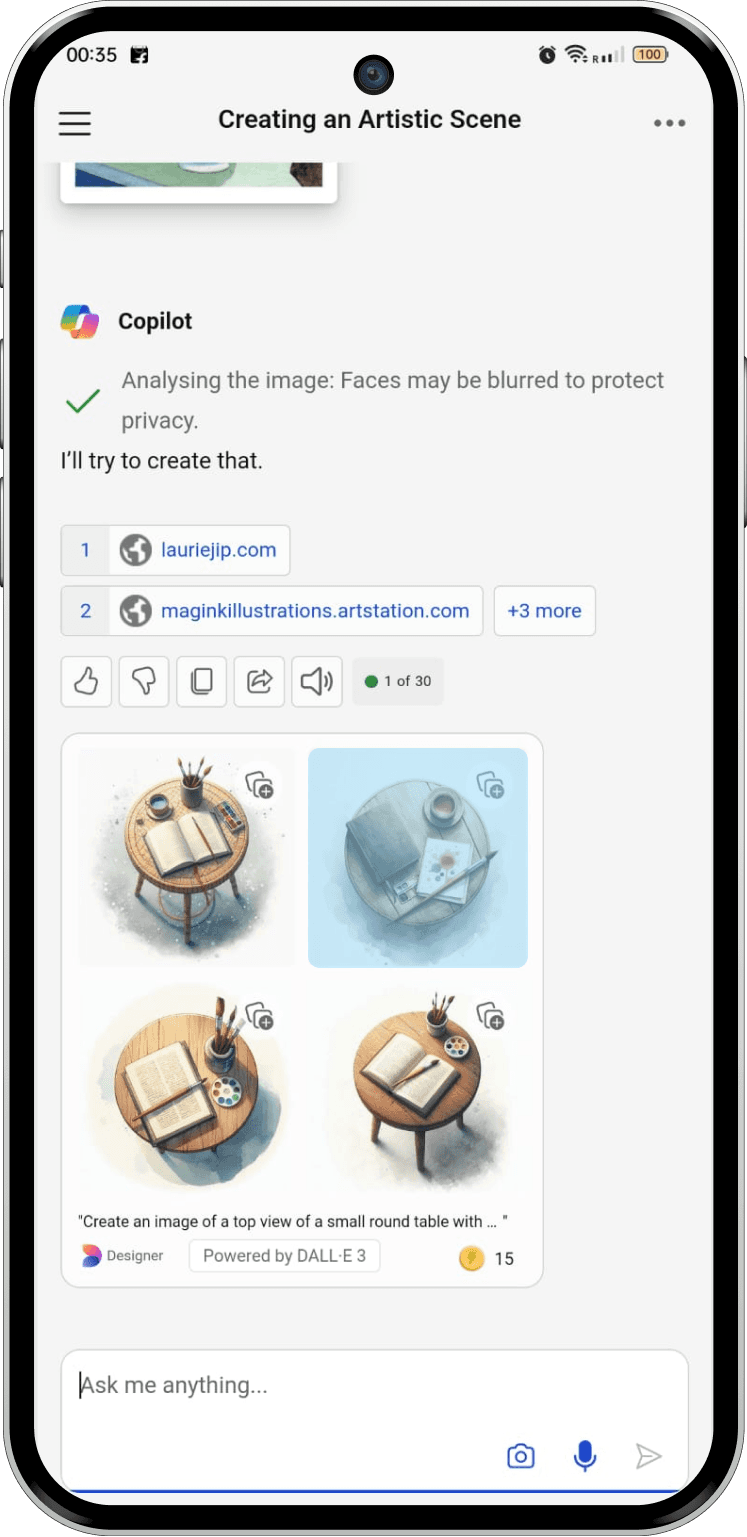
Generated Images (Four by default)
Icon to tap to “Save to Collections
Selecting one image to add it to “Save to Collections”
Selecting & Closing the pop-up to select the next image
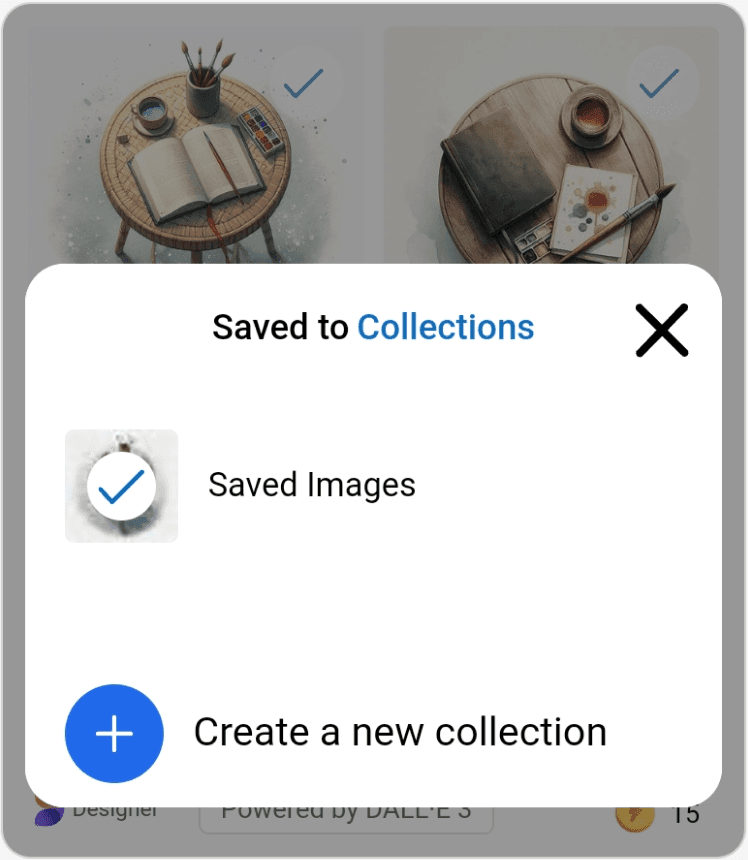
NO WAY TO MULTISELECT IMAGES IN ONE-GO TO ADD THEM TO " Save to Collections "
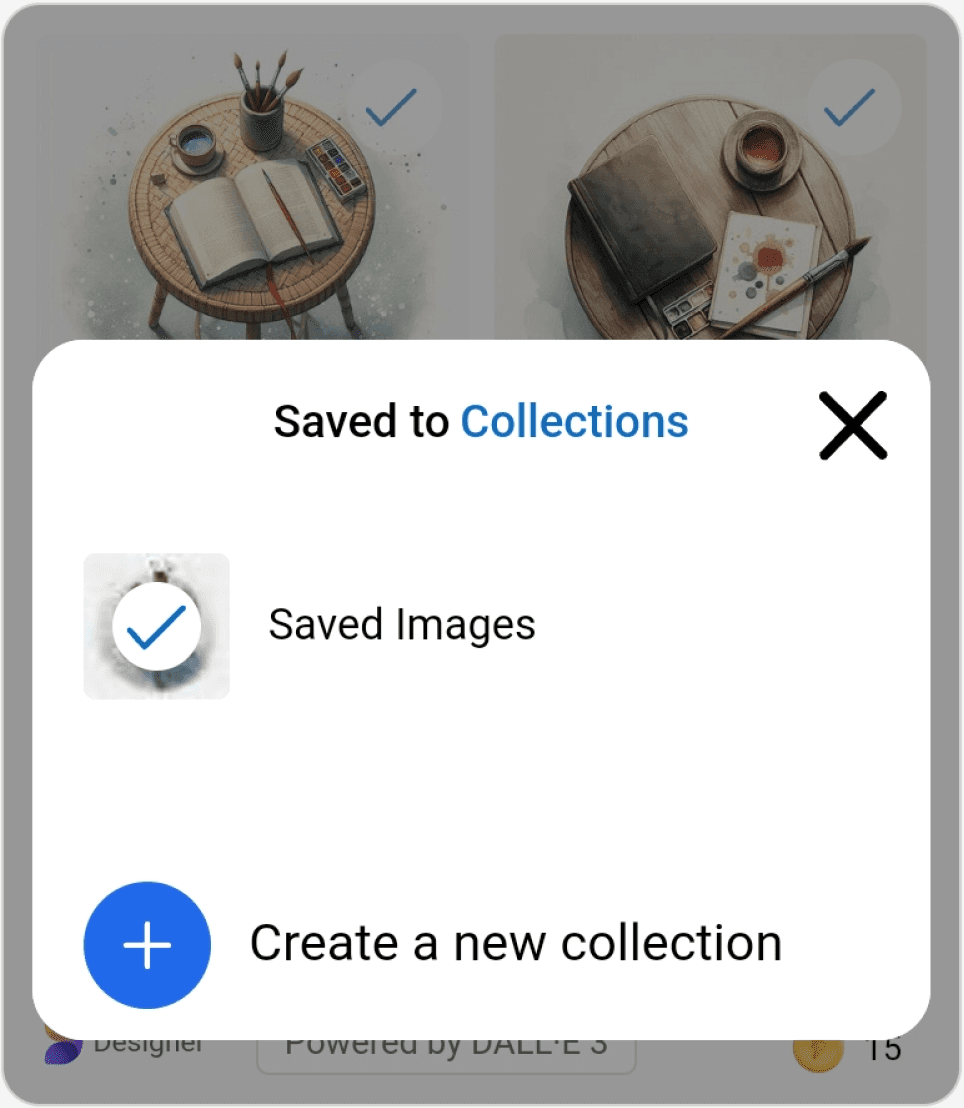
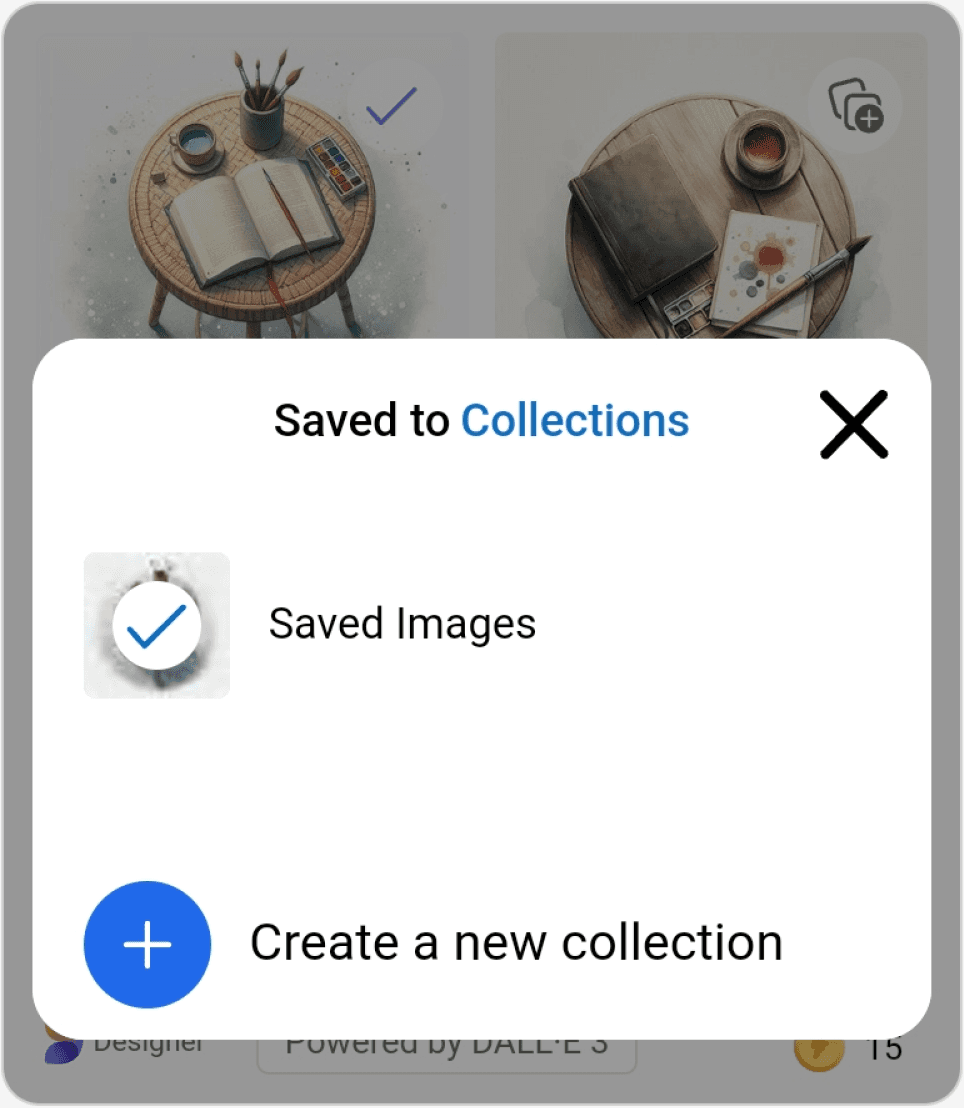
Adding 2 generated images to “Save to collections”
2
Tap on the image to select
57
13:57

Share




Designer
Powered by DALL-E 3
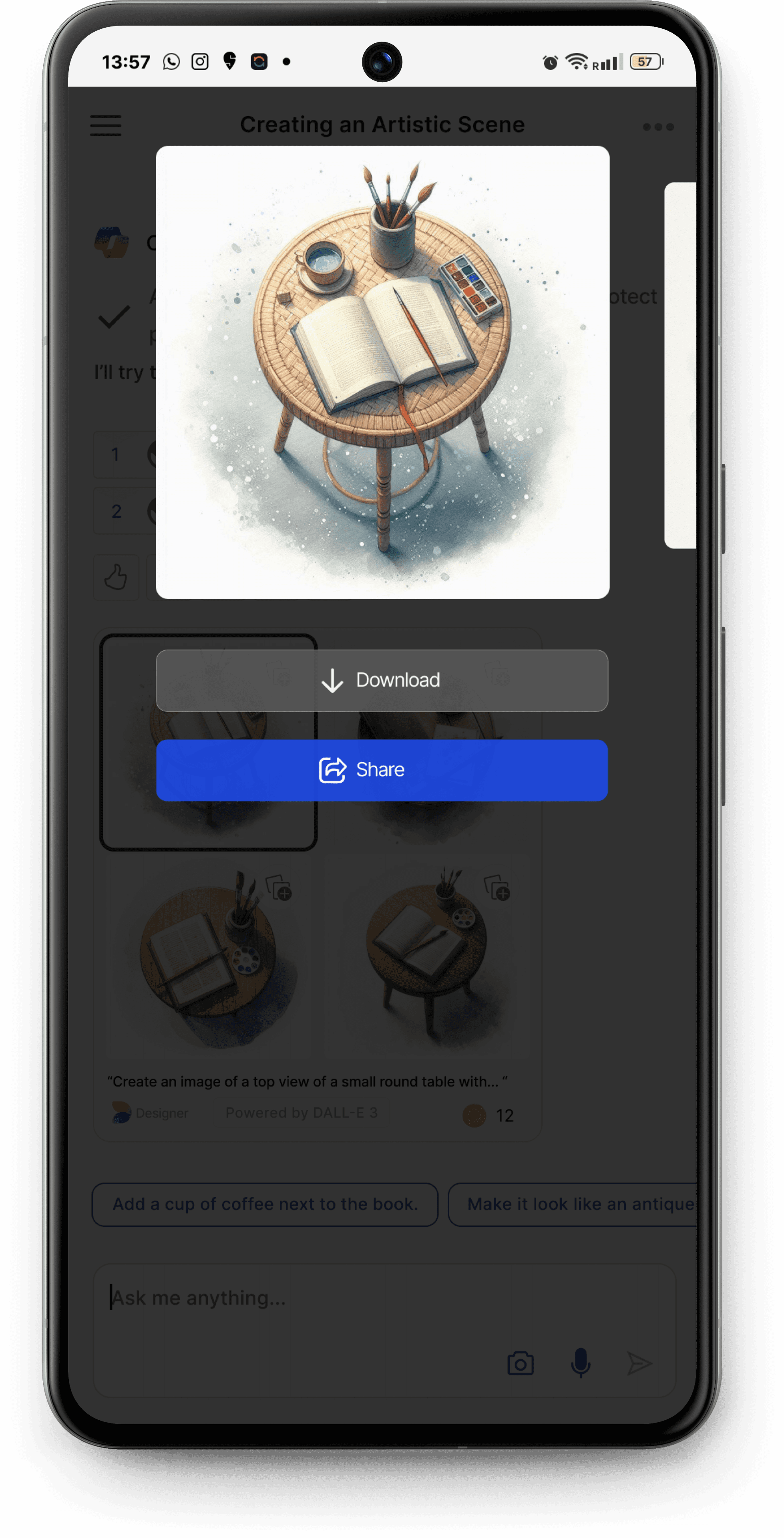
NO WAY TO VIEW THE ENLARGER VERSION OF THE IMAGE WITHOUT GOING TO THE EDIT SCREEN
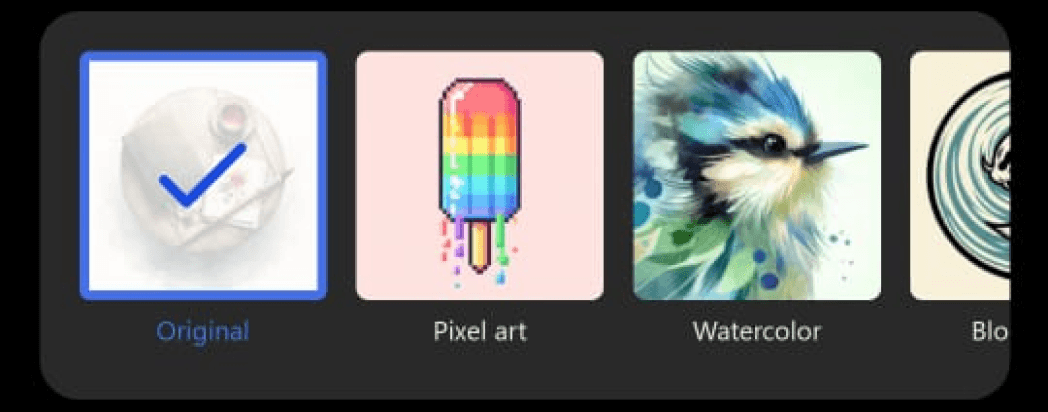
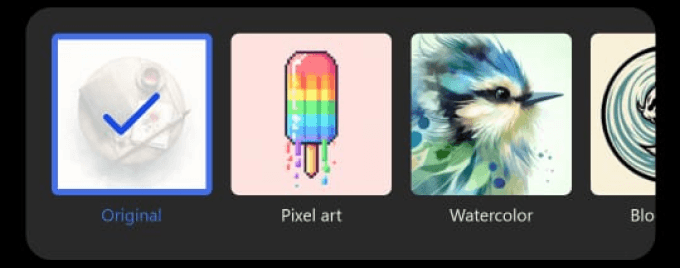
Art style options to choose from
Edit Screen
Chat Screen
Tap the kebab menu to view options
57
13:57

Share
Designer
Powered by DALL-E 3
Download
More information
MULTIPLE STEPS TO JUST DOWNLOAD OR SHARE ONE IMAGE
Download
More information
Close the edit page to go back and view other images
NEED TO GO BACK AND FORTH BETWEEN THE CHAT SCREEN AND EDIT SCREEN TO VIEW THE ENLARGED VERSION OF AN IMAGE
Powered by DALL-E 3
Designer
13
“Create an image of a top view of a small round table with... “
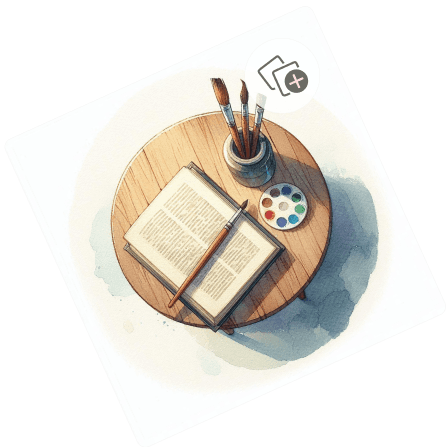

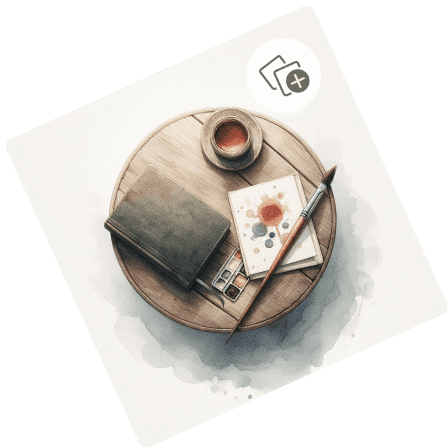

Downloading one of the generated images
3
/ User Reviews (Validating the identified problem & getting further inputs)
RESEARCH
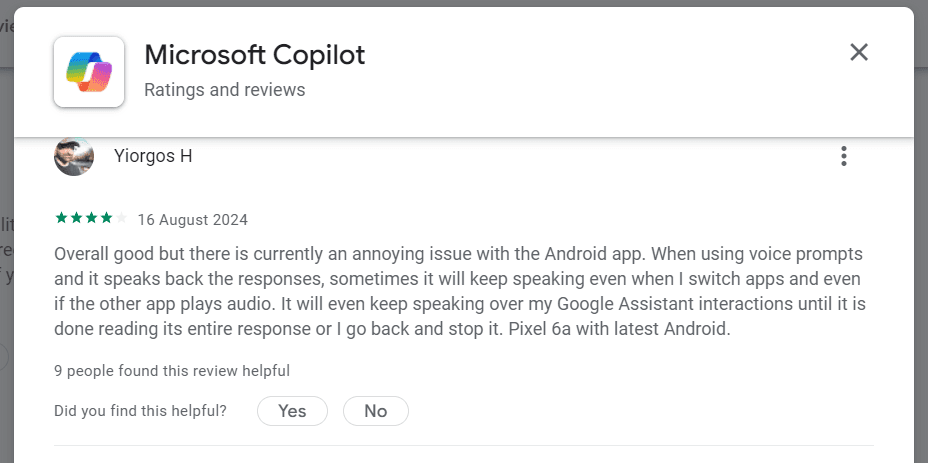
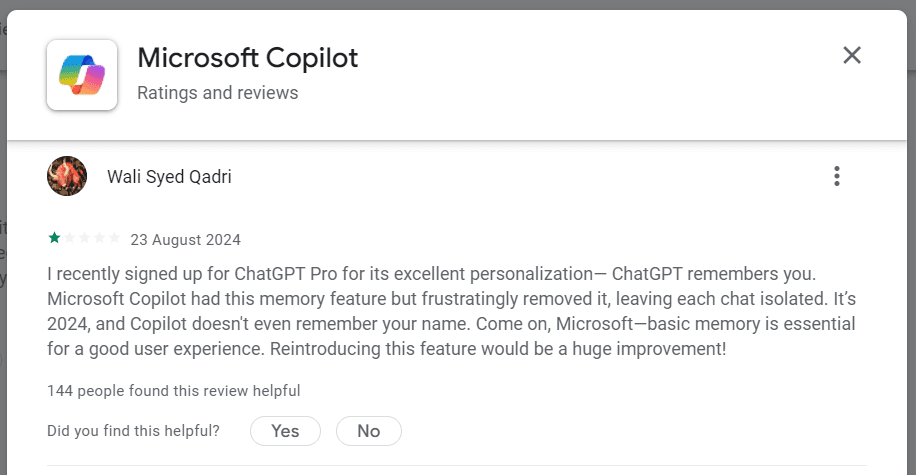
Collecting reviews from real users
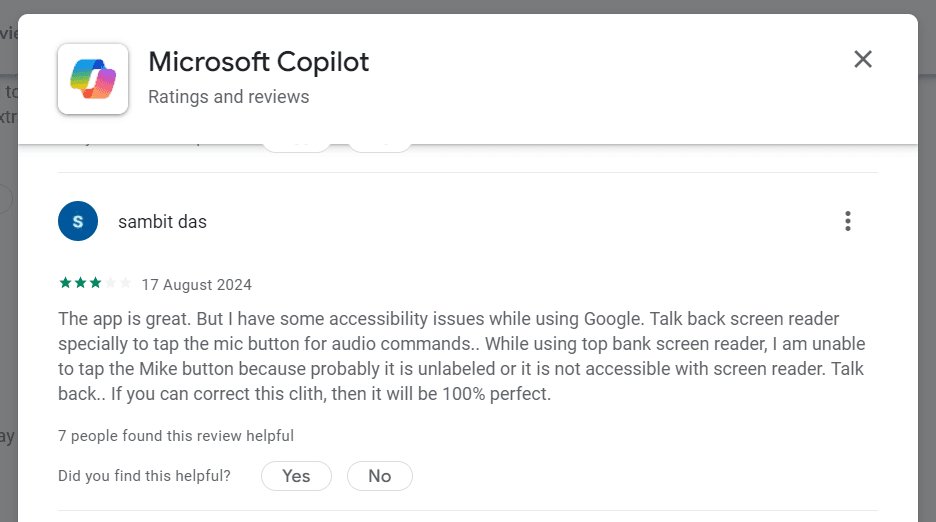
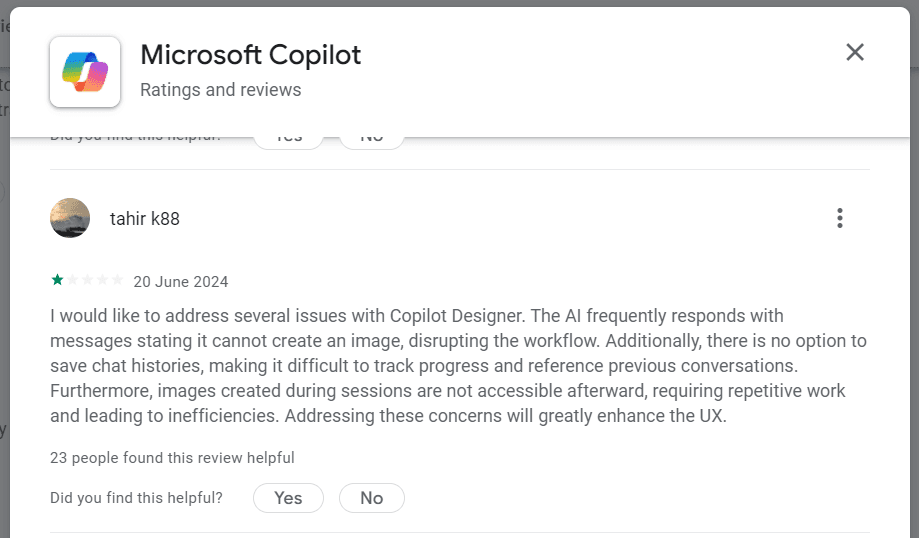
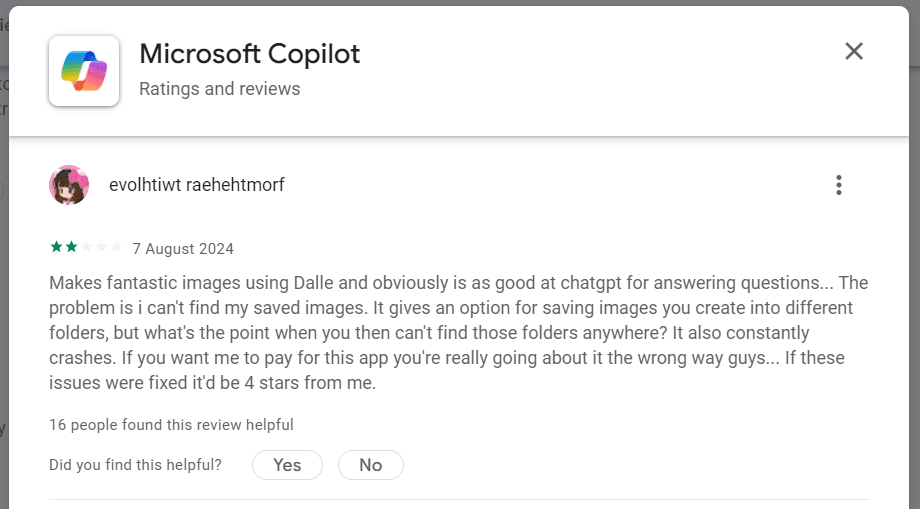
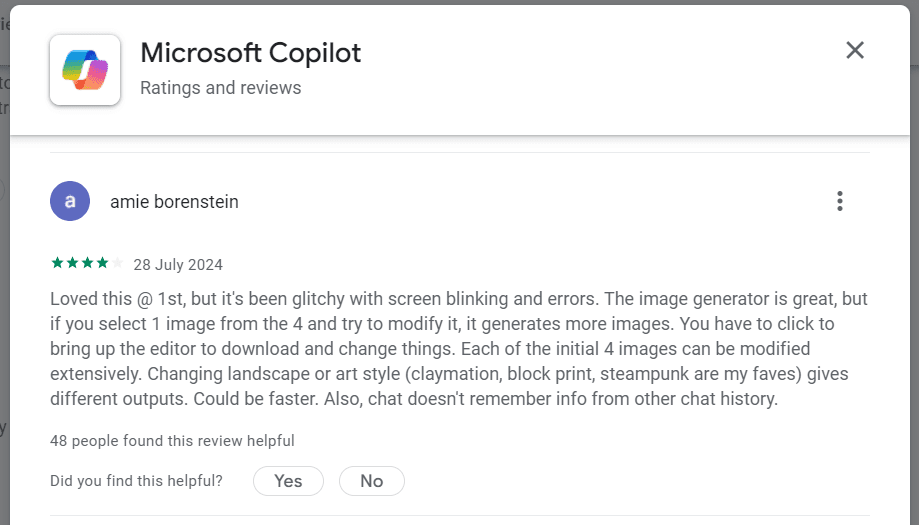
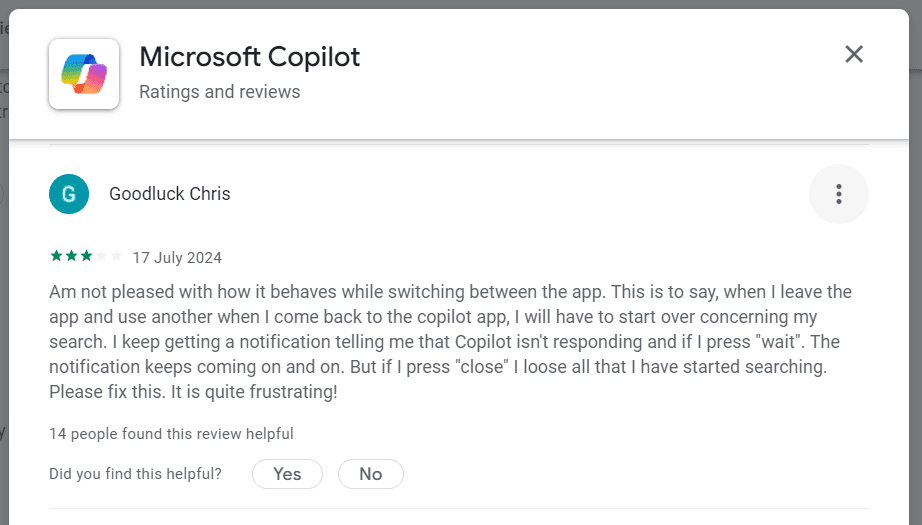
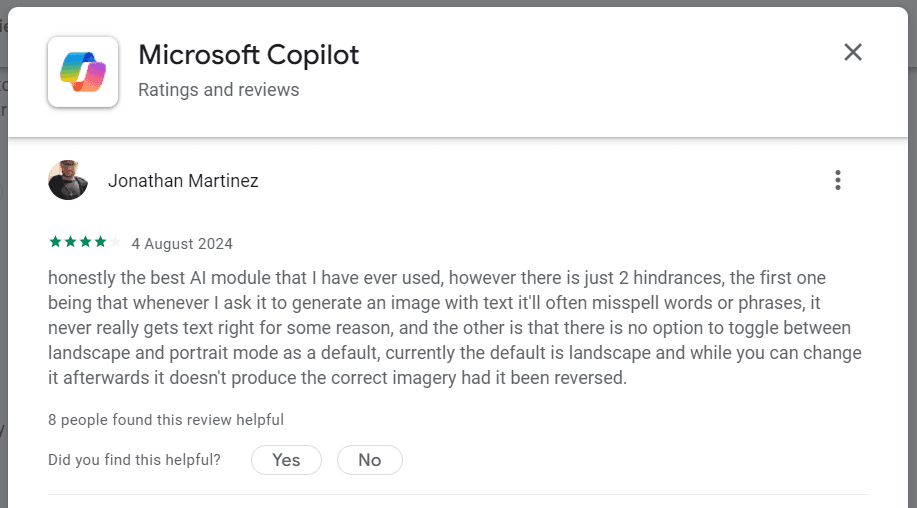
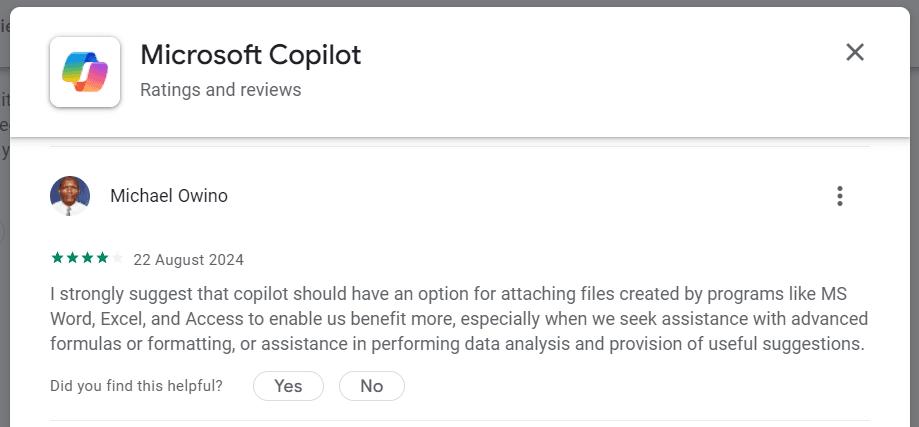
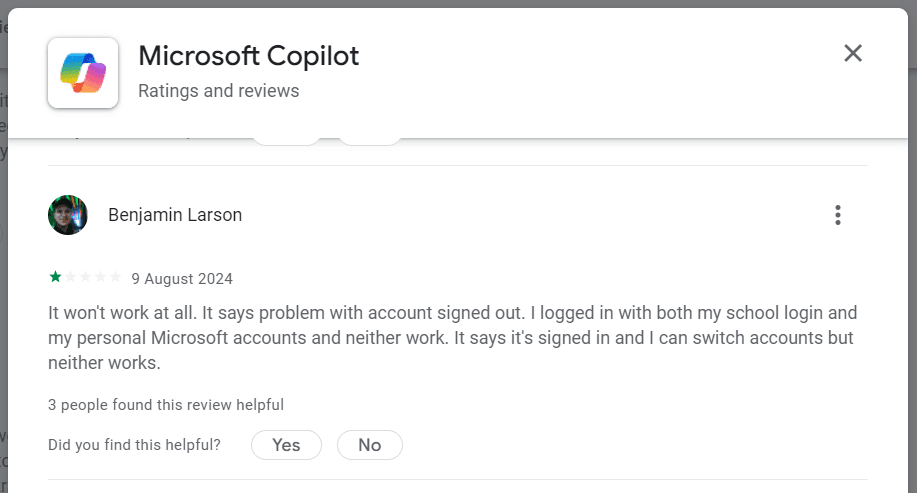
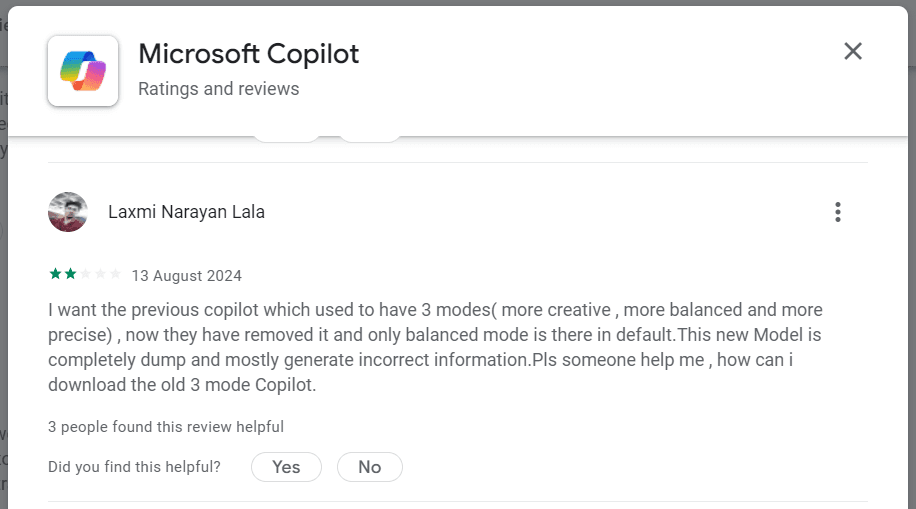
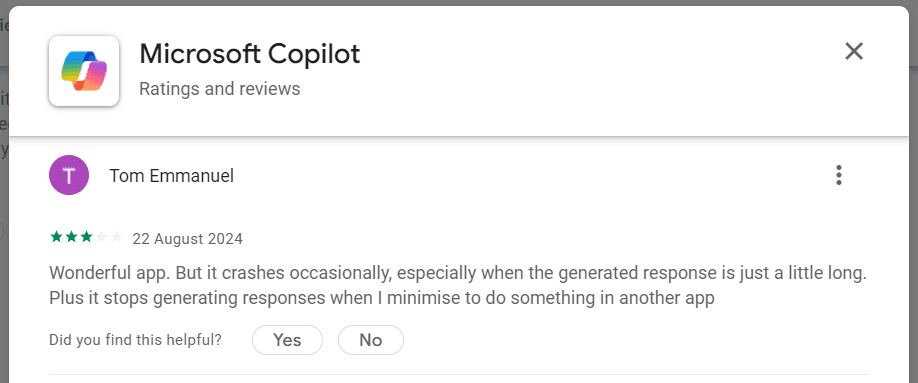
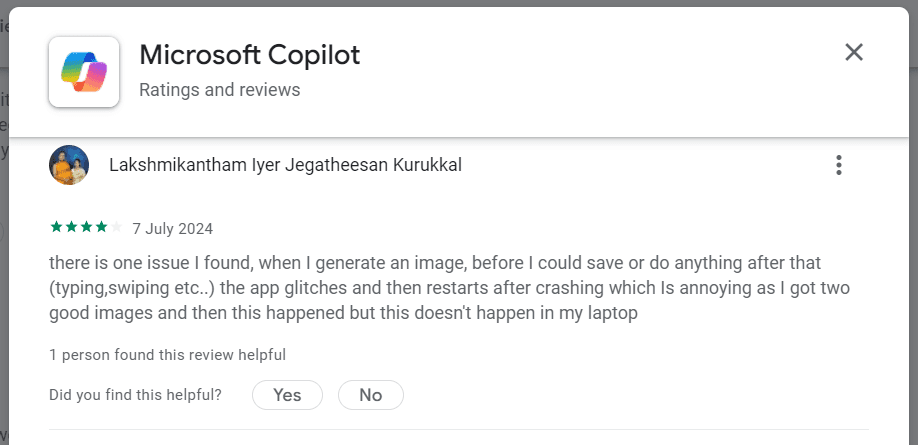
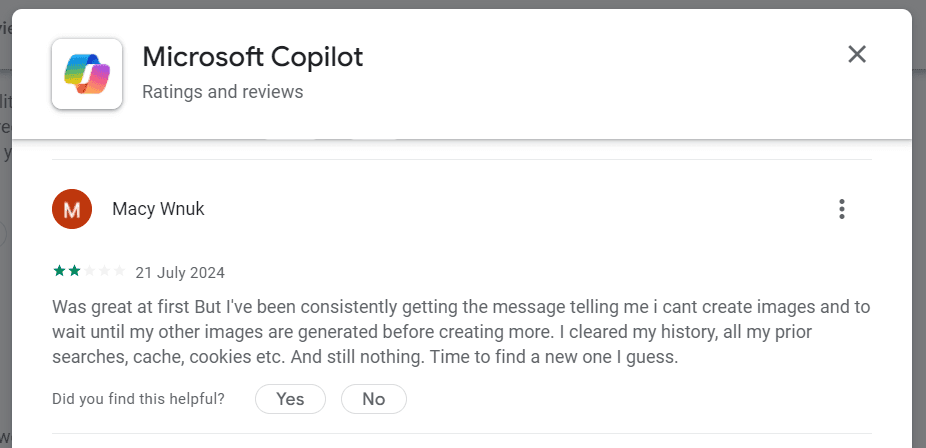
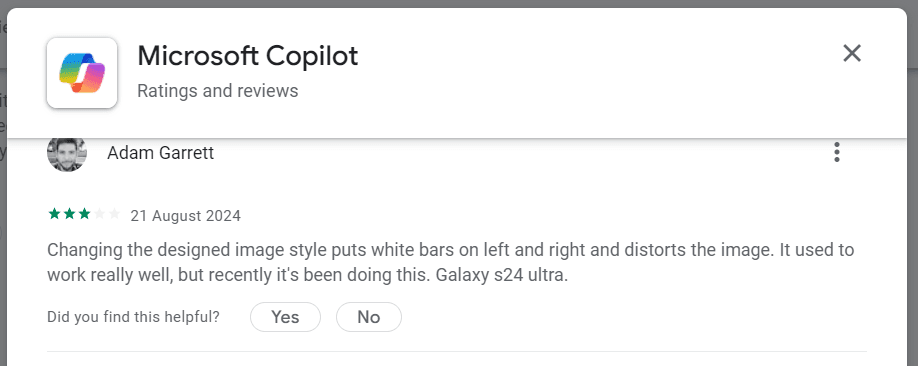
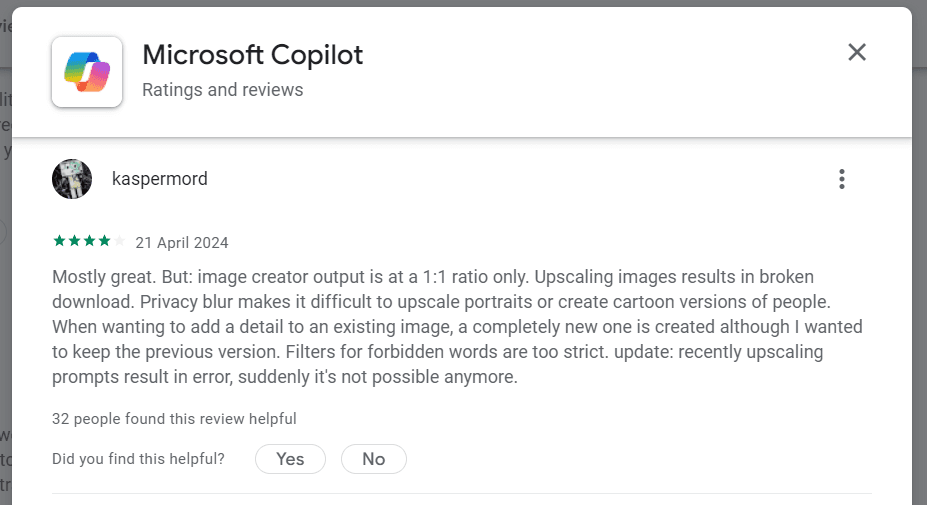
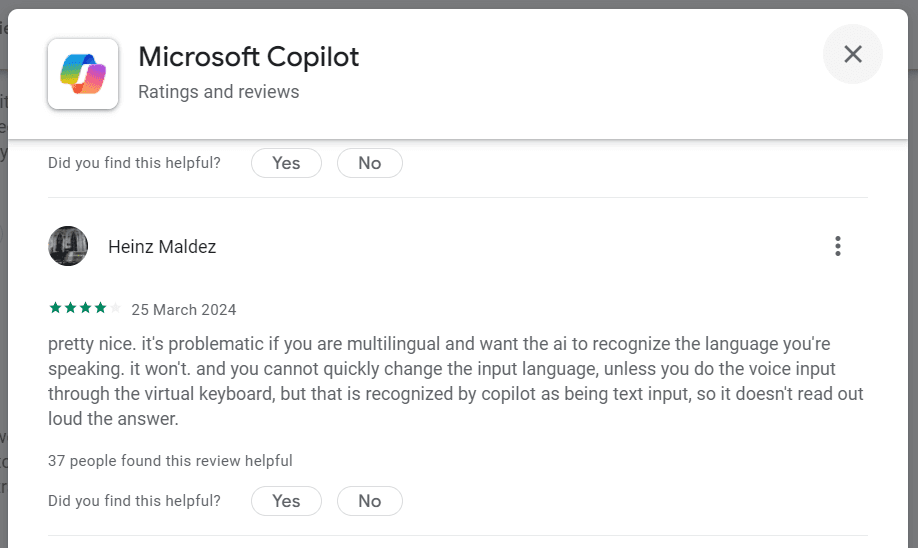
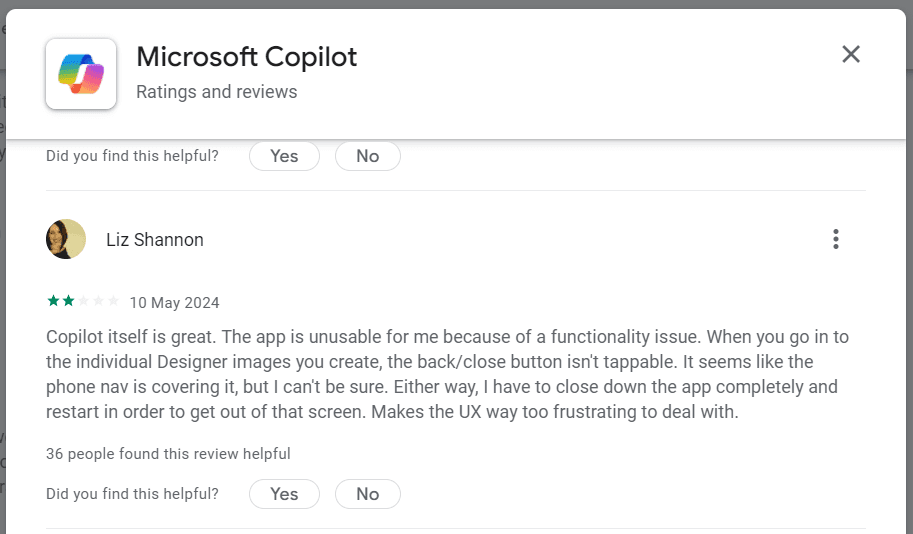
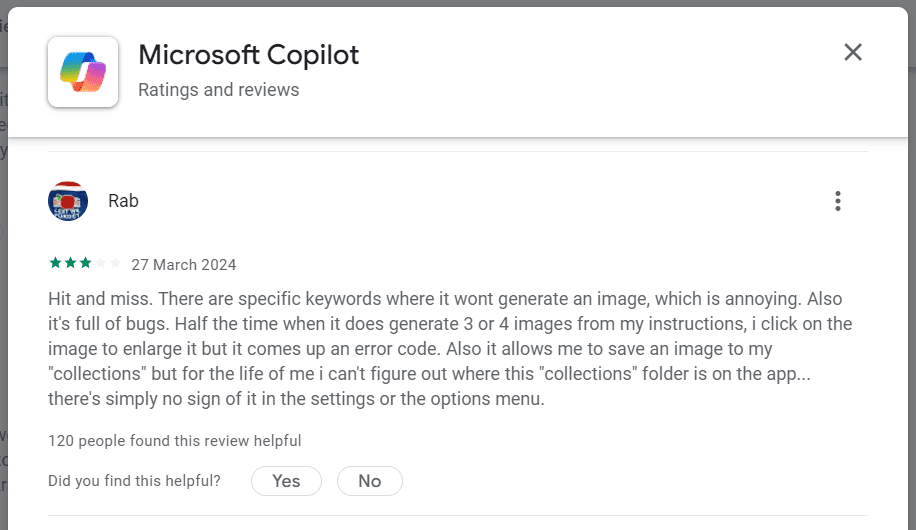
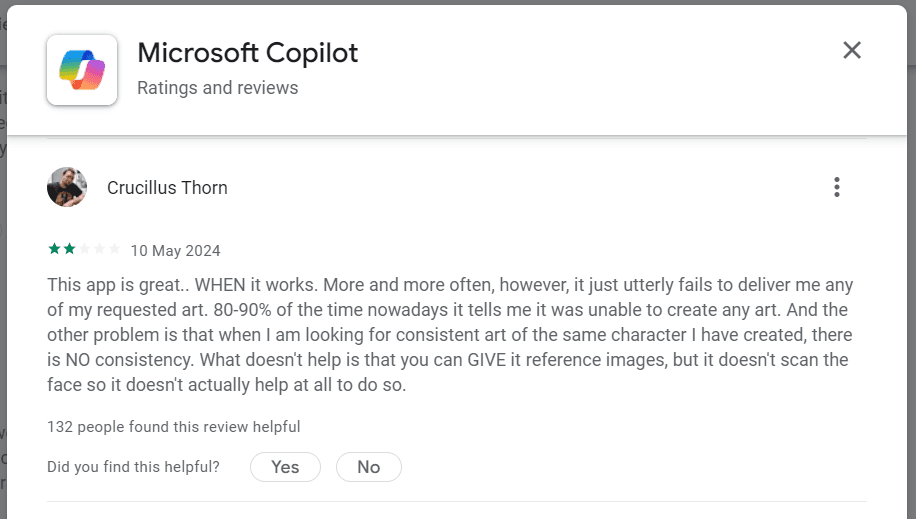
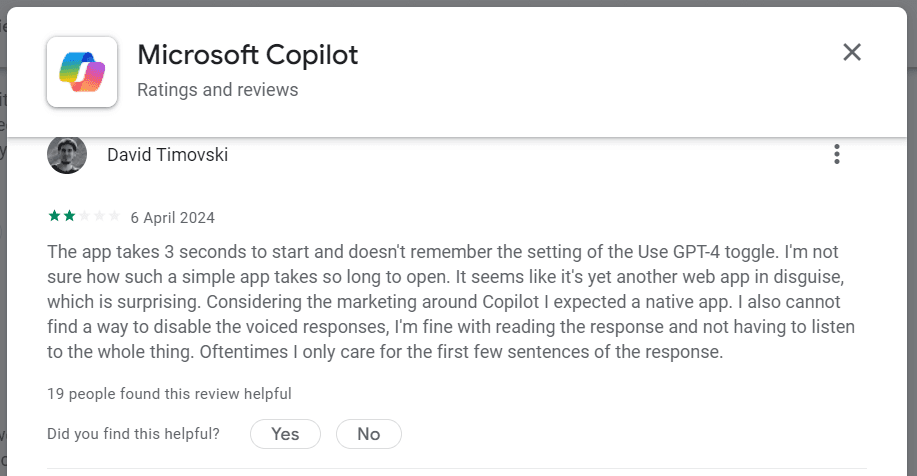
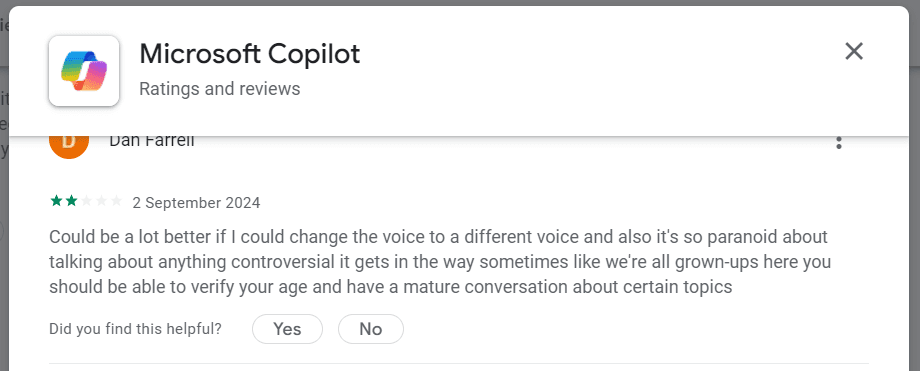
google play reviews
Identifying relevant reviews for the research
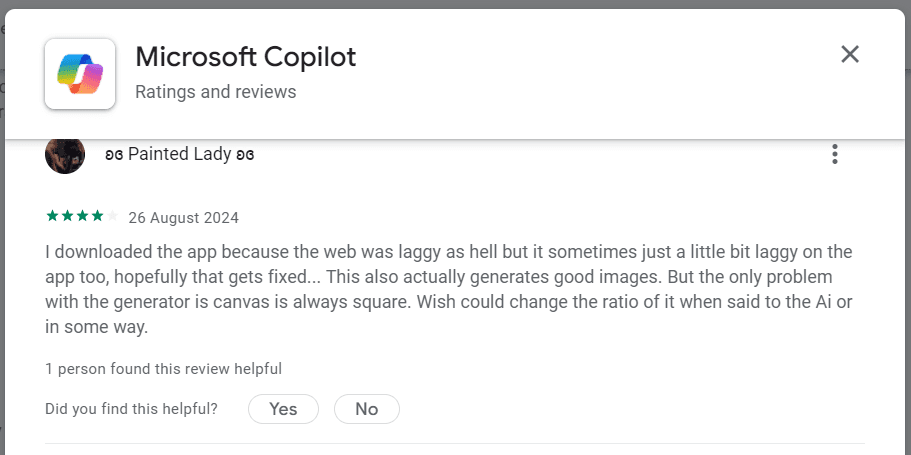
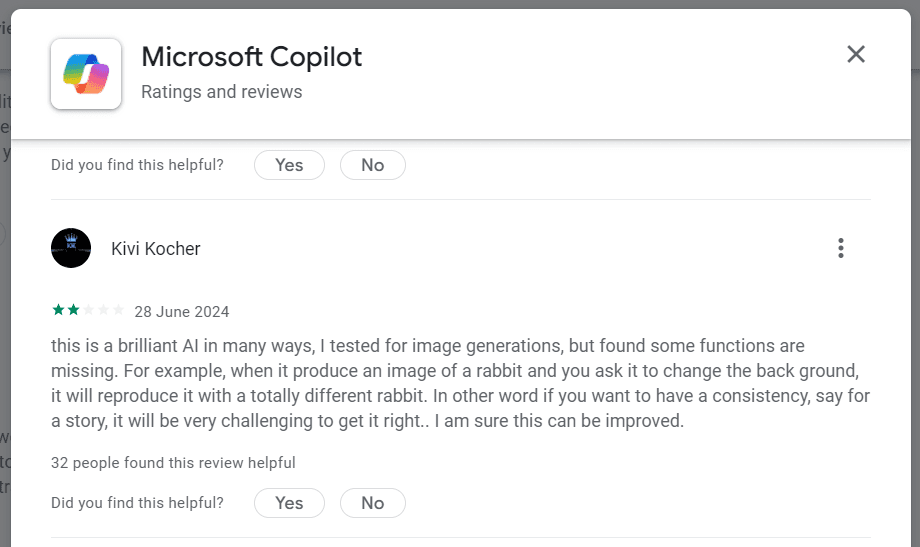
No toggle between landscape and portrait mode as default
Maybe ai itself can adjust the canvas ratio for images
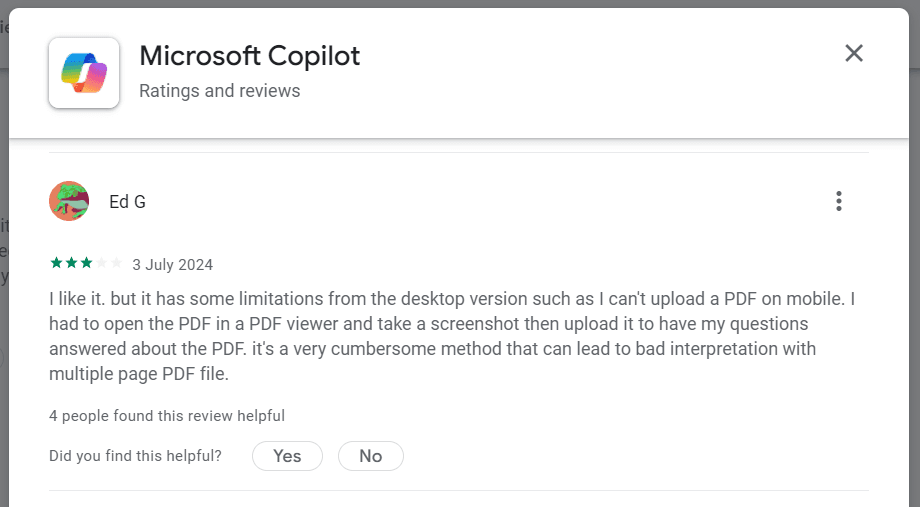
No way to upload a pdf doc to ask questions regarding it
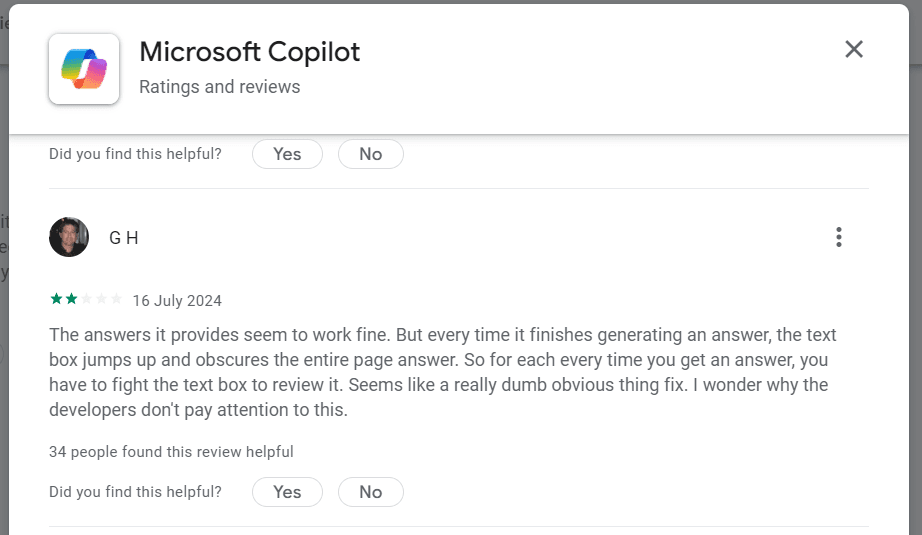
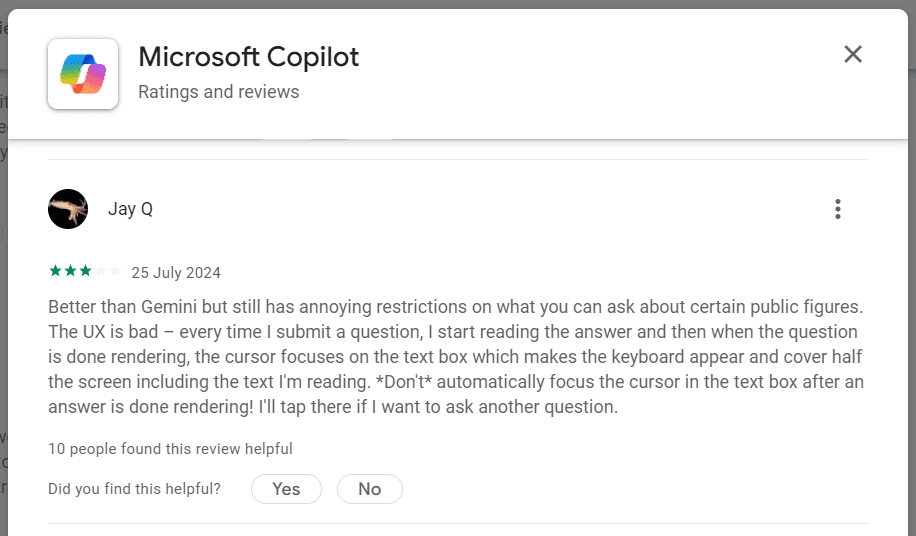
Textbox obscures the view while generating an answer
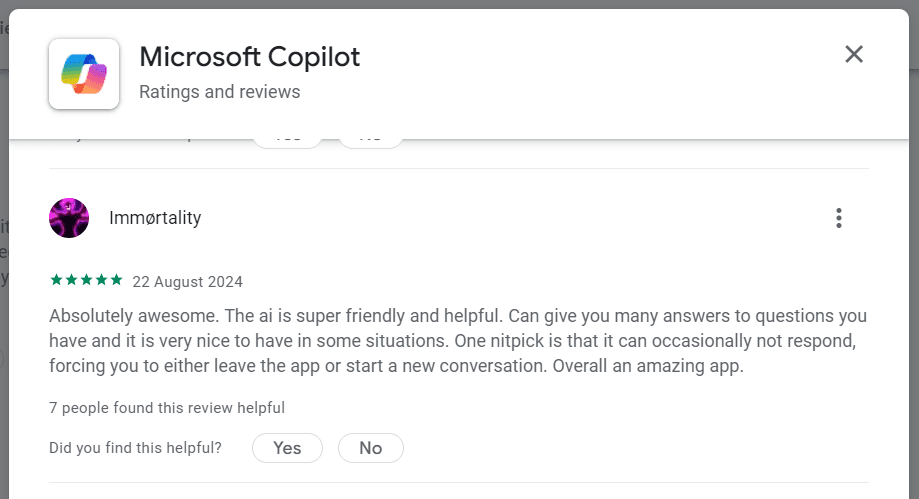
No response from ai, forcing to start a new conversation or to leave the app entirely
Images created during a session is not accessible afterward
Can’t find saved images.
Need to go to editor to download an image
Selecting some reviews for design considerations
No toggle between landscape and portrait mode as default
Maybe ai itself can adjust the canvas ratio for images
No way to upload a pdf doc to ask questions regarding it
Textbox obscures the view while generating an answer
No response from ai, forcing to start a new conversation or to leave the app entirely
Images created during a session is not accessible afterward
Can’t find saved images.
Need to go to editor to download an image
It would be better if I didn’t have to click a picture and then use voice search later. Maybe AI can listen to me when I point at something with the camera and ask questions. I don’t know. Something like that might work better.
It is tough when I want to add all the images to the collections at once. I’ll have to add one at a time. And I can’t find these images later. I don’t know where to look for it.
Whenever I want to see an image better, I must select, edit, and return to select the other image. Imagine doing it for, like... four times continuously. It’s frustrating for me. Copilot could’ve done better.
/ User Interviews (Validating the identified problem & getting further inputs)
RESEARCH
After the desk research with basic feature comparison, task flow study and user review analysis, I went on with interviewing a few people who have used or is still using copilot mobile app. Below are some of the most critical feedback from th interviews.
/ Observations (Insights from observing user interactions with Copilot)
RESEARCH
The user tapped on the same image more than once because she missed the fast stand-alone visual feedback.
The user is only able to select the camera option after multiple tries.
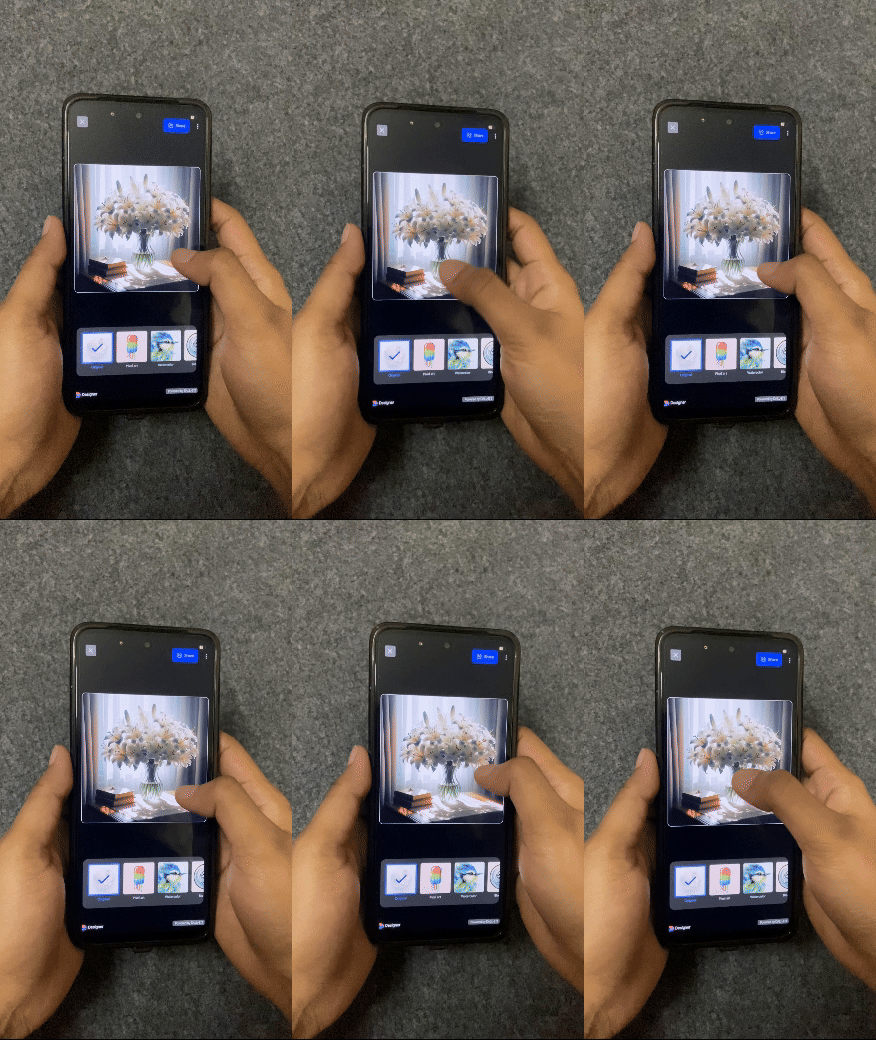
First-time users try to get the next image using the known gesture of swiping following (like swiping images in your phone gallery.
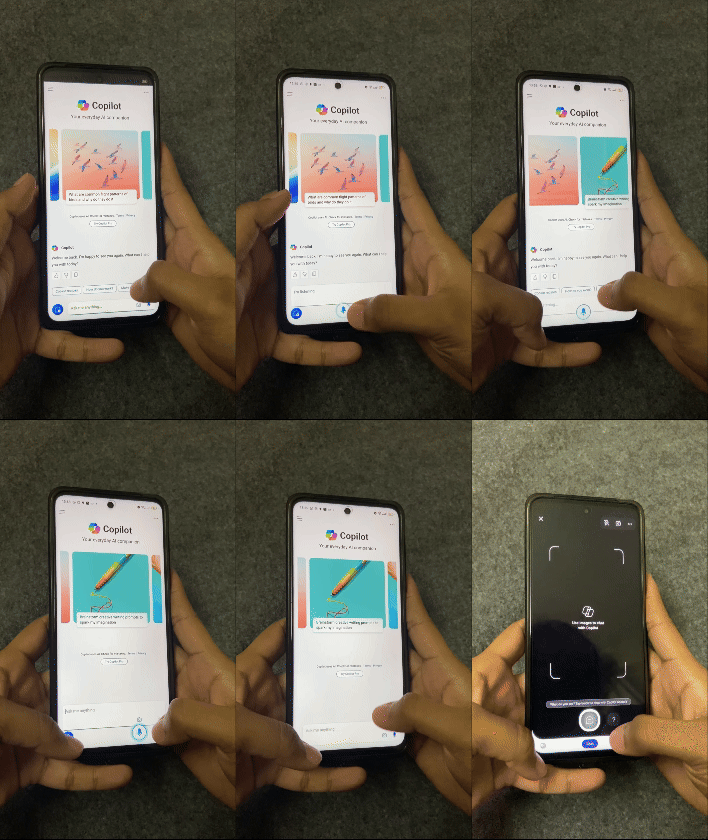
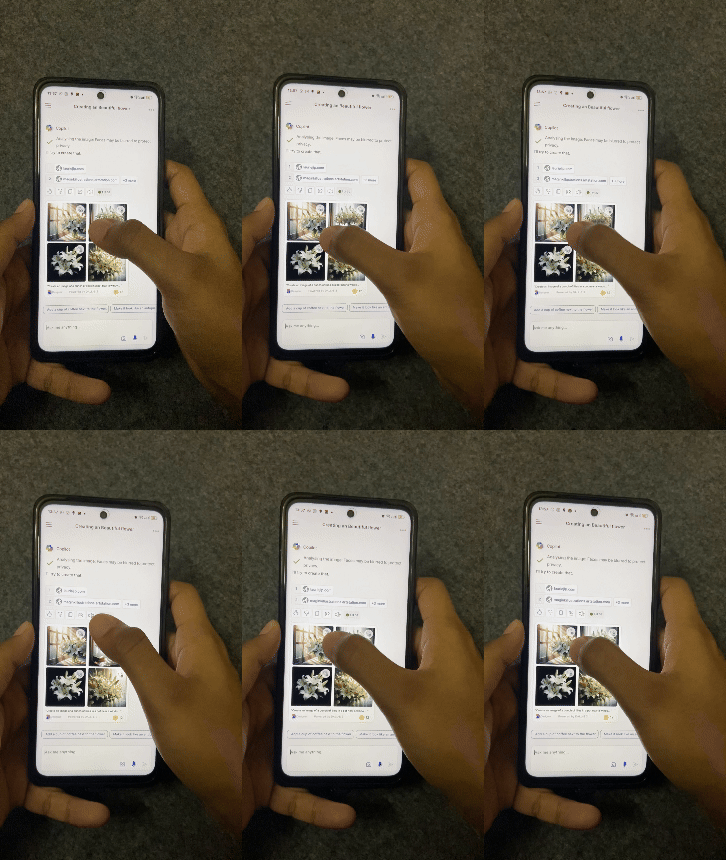
To download a generated image without going back and forth between chat and edit screens
Real time inputs to search when using camera instead of going to chat screen for giving audio input
Proper confirmation feedbacks for improving user engagement and error reduction
To view one image after another while viewing the image on full screen
Option for enlarged preview of one image without limiting the view of the other generated images
To select more than one image at a time to add them to “save to collections”
/User Needs (Needs identified from secondary research)
/Problem Statement (Defining the problem after secondary research)
Upon completing my research, I zeroed in on a pivotal question:
How can we integrate effortless and straightforward interactions into the image generation process of the Microsoft Copilot mobile app to improve user experience?
Haptic Feedbacks for Confirmation: Providing apt haptic feedbacks along with existing visual feedbacks for improving user engagement and error reduction.
Real-Time Voice Search: Integrating real-time voice search into the camera feature to reduce user effort by allowing audio input directly, without the need to first take a picture and then switch to the chat screen.
Multiple Image Selection: Adding the option to select multiple images at once for ‘Save to Collections,’ reducing the steps needed when users want to choose more than one image.
Magnified Image Preview: Enabling image enlargement for users to view all images without toggling between chat and edit screens.
Direct download & Share: Providing option to download or share images directly in chat screen, skipping the need to visit the edit screen for the task.
Gesture to access camera: Enabling camera access through touch gestures to reduce fat finger errors and minimize the number of attempts.
Redesign Goals:
Through the desk research, I discerned that users primarily focus on three key aspects: generating images, adding images to “save to collections”, downloading/ sharing an image. Focusing on these key aspects, I formulated the following redesign goals for Copilot:
IDEATION
/Redesign Goals (Goals formed from the identified user needs)
/ Initial Ideations (Exploring various solutions to meet the redesign objectives)
IDEATION
Image preview
Long press and hold for preview
Image multi-selection
Long press one of the icons and drag to select the rest of the images for multiselecting
Can the preview size be increased further for a better image view?
Is there a need for one more step to confirm selections?
/ Existing V/S Proposed Modalities (Adding new modalities with the existing ones)
IDEATION
Existing
Input modalities
Output modalities
Visual
Auditory
Tap
Speech
Pinch


Proposed
Input modalities
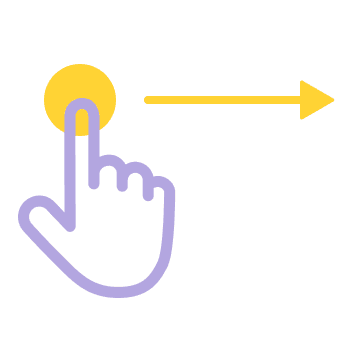
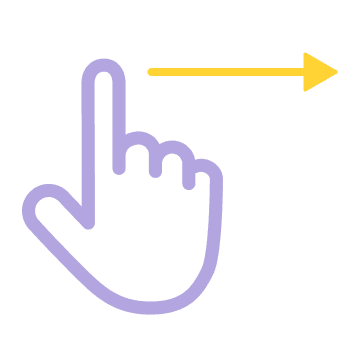
Other touch gestures
Output modalities
Visual
Auditory
Tap
Speech
Haptics
Long press
Swipe
Drag selection
Pinch



/ Solution Ideas (Redesigned copilot features)
EXECUTION
Existing
Tap on any image
Blue frame covers the image for feedback
Proposed
Tap on any image
Haptic feedback along with the visual feedback
Selection Feedback
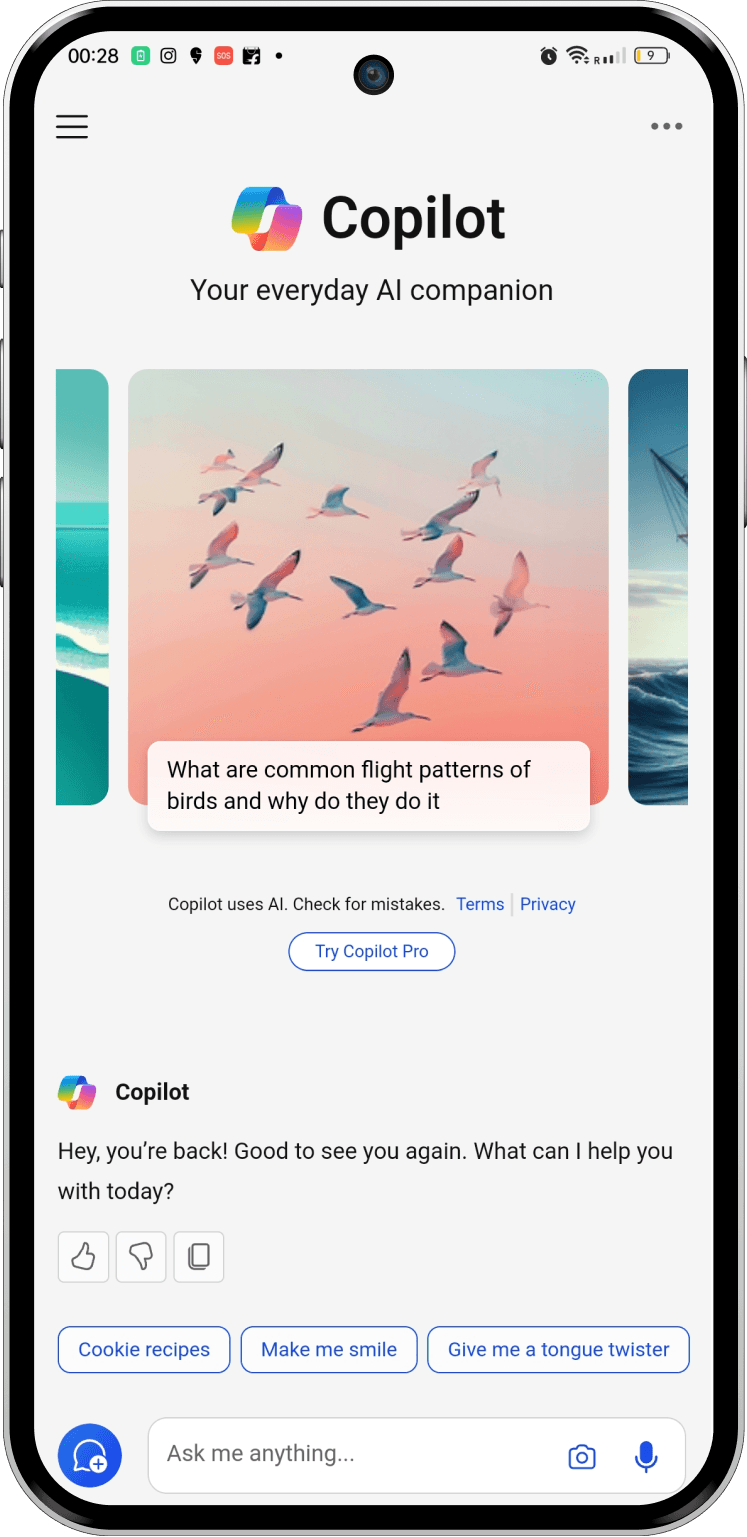
Existing
Direct tap on camera icon
Proposed
Swipe right to access camera
Accessing Camera
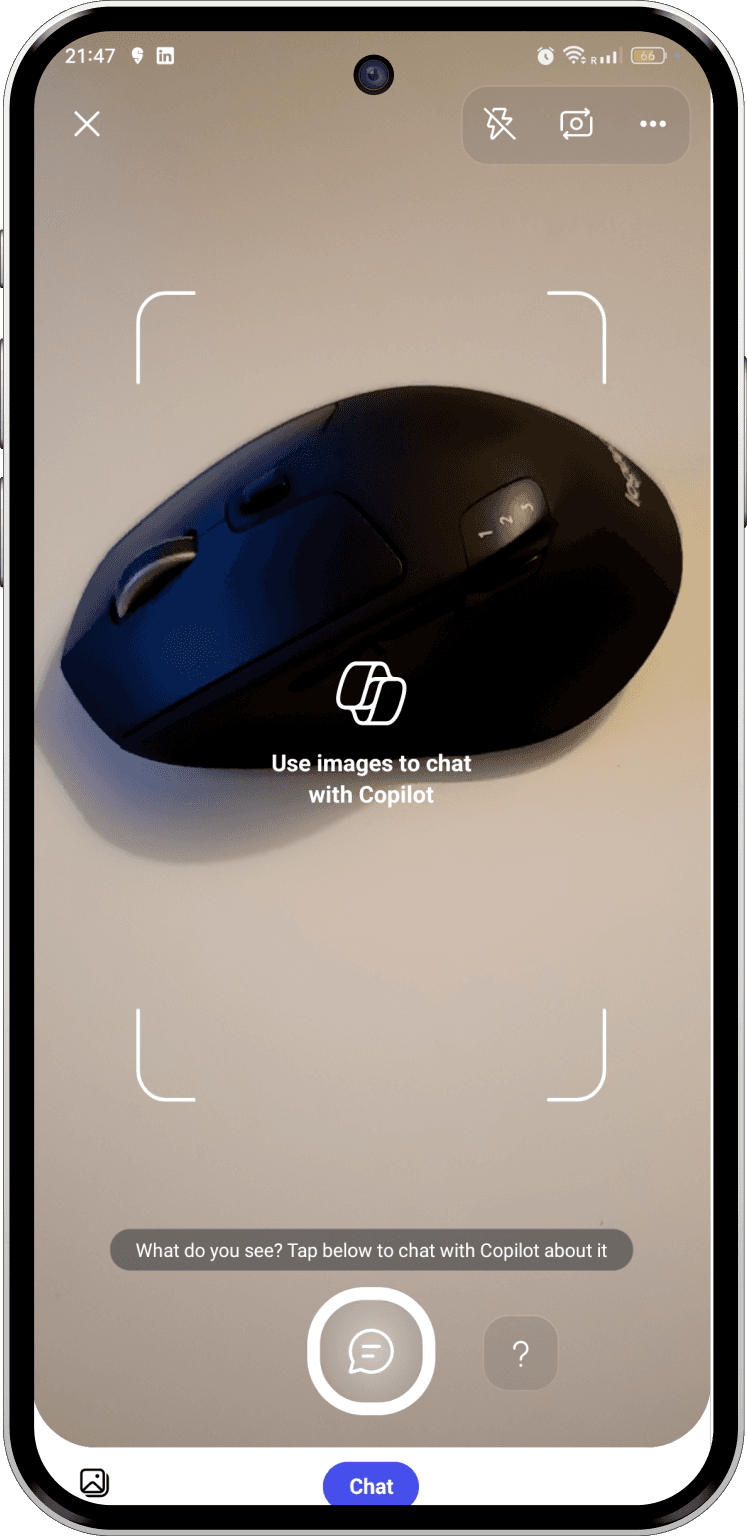
Existing
Camera
Click picture
Back to chat screen
Voice search
Proposed
Long press camera capture button and speak to copilot
Voice Searching
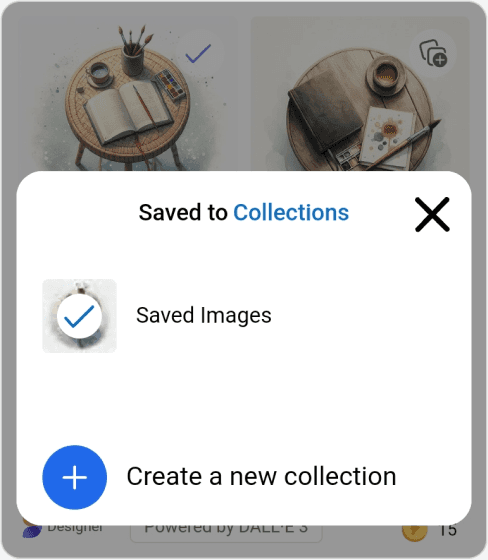
Saved to Collections
Saved Images
Create a new collection


Existing
Tap on any (save to collections) icon
Close the overlay
Continue the same
Proposed
Tap each image seperately or Tap on one icon and drag to select the rest of the images
Saving Images to Collections
57
13:57

Share
Designer
Powered by DALL-E 3

Existing
Tap on any image
View image in edit page
Proposed
Long press any one image to open overlay with enlarged preview & swipe for next images
Image preview
57
13:57
Share
Designer
Powered by DALL-E 3
Existing
Tap on any image
View image in edit page
Tap download /share
Proposed
Long press any one image to open overlay with enlarged preview & tap to download /share
Download & share
/ Final Screens