Objective
To enable wholesale store owners and small kirana store owners to streamline order placements, ensuring better coordination and saving time for both parties by preventing missed orders and improving overall efficiency.
Scope
Simplifying the order placement process by digitizing traditional methods can significantly improve communication between wholesalers and retailers, fostering a more organized and efficient retail ecosystem.
2 weeks
Duration
UX research
Systems thinking
UX/ UI mobile design
Prototyping
Responsibilities
Figma
Tools
/Process
The entire process included three phases - Research phase, Ideation phase and Execution phase
Research
Desk research
Primary research
Existing Scenario
Ideation
Gather insights
Problem statement
Potential ideas
Execution
Wireframe
Screen prototype
Prototype testing
Synthesis
User persona
User journey mapping
Identifying problems
Need Statement
How can I design a better Order Processing System in unorganized retail sector for wholesalers, retailers and general consumers can coordinate to create an organized and efficient eo-system?
Introducing a single channel to bind the process of order placement between wholesalers, retailers and general consumers.
A mobile platform to enable efficient and effortless order placements between retail vendors and wholesale suppliers.
A
SAAN
/ The Product (Introduction)
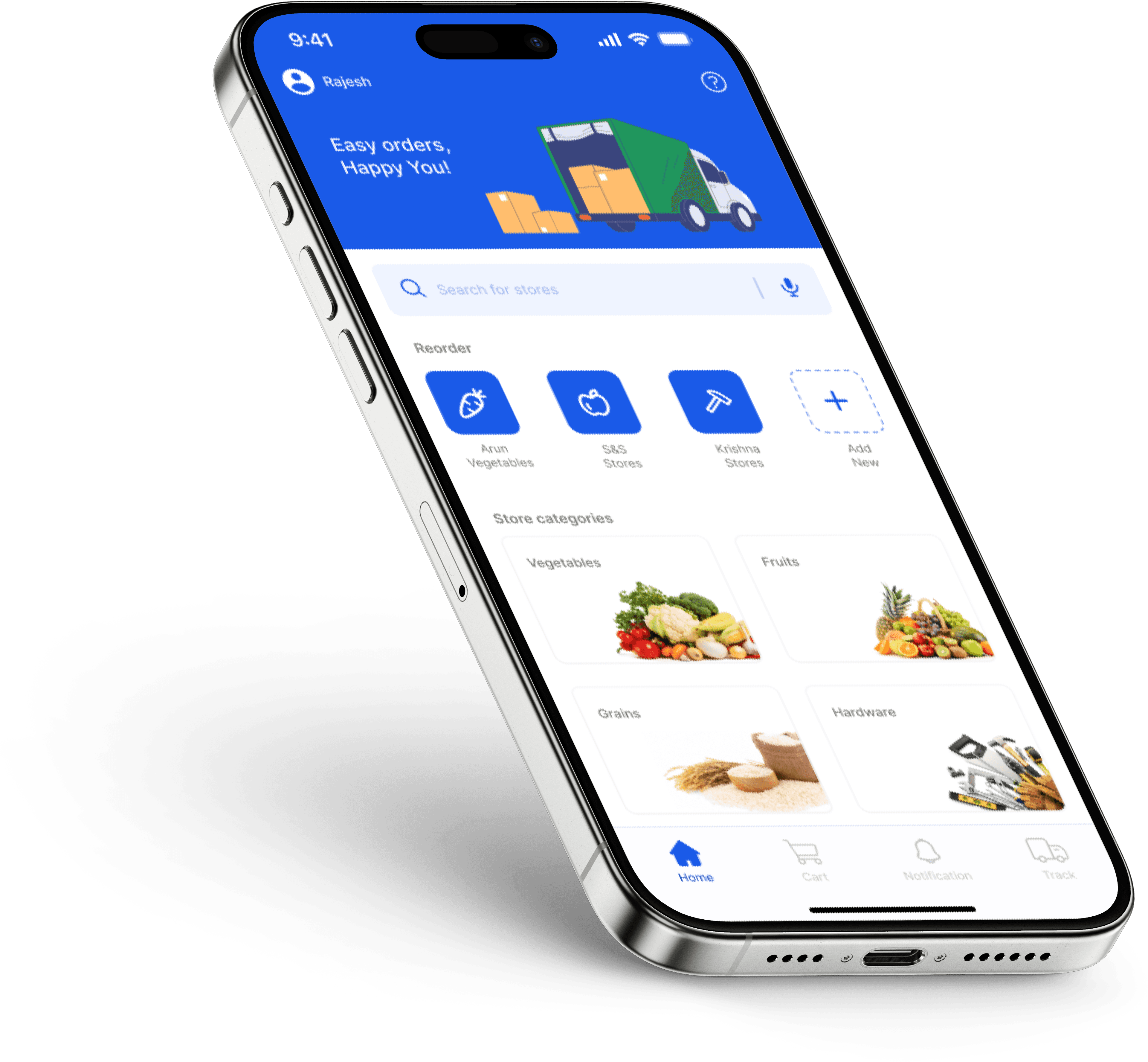
/ Asaan For Both Sellers & Buyers
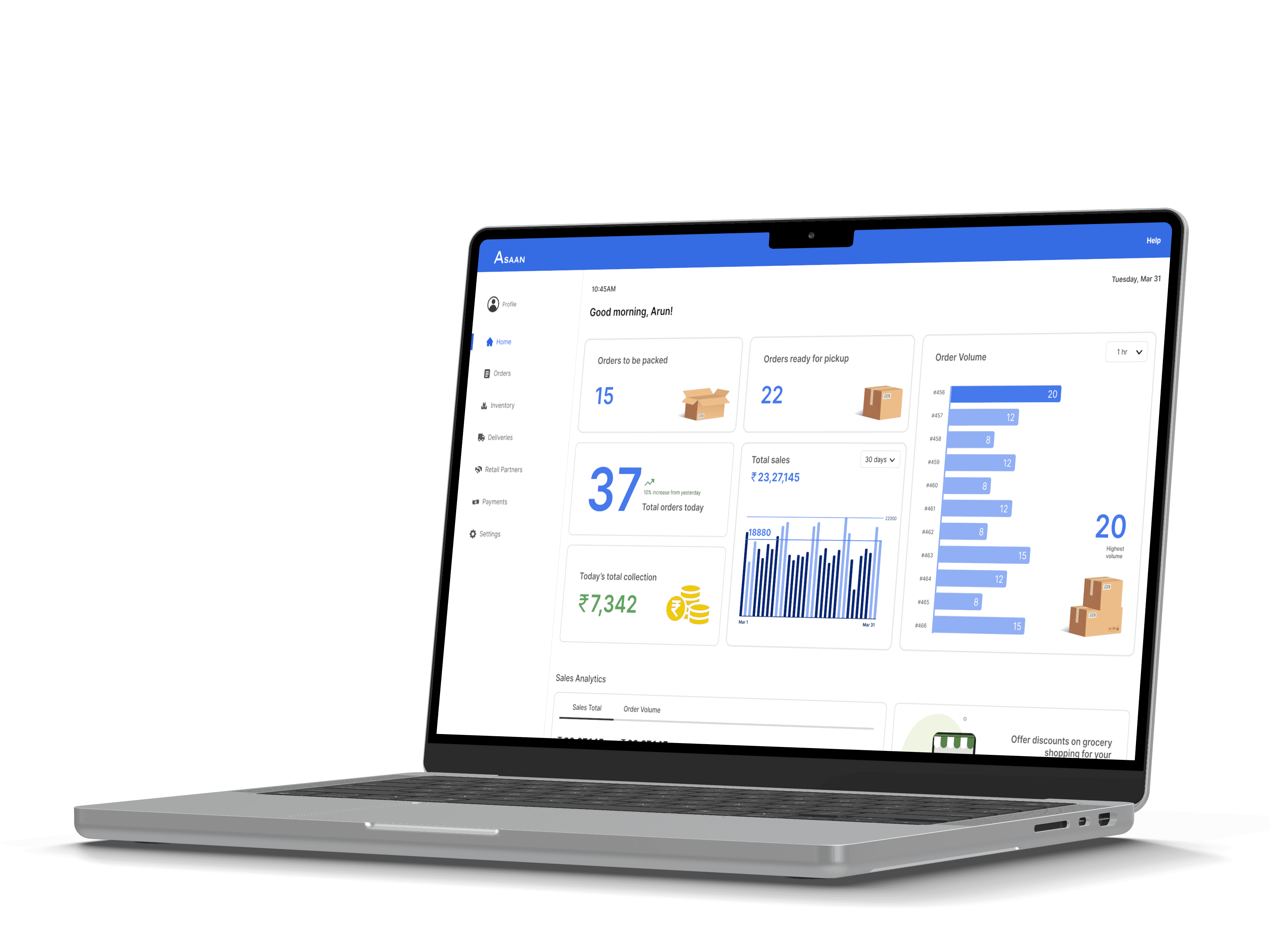
/ About the domain (Introduction)
RESEARCH

what is Unorganized Retail Sector?
The unorganized retail sector in India consists of traditional, informal retail businesses that operate without formal registration, licenses, or regulation. These businesses are typically small in scale and include local shops, street vendors, kiosks, small grocery stores (kiranas), and roadside stalls. The unorganized sector is highly fragmented and mostly family-owned.
why retail market?
10%per year
India's retail market has a huge scope for growth and is projected to grow around 10 percent every year over the next decade.
why unorganized sector?
88%
of the retail market is dominated by unorganized retail sector.
Credits - India Brand Equity Foundation (IBEF), Indi Briefing
/ Stakeholders (People involved in the workflow)
RESEARCH
API developers for integration
Payment gateway providers
Credit providers for small business
Bank representatives for wholesale and kirana stores
Digital payment solution providers
Wholesale owners
Kirana (small retail) store owners
Wholesale store employees
Family members involved in running kirana stores
Local delivery drivers
Logistics staff
Third-party delivery companies
Local grocers and sellers
Wholesale store order processing staff
Accounting and billing personnel at wholesale stores
Supporting Users
Active Users
Target Users
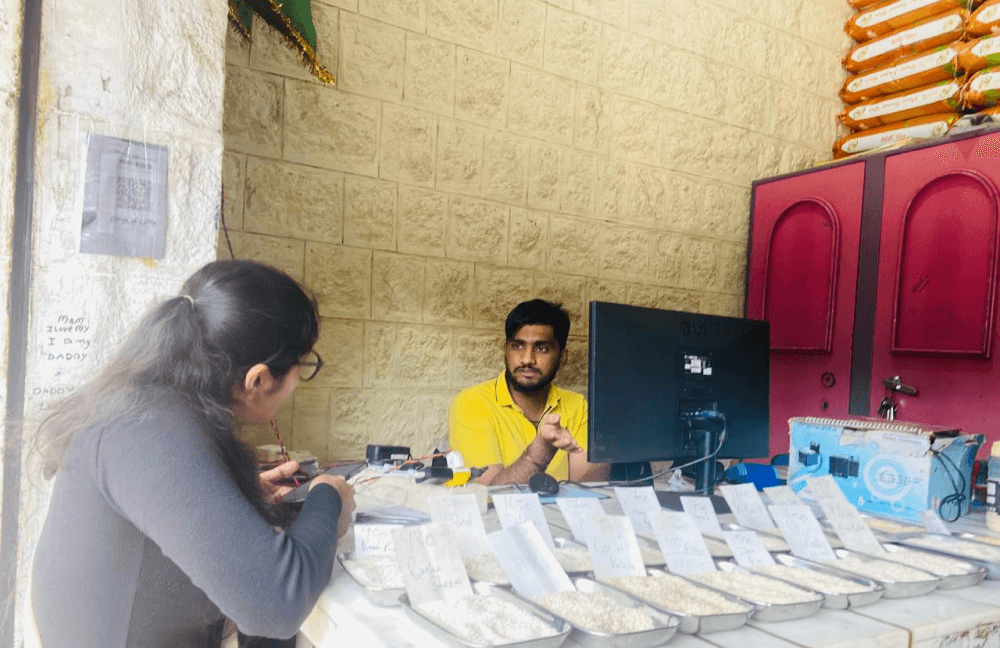
After conducting secondary research, including system study, stakeholder mapping, and diagram mapping, I proceeded with primary research at the Yeswanthpur Agricultural Produce Market Committee (APMC) yard. I interviewed and observed wholesalers and retailers in the rice and grain trade, gathering some key insights.
Objective: To understand the needs, preferences, and challenges in the order management system between small retail shop owners and wholesale vendors in the unorganized retail sector.
/ Primary Research (Understanding the current scenarios in the wholesale store)
RESEARCH
Methods followed for the research
In Person Interviews
Contextual Inquiry
/ Key interview insights
Wholesaler
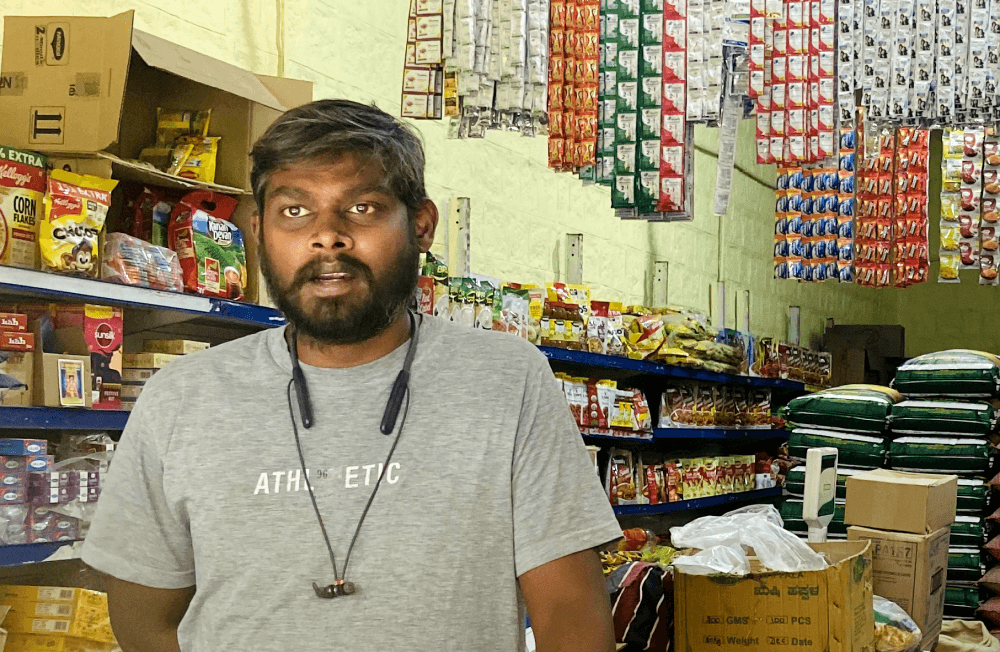
It is difficult to deal with customers on call and customers who are in the store shopping.
Retailer
Sometime I do come back disappointed without getting the important items I went to buy.
Wholesaler
I take orders in phone and write them down I will add them to the computer later when I have time.
/ Learnings from contextual inquiry
Orders via call are noted down using pen and paper and is digitized later.
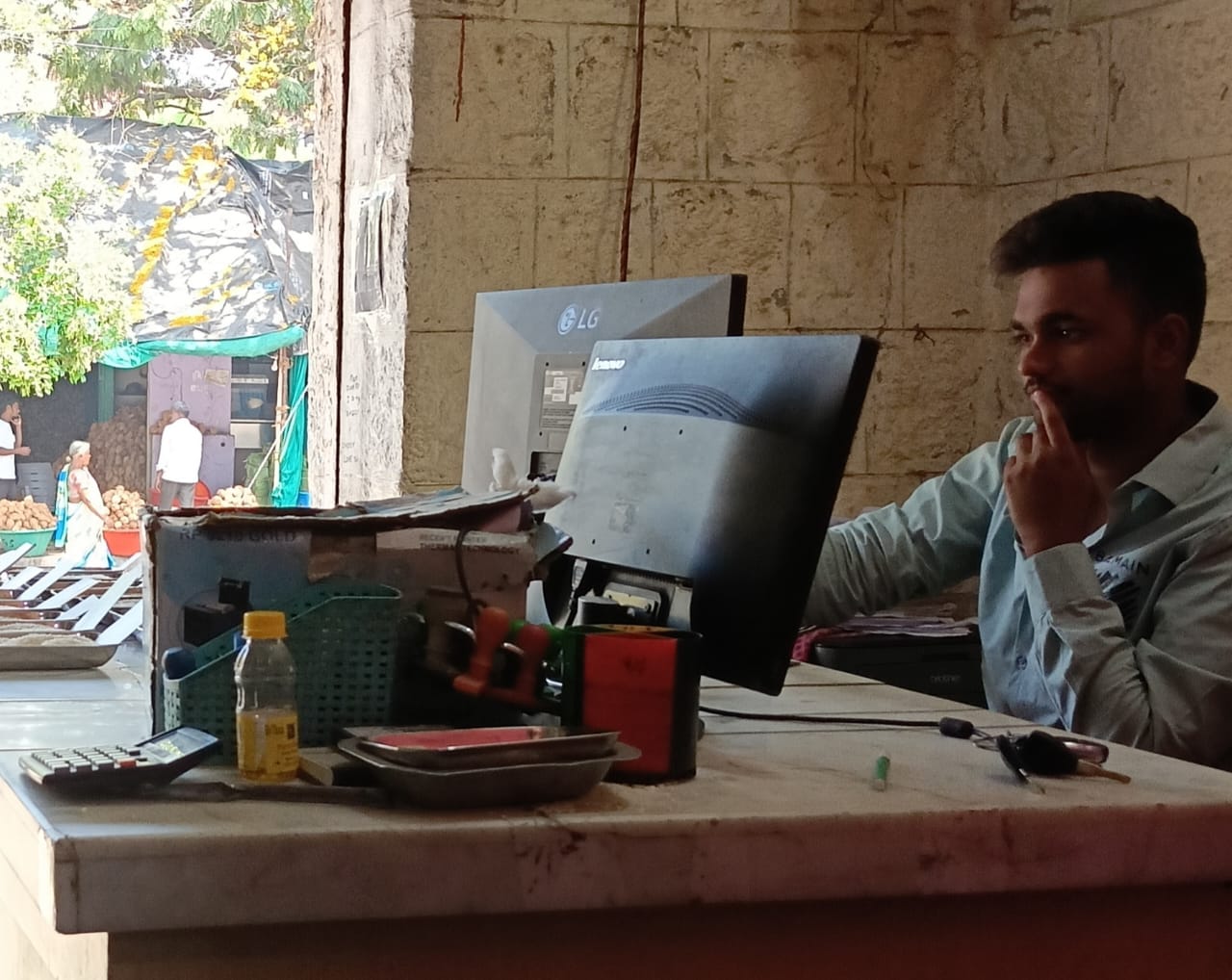
Almost every wholesale store uses computer or laptop to keep track of their finances.
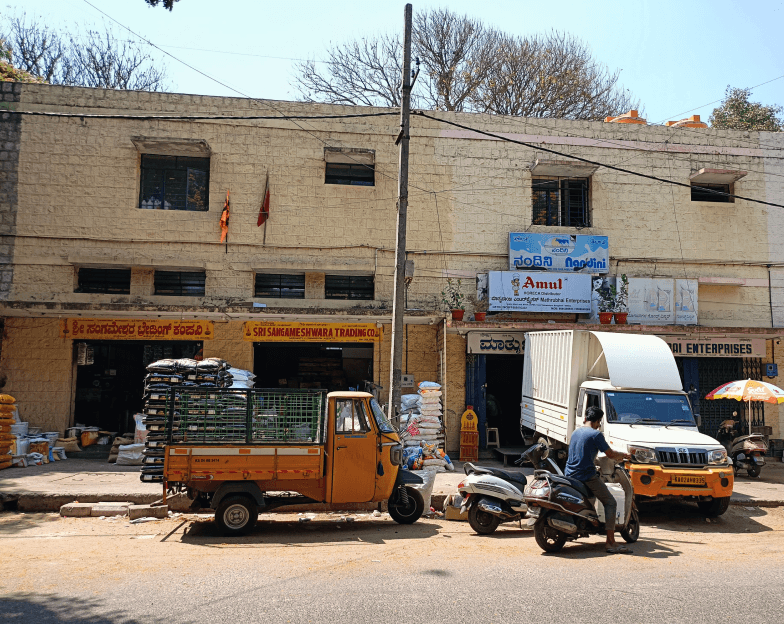
Most of the business happen in the early morning hours.
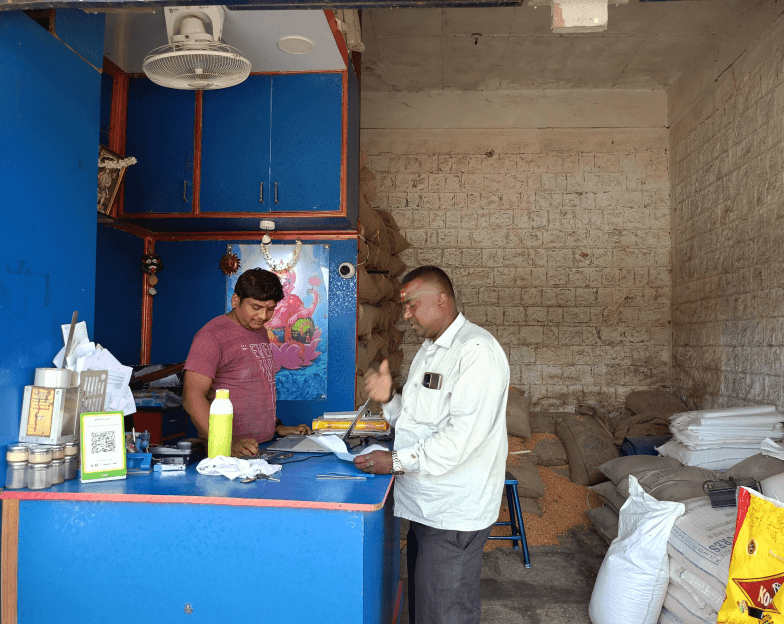
One person manages orders from both in-store customers and those calling in.
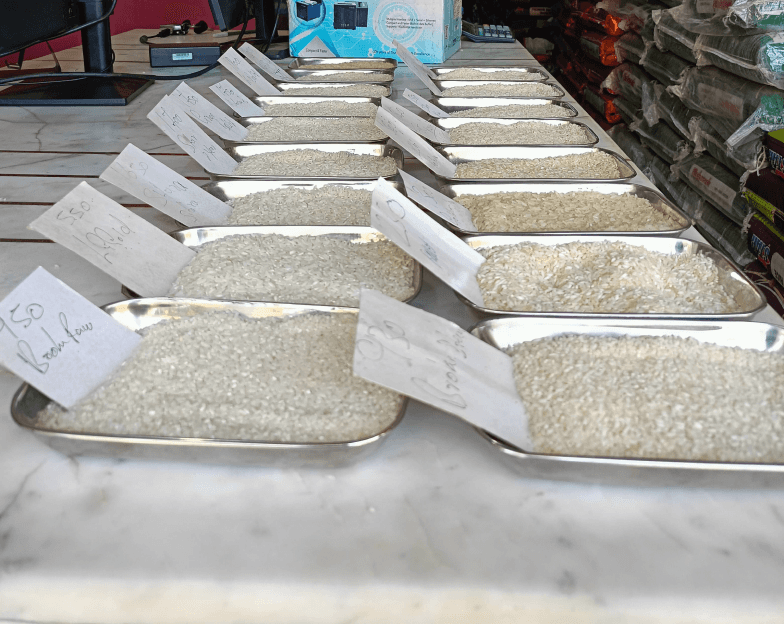
In-store customers are provided with product samples to review before placing an order.
Every store has a QR cod scanner for online payments.
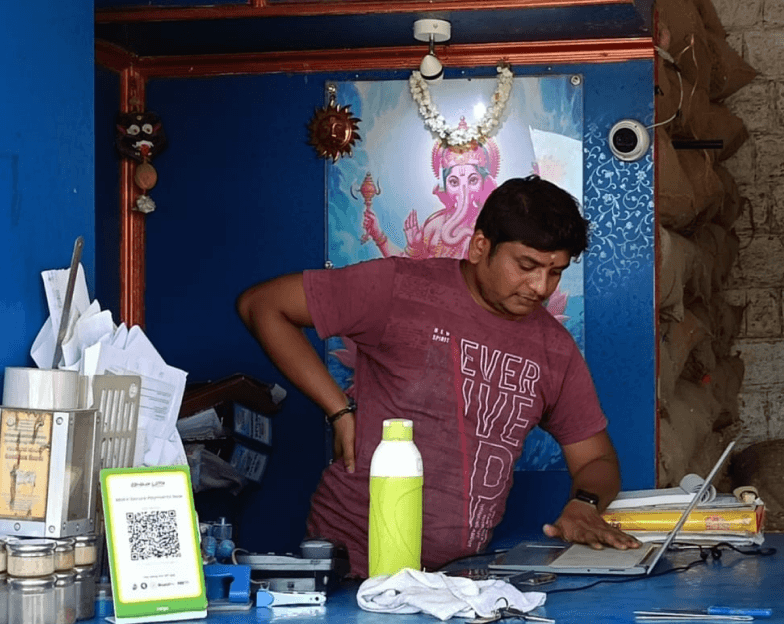
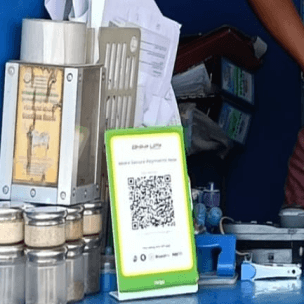
70 - 80% of the customers in a wholesale store are small scale vendors. like kirana store owners.
/ User Persona & Journey (Developing personas and mapping out their problems to gain deeper insights)
SYNTHESIS
I wanted to create user personas for retail and wholesale users based on my comprehensive research, incorporating insights from user interviews and instances of poor experiences. I aim to represent the user's preferences, pain points, and behaviors. Along with the personas, I created a user journey map for both the personas, aiming to understand the highs and lows of emotions both the personas go through during order processing.
To manage in-store and phone orders efficiently and without delays.
To streamline order-taking for greater accuracy and faster service.
To reduce manual work and prevent errors when transferring phone orders to the computer.
GOALS & OBJECTIVES
Balancing in-store customers and phone orders simultaneously.
Inefficient order management causing delays in customer service.
Struggling with manually recording and entering phone orders later.
Risk of errors when transferring handwritten notes to the computer.
CHALLENGES
AGE : 34
OCCUPATION :
Wholesale store owner
LOCATION :
Bangaluru
Ravi

/Persona 1 (Wholesaler)
/Summary
The main pain points revolve around inefficient multitasking, manual order entry, and the risk of errors. Streamlining the order process with automated systems, digital note-taking, and real-time syncing between phone and computer orders can significantly improve Ravi's workflow and emotional experience.
/Ravi’s Journey Map
Stage
Task/Action
Emotions
Pain Points
(Challenges)
User’s
Thoughts
1.
Morning Rush
Handling in-stoe customers
Balancing multiple customers while being aware of incoming calls.
“ I need to attend to these customers quickly.”
High Stress

2.
Phone Rings
Phone rings during customer interactions
Forced to ignore or delay phone orders.
“I can't leave the customers here waiting.”
Frustration

3.
Missing Orders
Returns missed call, takes phone order
Loss of potential business from missed calls.
“I hope I didn't miss a big order.”
Worry/Anxiety

4.
Manually Recording
Writes phone order on a note pad
Risk of errors in manual note-taking or missing details.
“I need to make sure I write down everything right.”
Concentration/Anxiety

5.
Order Transfer
Transfers handwritten notes to computer
Time-consuming manual data entry with risk of errors.
“I hope I don't make a mistake while entering these.”
Stress/Concern

6.
Customer Follow-up
Confirms orders with customers
Customer dissatisfaction due to delays or errors in order fulfillment.
“I hope I got all the orders correct.”
Relief if correct, frustration if errors

7.
End of Day
Reviews orders, reconciles
Fatigue from balancing both channels and preventing mistakes.
“Finally, everything is settled for today.”
Exhaustion/Relief

/Persona 2 (Retailer)
To place orders seamlessly, even when the retail store is closed.
Minimize the time spent waiting at the wholesale store.
To reduce manual work and prevent errors when transferring phone orders to the computer.
GOALS & OBJECTIVES
Inability to place orders when the retail store is closed.
Extended waiting periods at the wholesale store due to limited staff.
Reliance on phone calls and manual note-taking for orders is tiring.
CHALLENGES
AGE : 30
OCCUPATION :
Retail store owner
LOCATION :
Bangaluru
Kumar

The main pain points include the inability to place orders after hours, extended wait times at the store due to limited staff, and the risk of errors from manually processing phone orders. By implementing 24/7 order placement system and faster in-store processing, Kumar can save time and reduce his stress of handling order errors.
/Summary
/Kumar’s Journey Map
Stage
Task/Action
Emotions
Pain Points
(Challenges)
User’s
Thoughts
1.
Store is Closed
Needs to place an order after hours
Unable to place orders outside store hours.
“ I need to restock for tomorrow, but the store is closed.”
Frustration

2.
Phone Call
Calls the wholesale store to place the order
Reliance on phone calls and limited staff availability.
“I hope someone picks up and can take my order.”
Anxious/Concerned

3.
Waiting for Response
Waits for the wholesaler to attend to the call
Delays in responding to phone calls during busy hours.
“I don’t want to wait too long, I have other things to do.”
Impatience/Frustration

4.
Manual Order Process
Provides order details over the phone
Manual note-taking may lead to errors, missing details, or delays.
“I hope they write everything down correctly.”
Concern/Stress

5.
In-Store Visit
Visits wholesale store to check on the order
Extended waiting periods due to limited staff or order processing.
“I hope my order is ready, I don’t have time to wait.”
Anxiety/Impatience

6.
Order Confirmation
Receives order, checks if everything is correct
Errors in order fulfillment due to manual entry or delays.
“I hope there are no mistakes.”
Relief if correct, frustration if errors

7.
Post-Order Experience
Leaves with order (or resolves any issues)
Time and energy spent in managing the order process.
“That took longer than expected, I hope this improves.”
Relief/Exhaustion

/ Existing Scenario (Storyboard of issues in the existing order placement process)
SYNTHESIS
/Scenario 2
Kumar is going to the wholesale store in person to purchase.
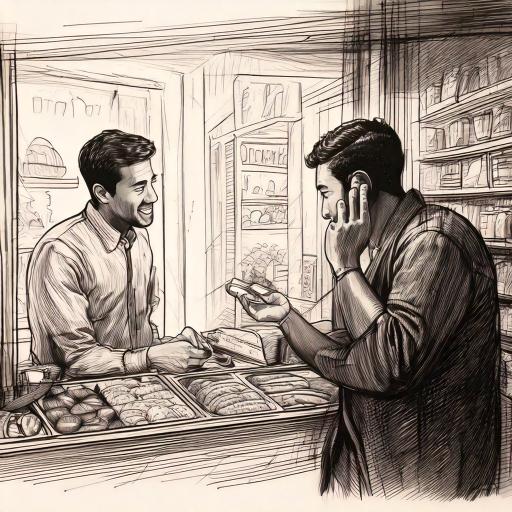
But ravi is busy taking orders from customers via call.
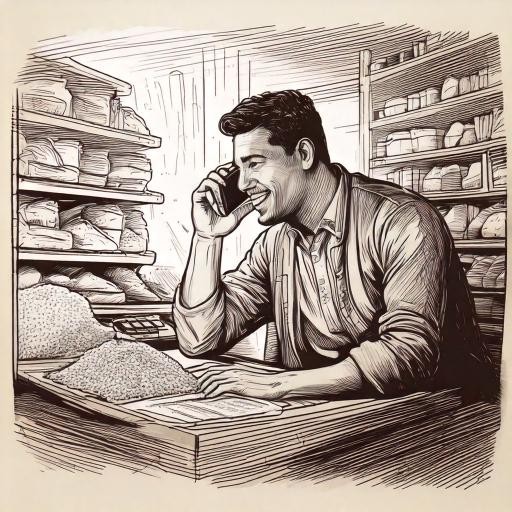
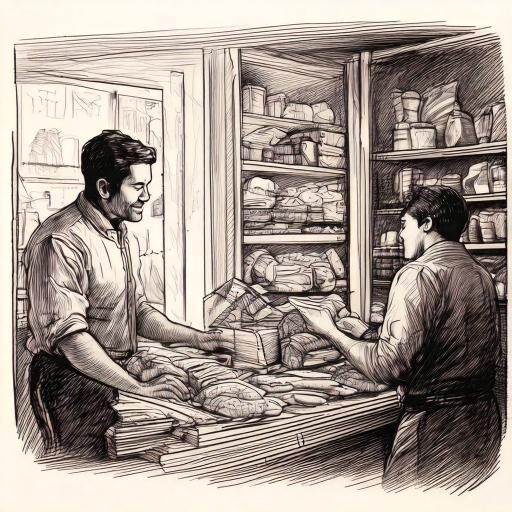
Kumar is having to wait for long to finally place his order
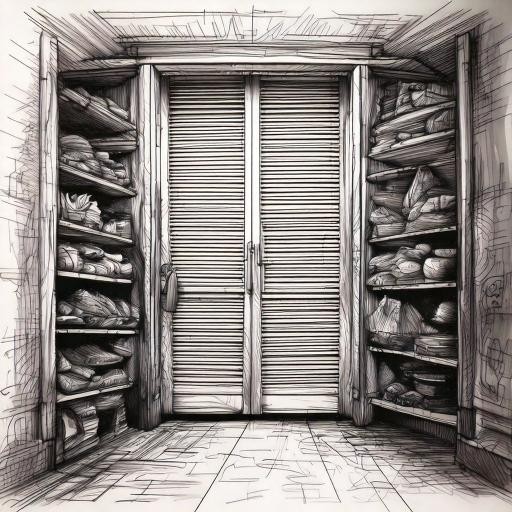
/Scenario 1
his order was not placed because the store was closed.
Kumar, a retailer, is calling the wholesale store to place a next-morning order.

He try to place the order again the next morning.
But Ravi, the wholesaler, is busy with in-store customers during the busy morning hours.
/ Problem Statement (Defining the identified problem)
Wholesalers and retailers in the unorganized retail sector are facing inefficiencies in order processing due to traditional methods, leading to missed orders and significant time loss, which impacts their overall productivity and business growth.
Missing Orders
Significant Time Loss
/ Solution Ideations (Storyboard of issues in the existing order placement process)
IDEATION
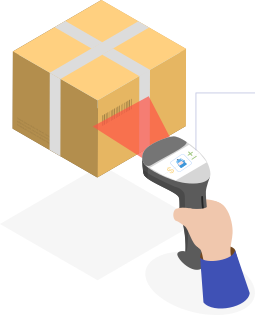
Screen showing product details.
Customers can complete purchases without the need for assistance from the wholesaler.
Enables both customers and wholesalers to complete their tasks without any interruptions.
Customers can scan the products they want and add them to cart.
/Initial Idea: In-store Assistance
/Instore Product (Mapping out the problems of both the personas)
/Selected Idea: Mobile app for order processing & Inventory management
Retailer side

Place orders and make payment
Connect with any store
Wholesaler side

Scan and add new items to inventory
Manage the orders from customers
/ Wireframes (Preliminary concepts of the application's design and appearance.)
EXECUTION

/Low Fidelity
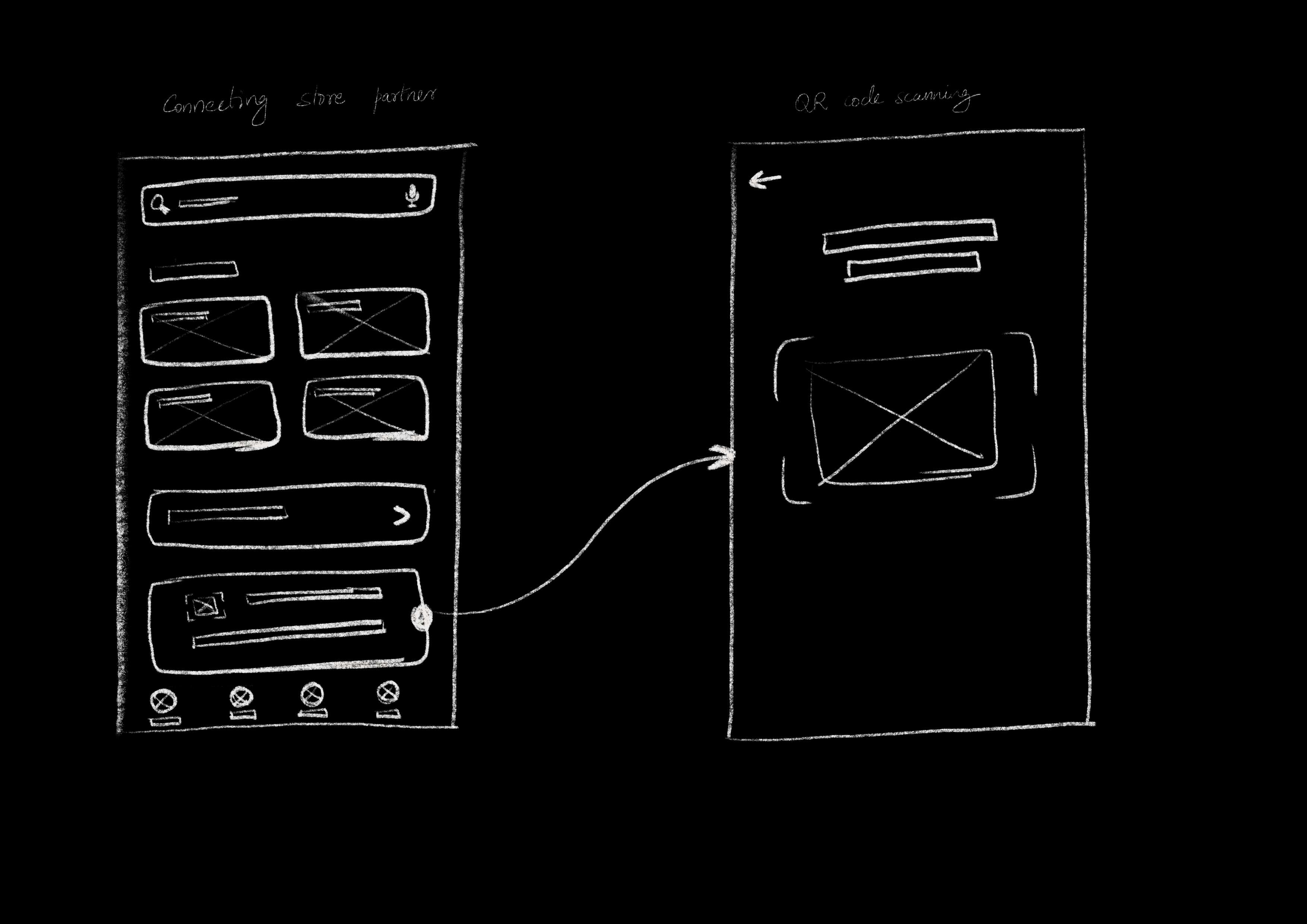
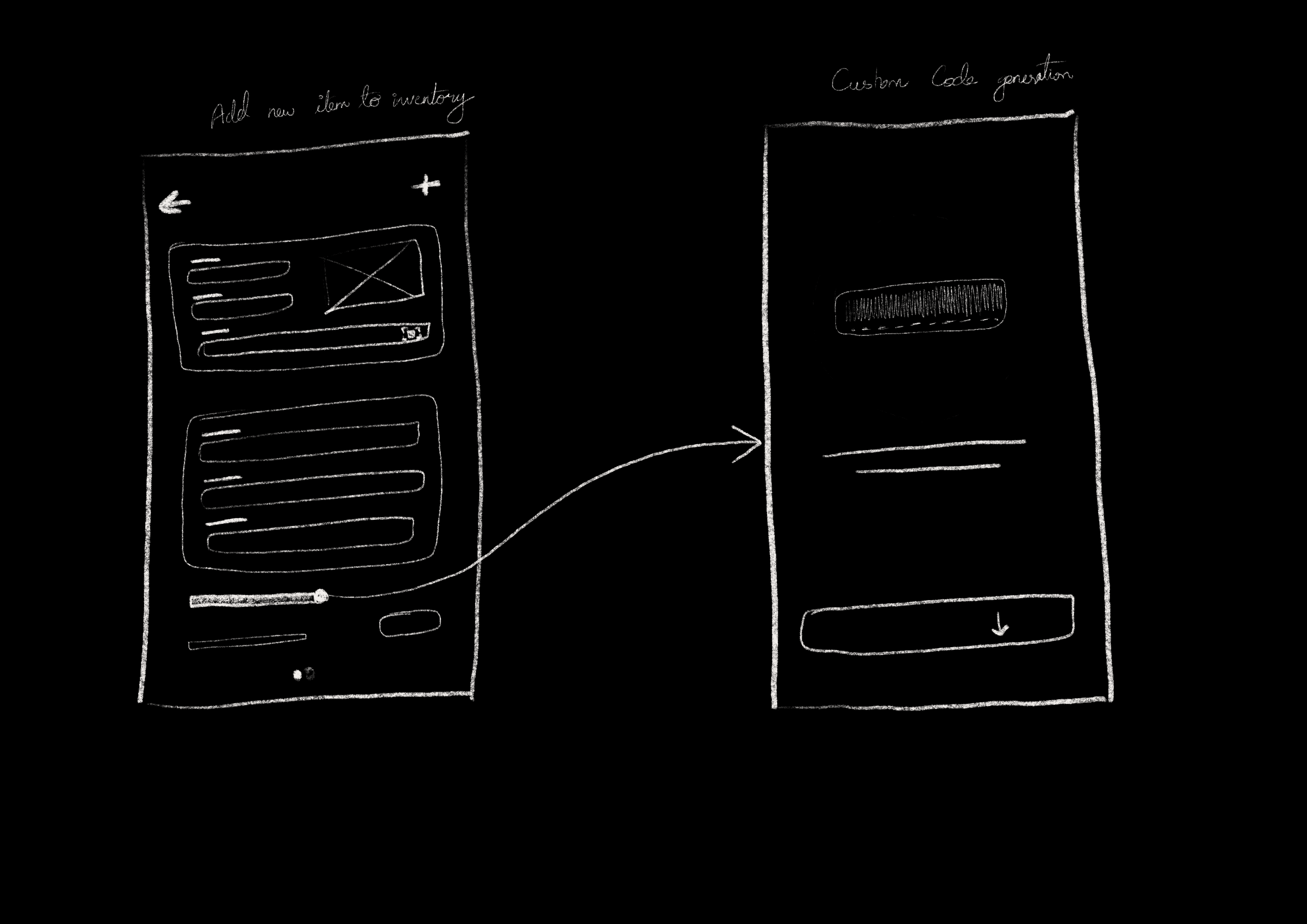
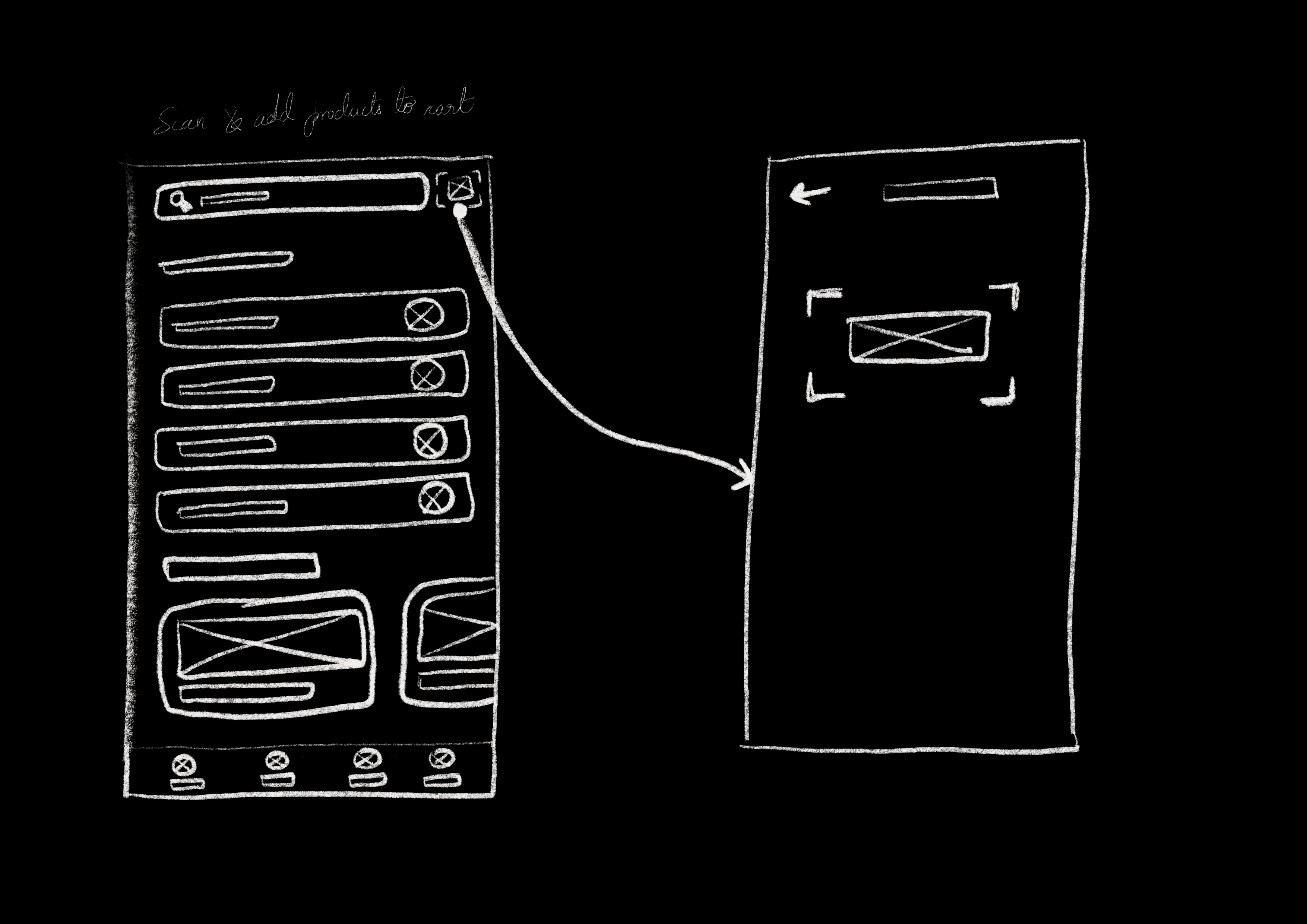
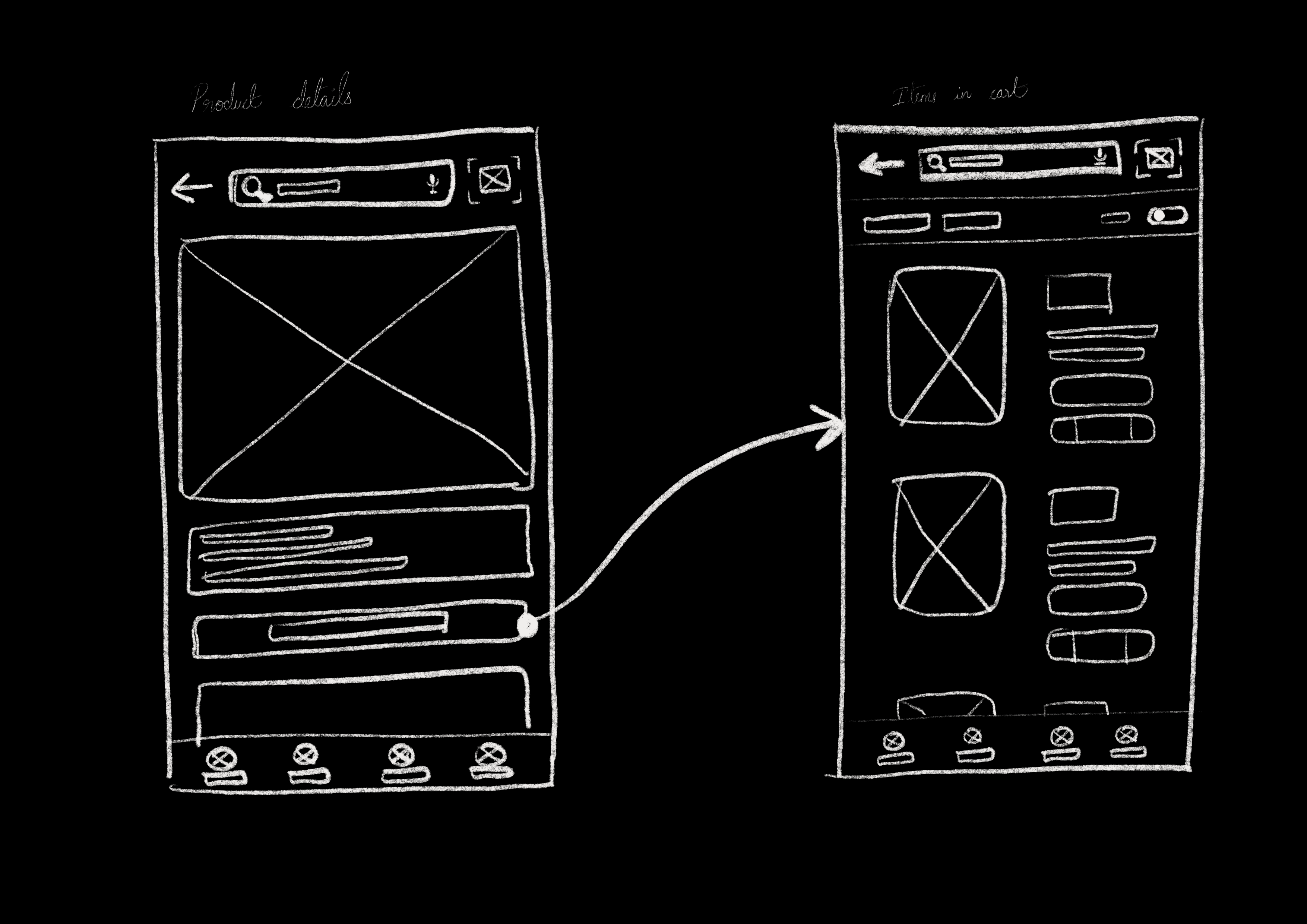
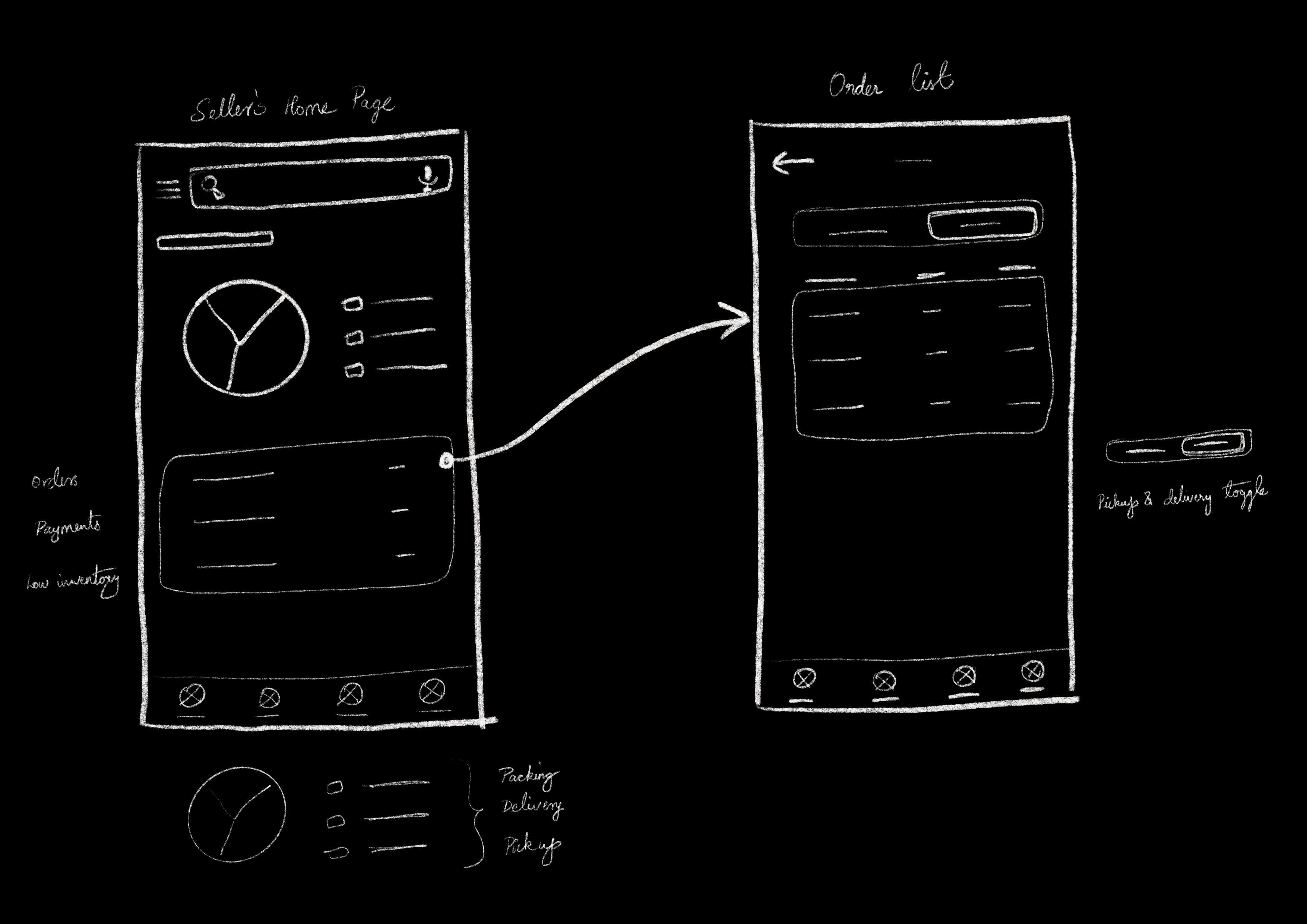
After the ideation process, I quickly sketched low-fidelity wireframes as an initial step to explore how the overall concept of the application could be implemented.
/Mid Fidelity
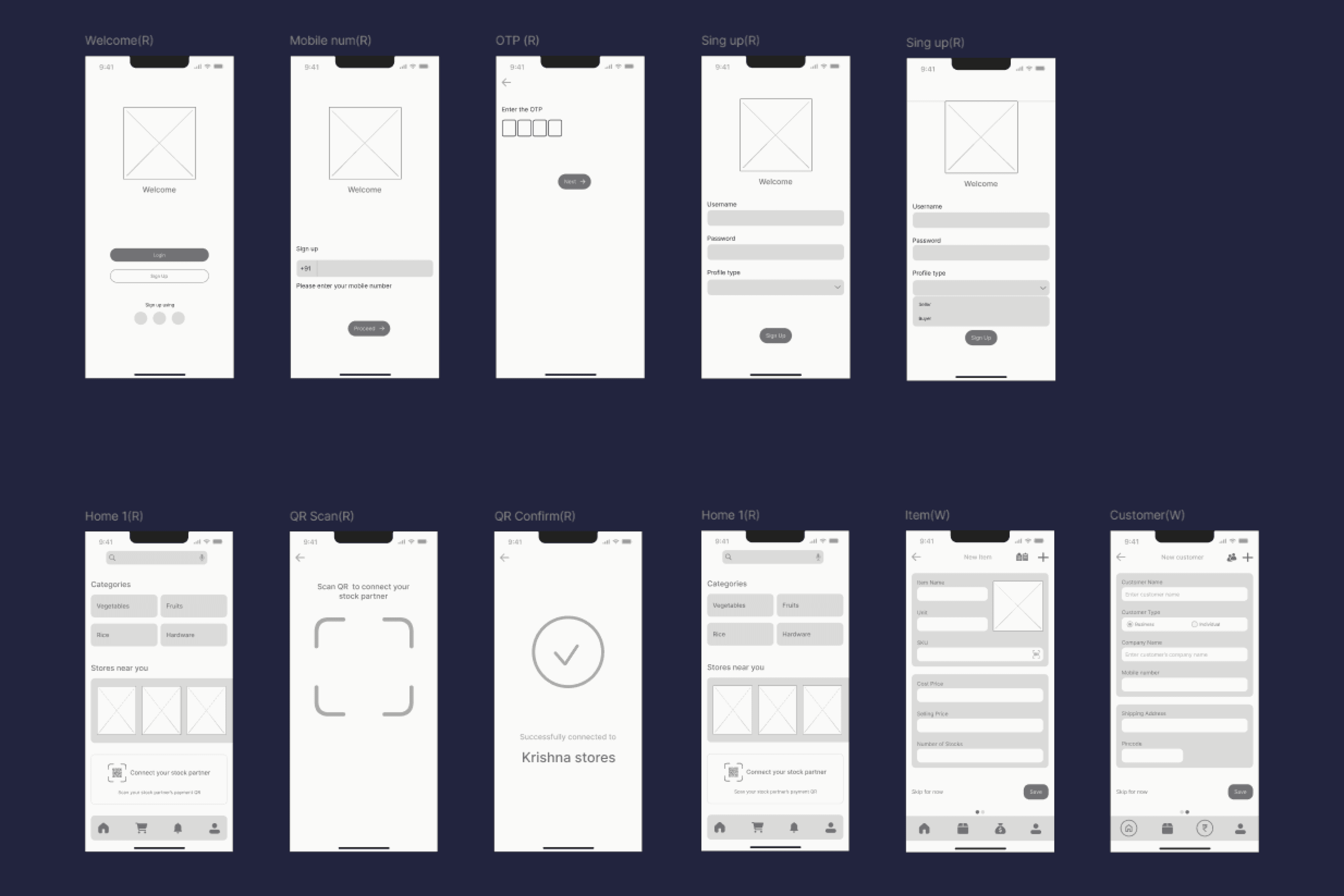
After creating low-fidelity sketches, I moved to Figma to design the structure within an iPhone 13 & 14 frame, focusing on visualizing how the app would appear on a mobile phone and making necessary adjustments accordingly.
/ Design Decisions (Figuring out layout, colors, icons and fonts.)
EXECUTION

/Grid System
Simple but highly functional grid system was used to guarantee a consistent design throughout the whole application.
/Main icon library
#1A5AE8
#9FB4E3
#EFF4FF
#EFEFEF
#424660
/Color Palette
/Logo & Branding
easy
A
SAAN
A
SAAN
Easy orders, Happy You!
/Fonts & Typography
Inter
ABCDEFGHIJKLMNOPQRSTUVWXYZ
ABCDEFGHIJKLMNOPQRSTUVWXYZ
24px
16px
14px
12px
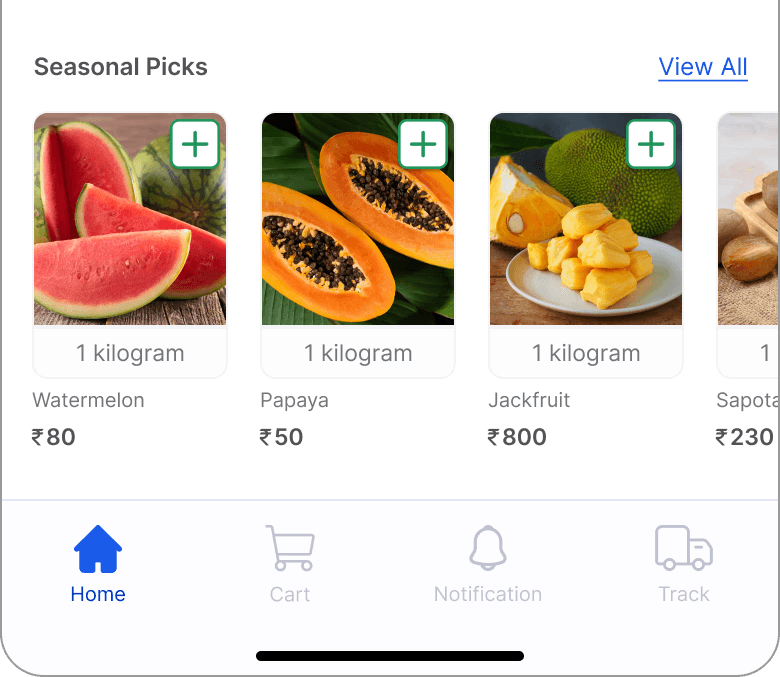
4 Tab Navigation
4 Column Grid
390 X 844 px
20px
2px
/High Fidelity
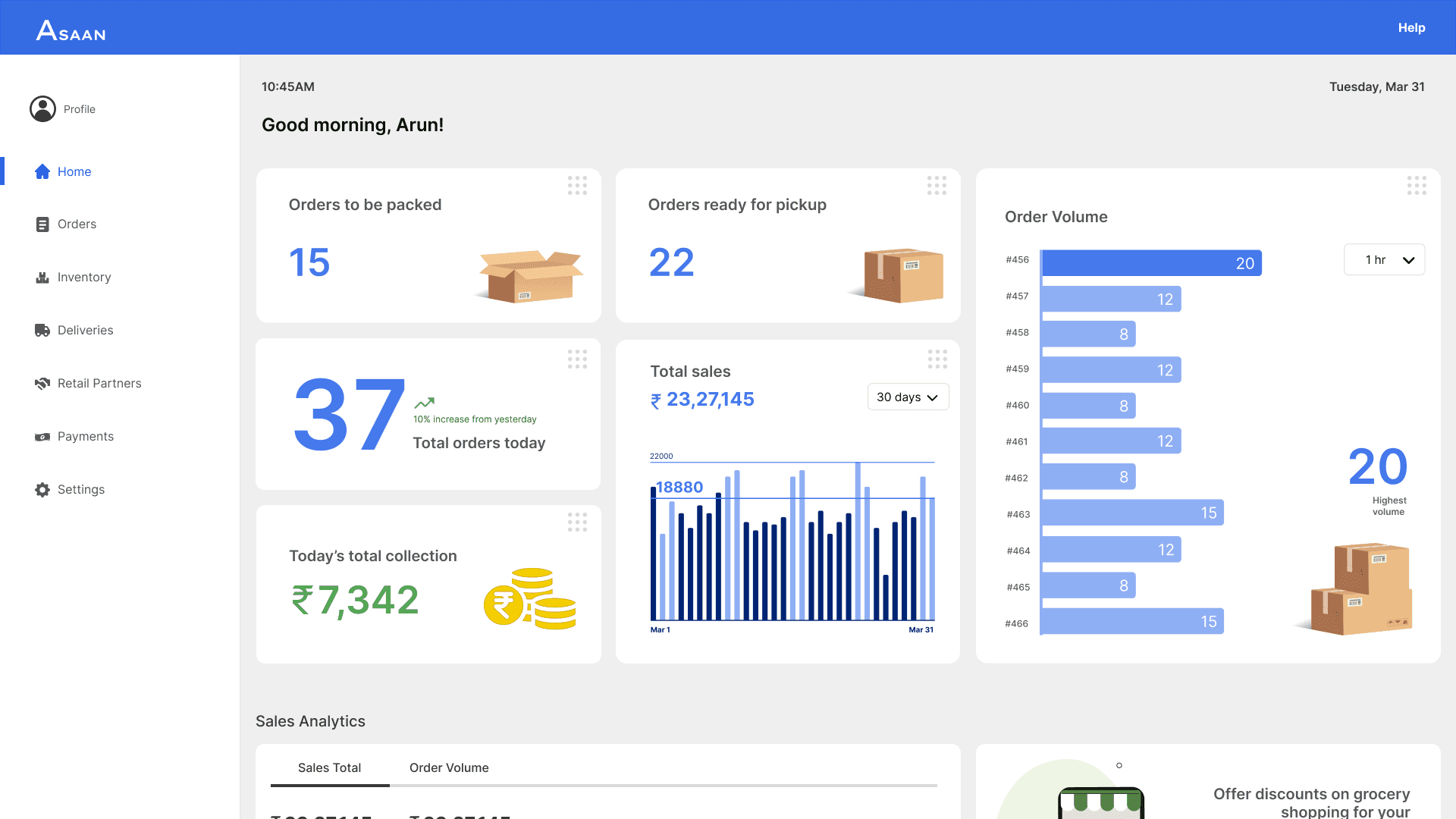
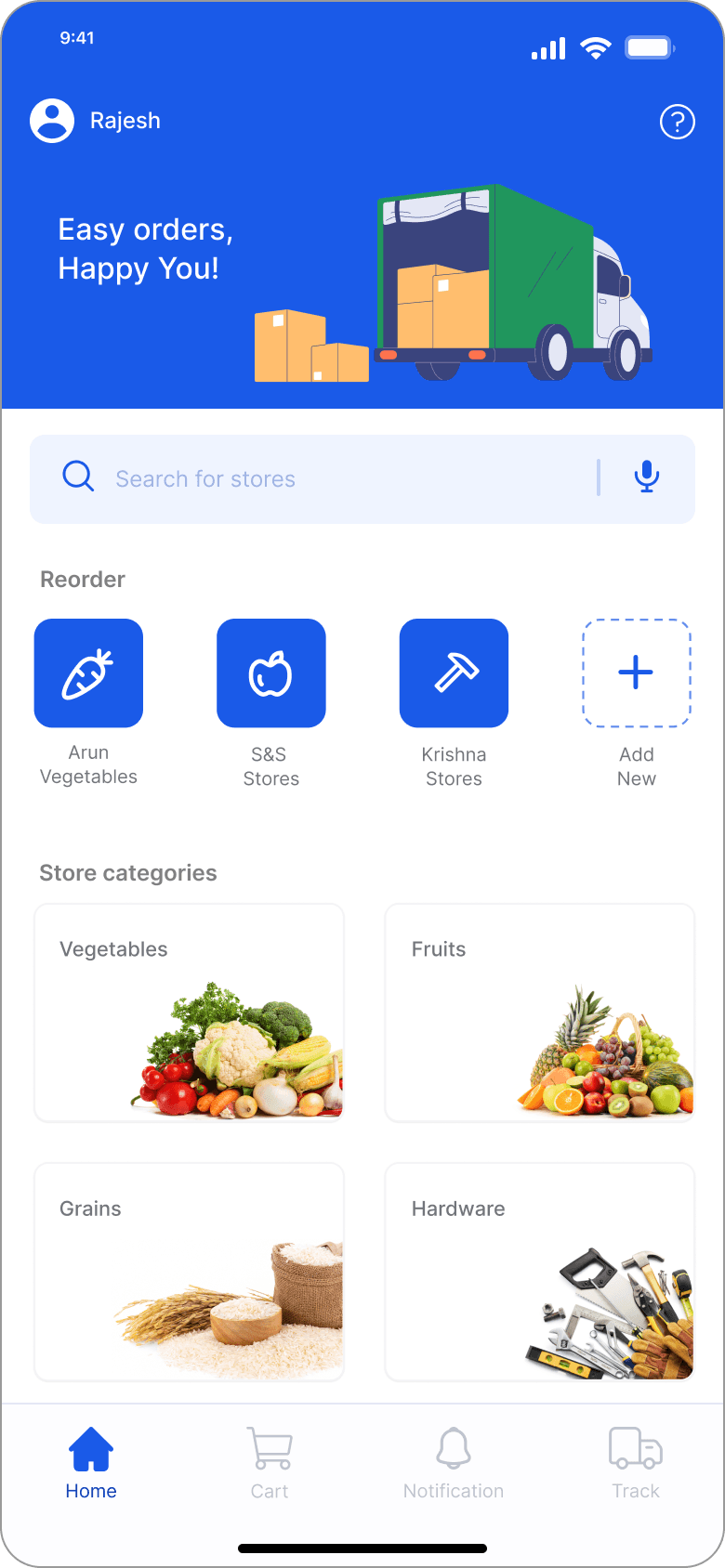
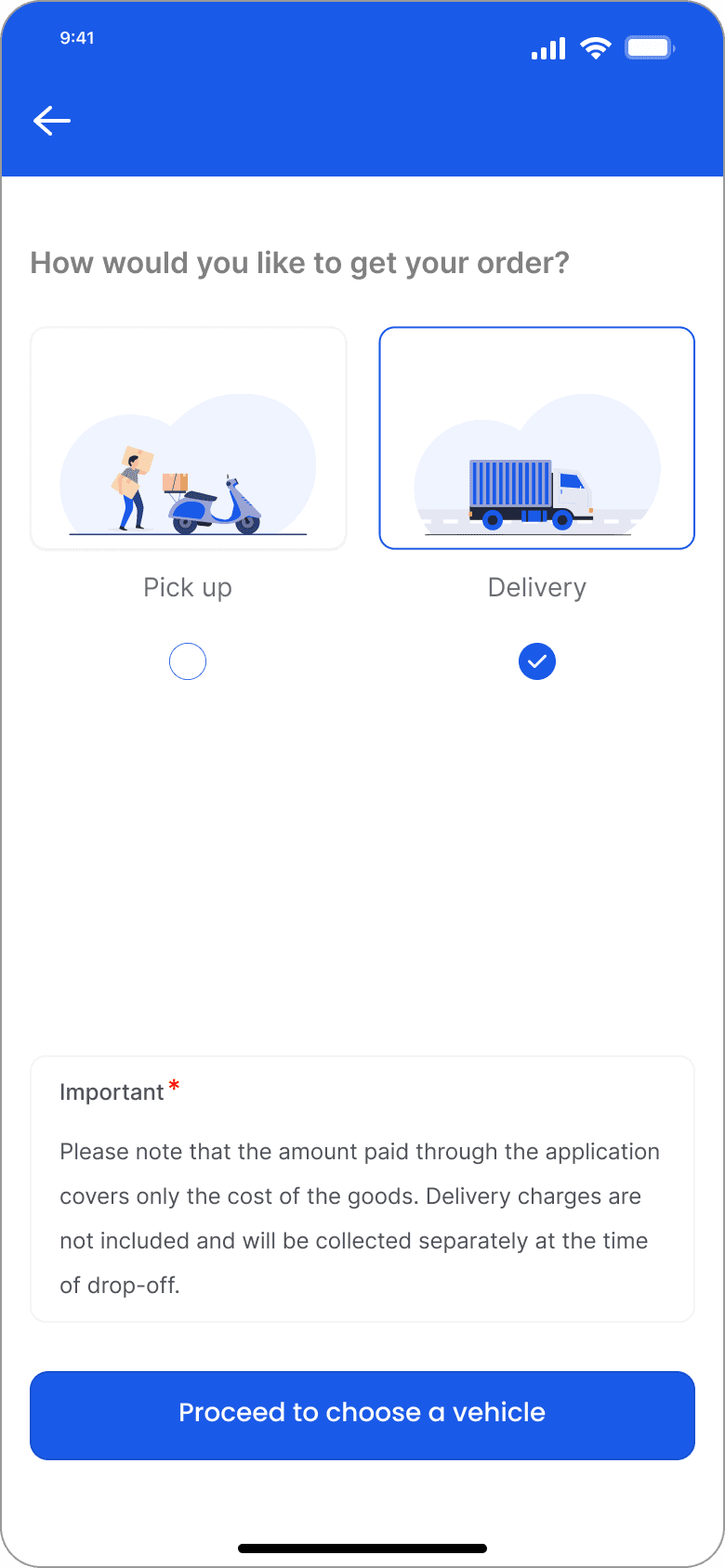
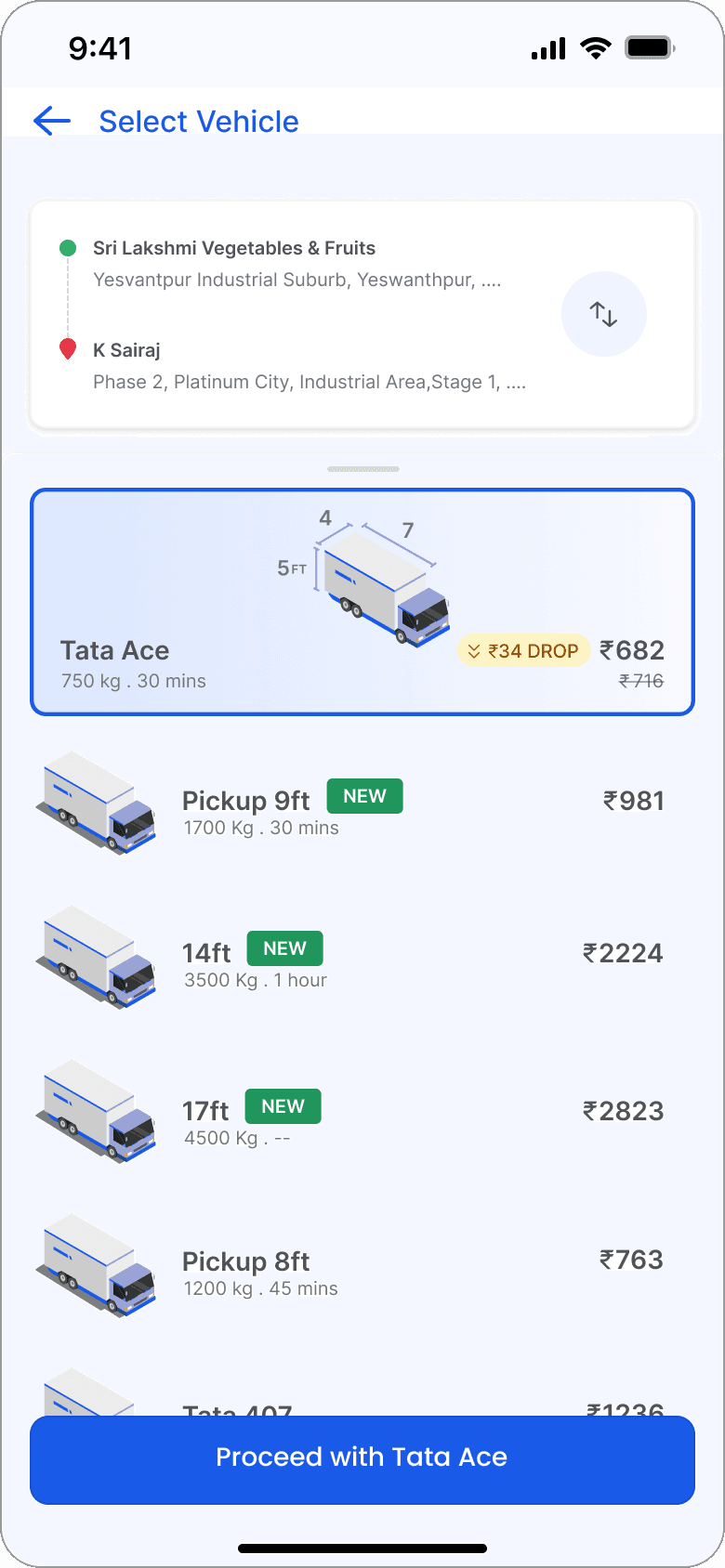
After iterating on the UI to reflect evolving functionality, I transitioned from low- and mid-fidelity wireframes to high-fidelity designs. This process allowed me to refine the visual details and explore more polished design concepts, ensuring the app not only functioned well but also had a cohesive and appealing look.
/ Buyer Side Product Features (Important features and functions of the product on the buyer side)
EXECUTION
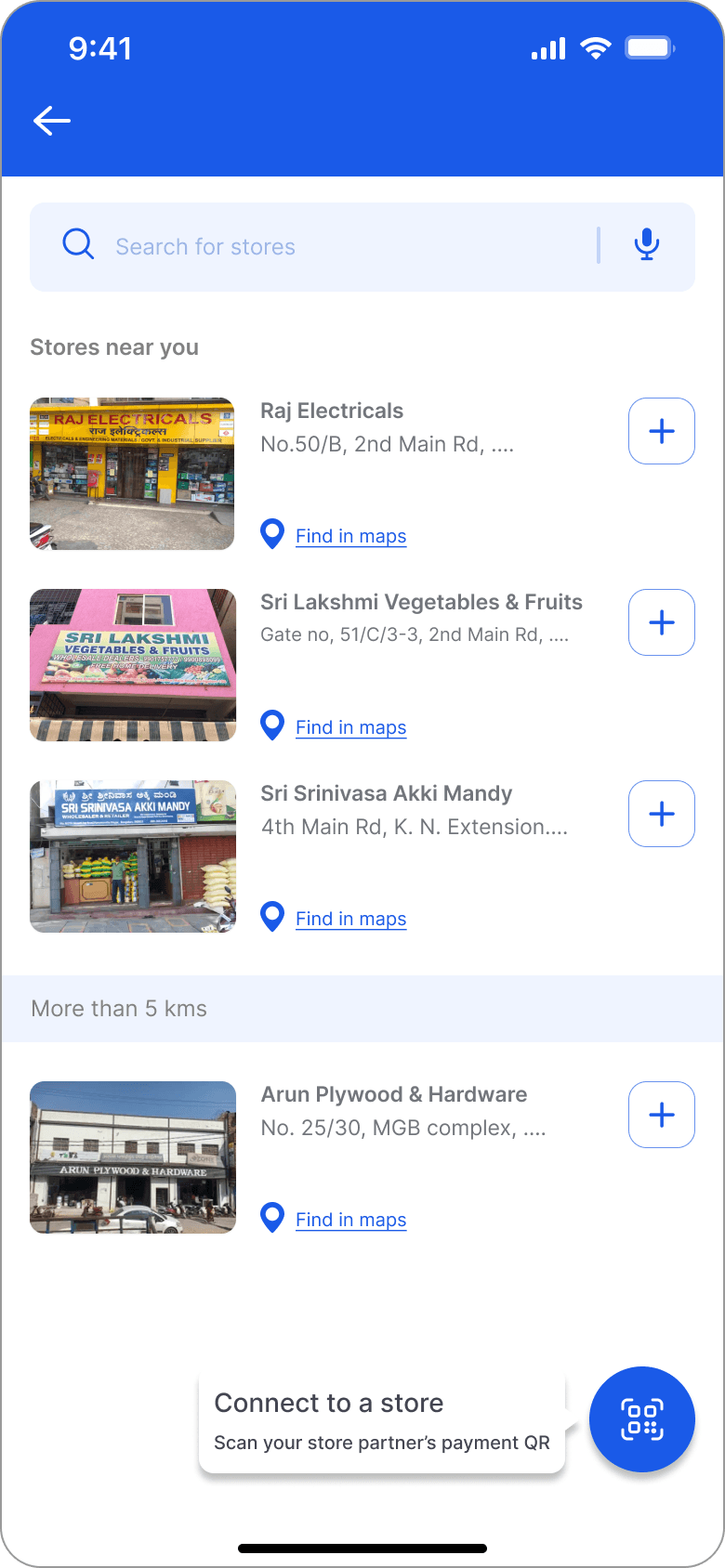
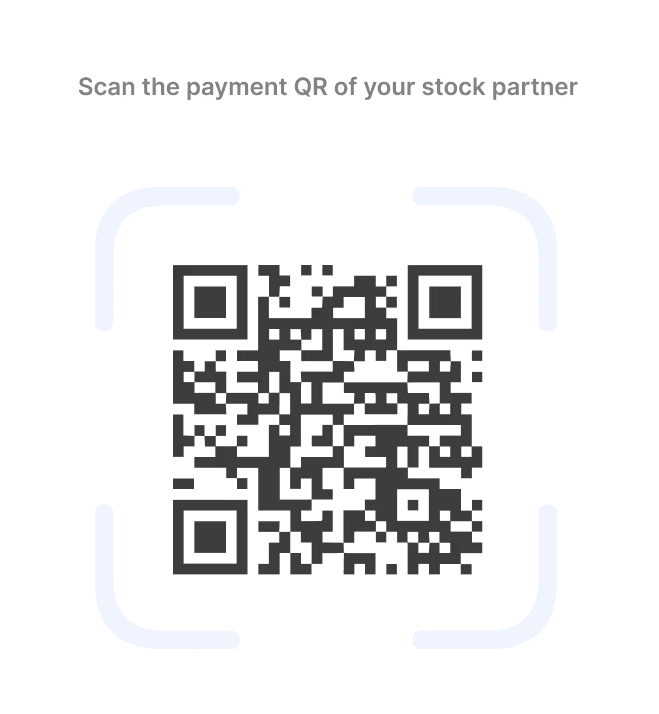
QR Scan to Connect with Stores
QR code scanner for buyers to scan and seamlessly connect with their store partner using the seller’s existing UPI payment QR.

/How will the QR scan help to connect to inventory?
Scan QR Code for Payment

Extract UPI ID from OQ Code
1234567890@abc
Link UPI ID to Store Backend
Store UPI ID and Inventory Data from Wholesaler
Buyers Connects to Store Inventory

Bar Code scanner to add to cart
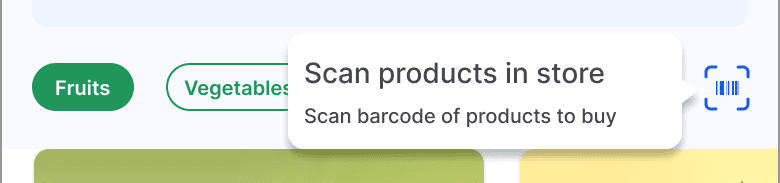
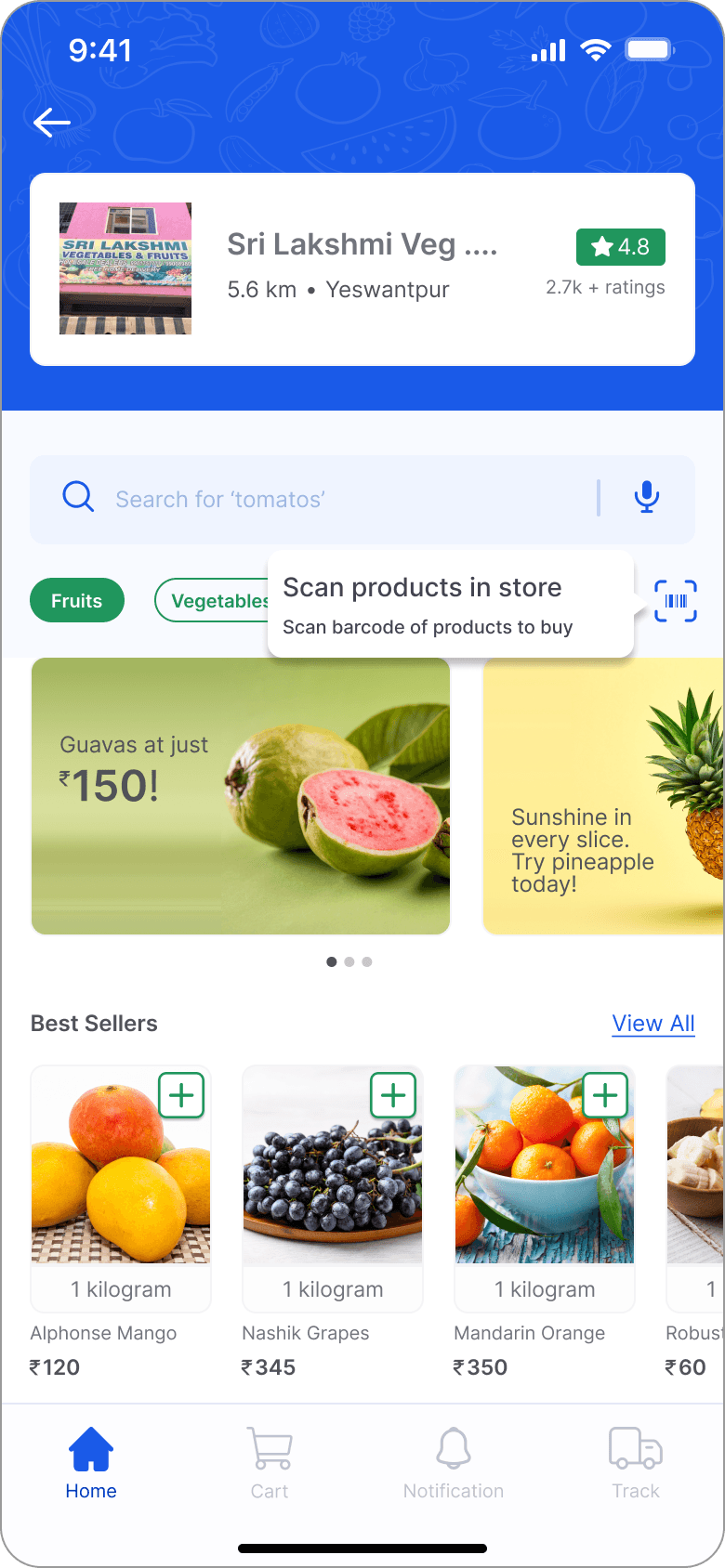
Bar code scanner for buyers to scan products and to add them to cart while they are in-store.


/ Seller Side Product Features (Important features and functions of the product on the seller side)
EXECUTION
Custom Code generation
Codes can be generated for items that do not have a Stock Keeping Unit (SKU).
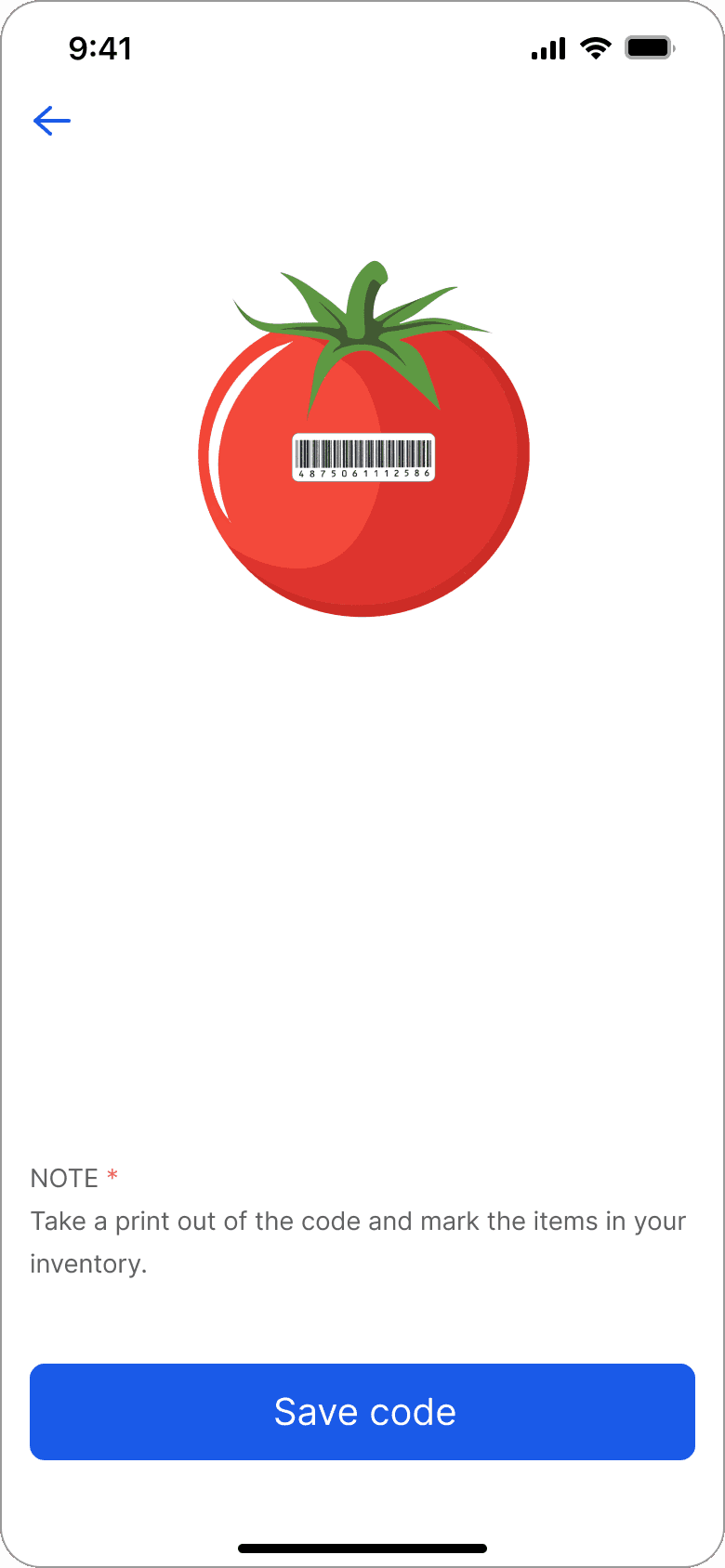
/How will the code be generated?
Real item/image of the item to be added in the inventory
Google lens API scans the image/ the real item

API identifies the item and retrieves details about the identified item from its vast database of known objects

Generates a Unique Item Code

Generates a corresponding icon for the item

Item code and icon is backend together and added to the inventory for future references

/UI flow and details (Working of the application)
EXECUTION
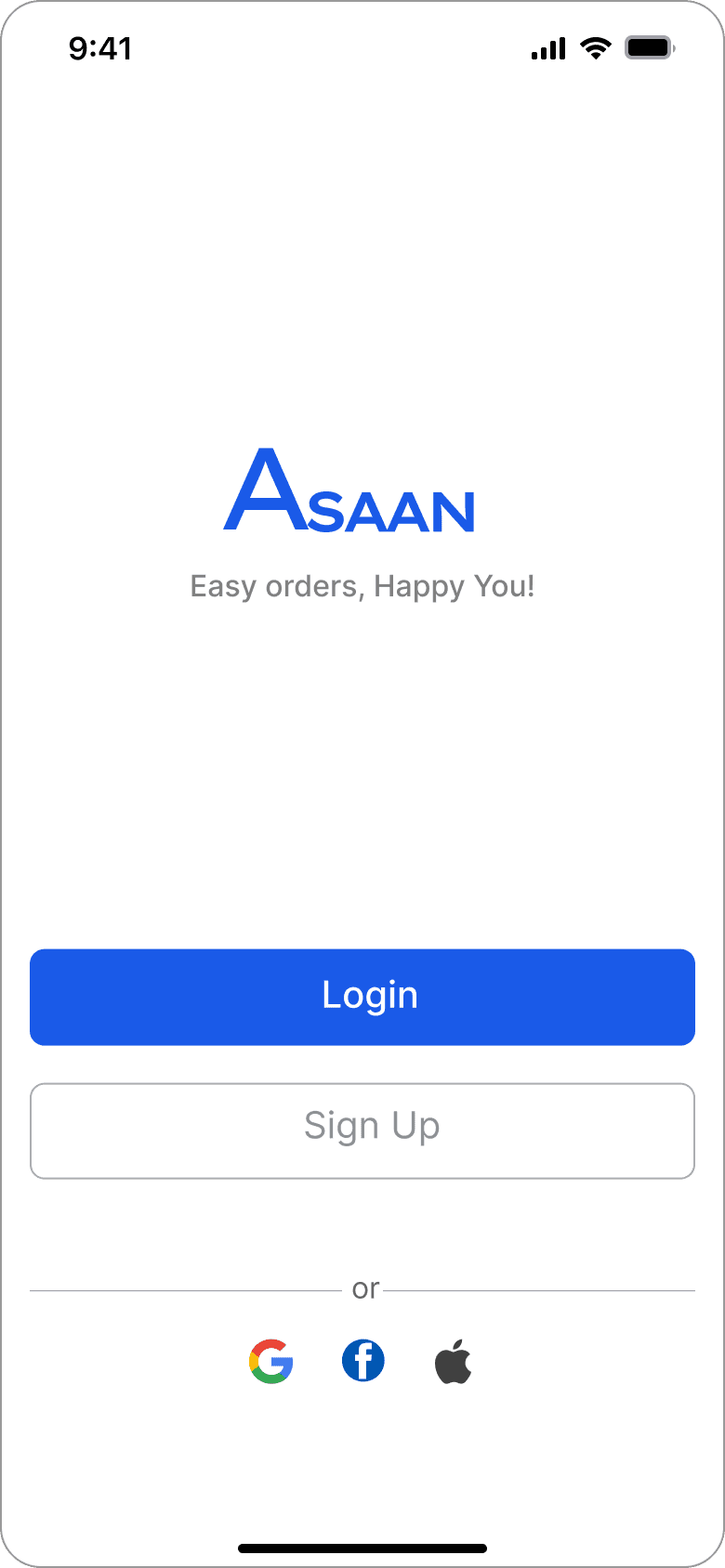
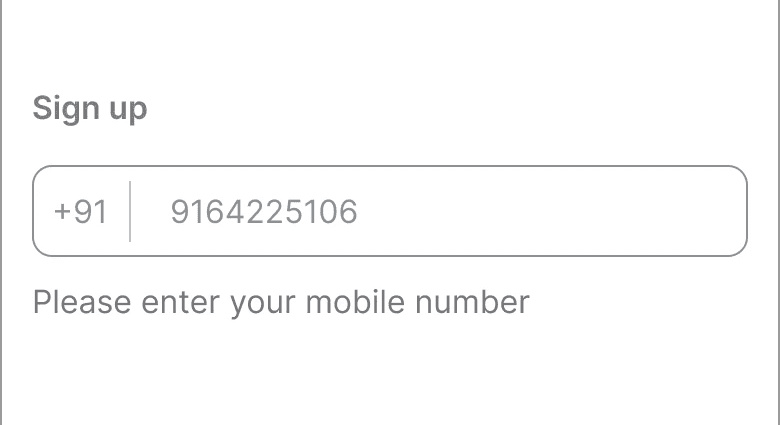
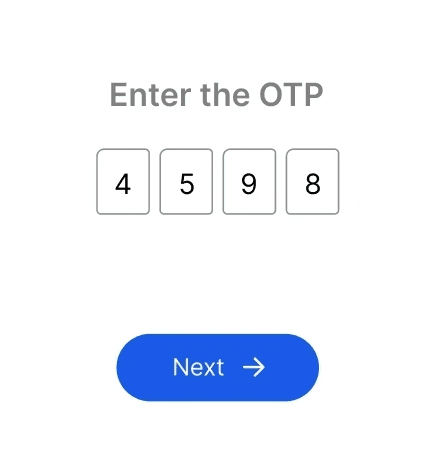
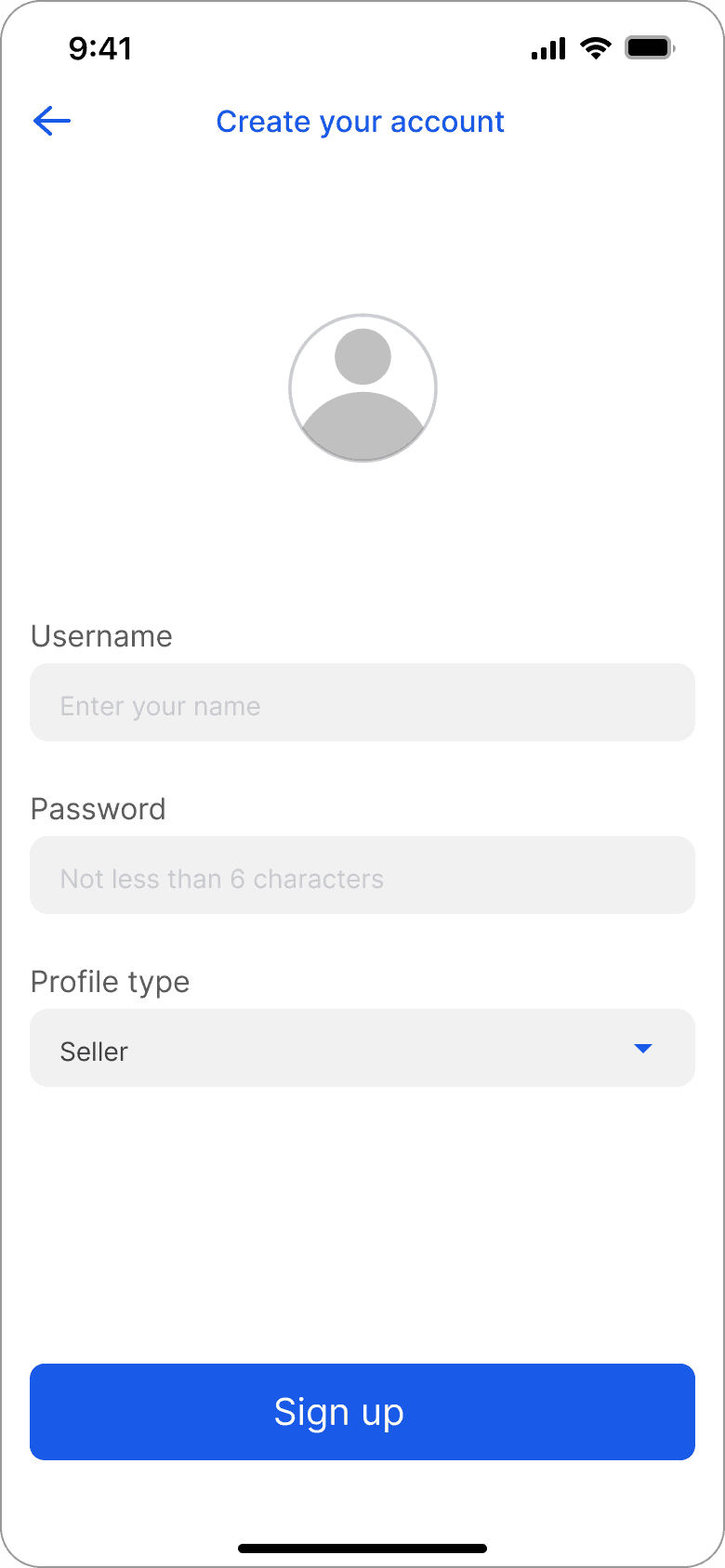
/Sign Up & Login
Sign up using mobile number and OTP
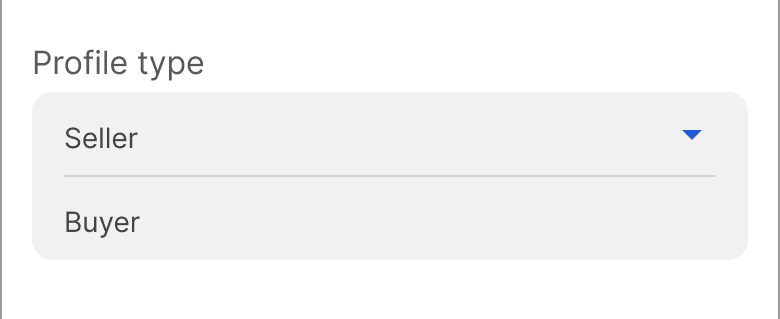
Option to choose the profile type while signing up

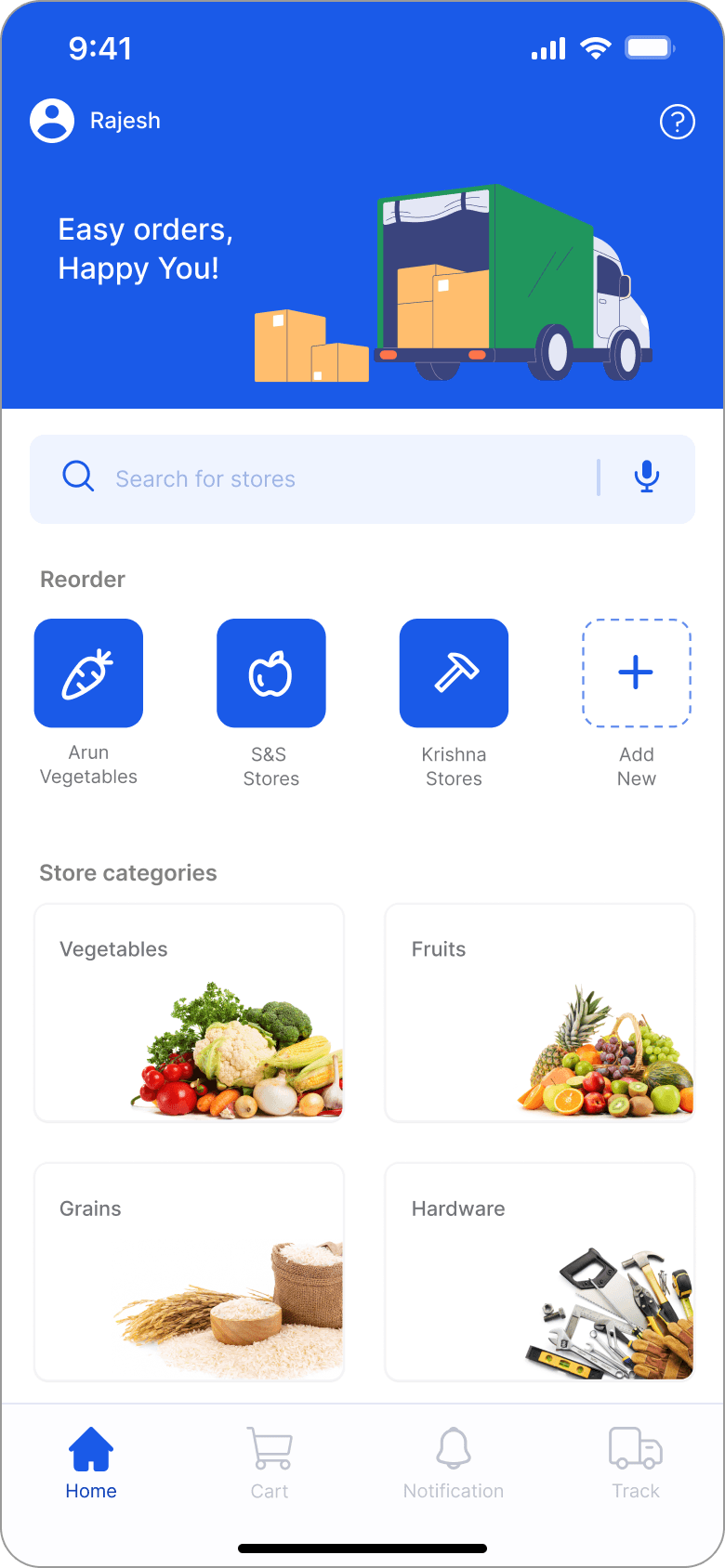
/Buyer Side User Interface
Scanning payment QR code to connect with store partner
Bar code scanner to scan and add items to cart while purchasing in-store
Option to choose mode of purchase
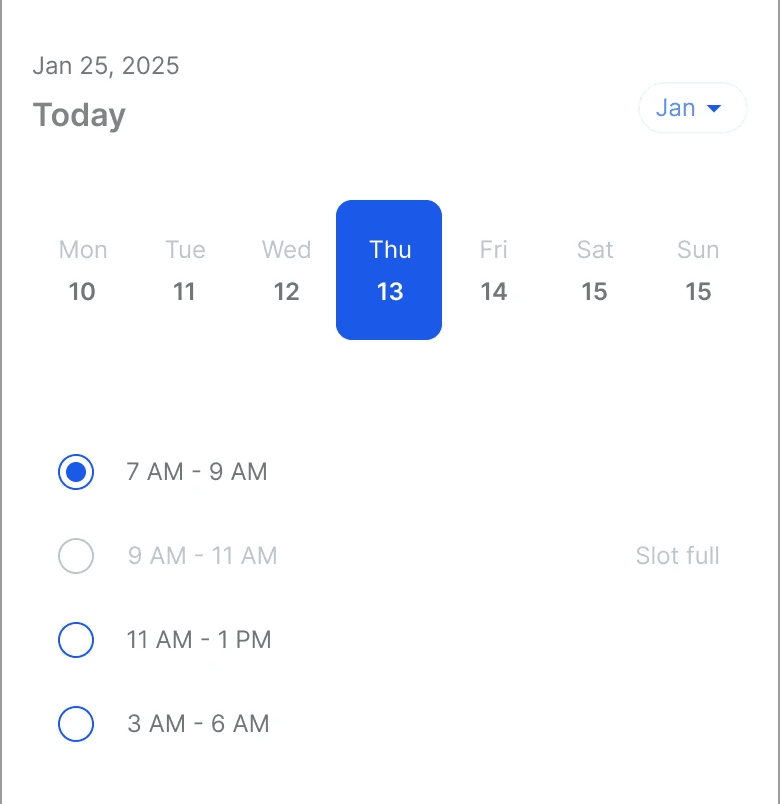
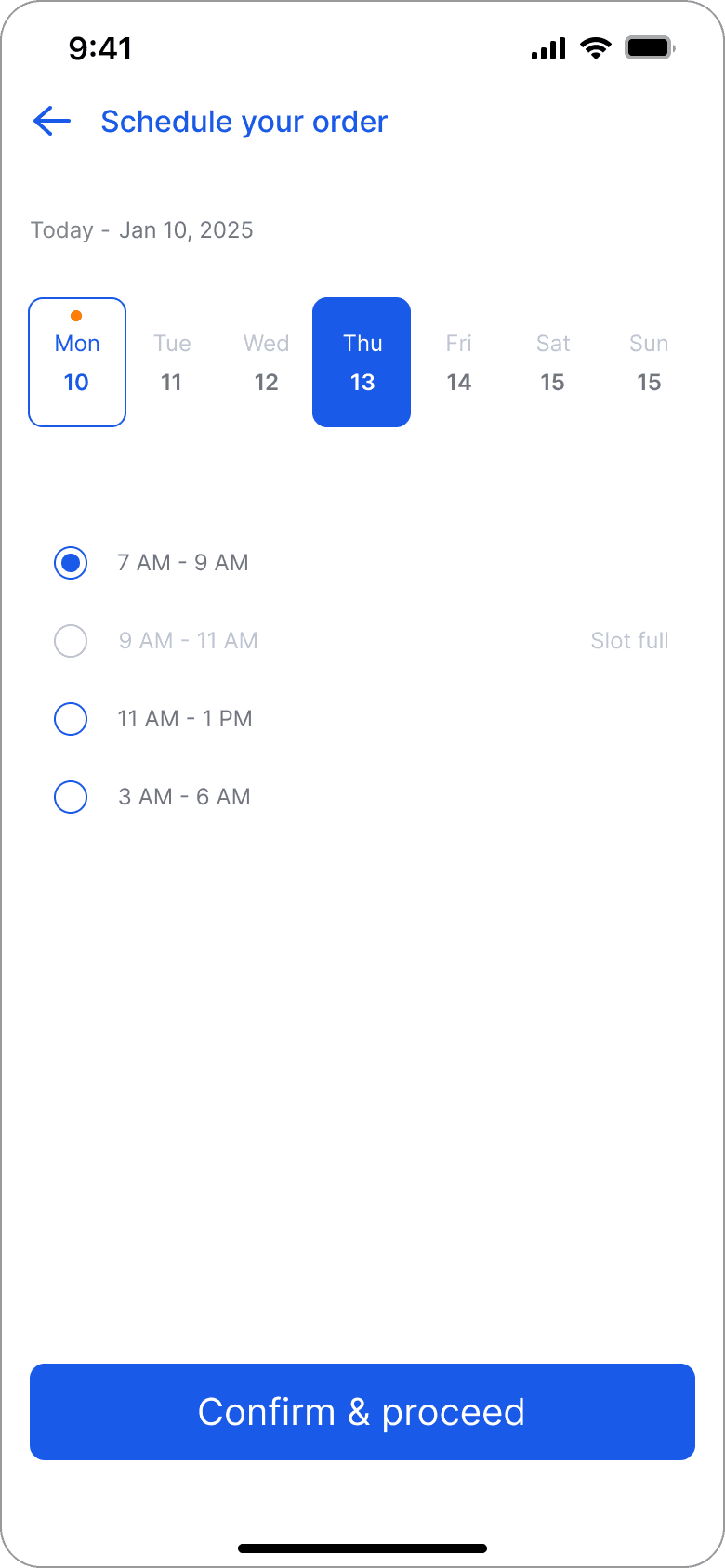
Option to choose a date and time for purchase
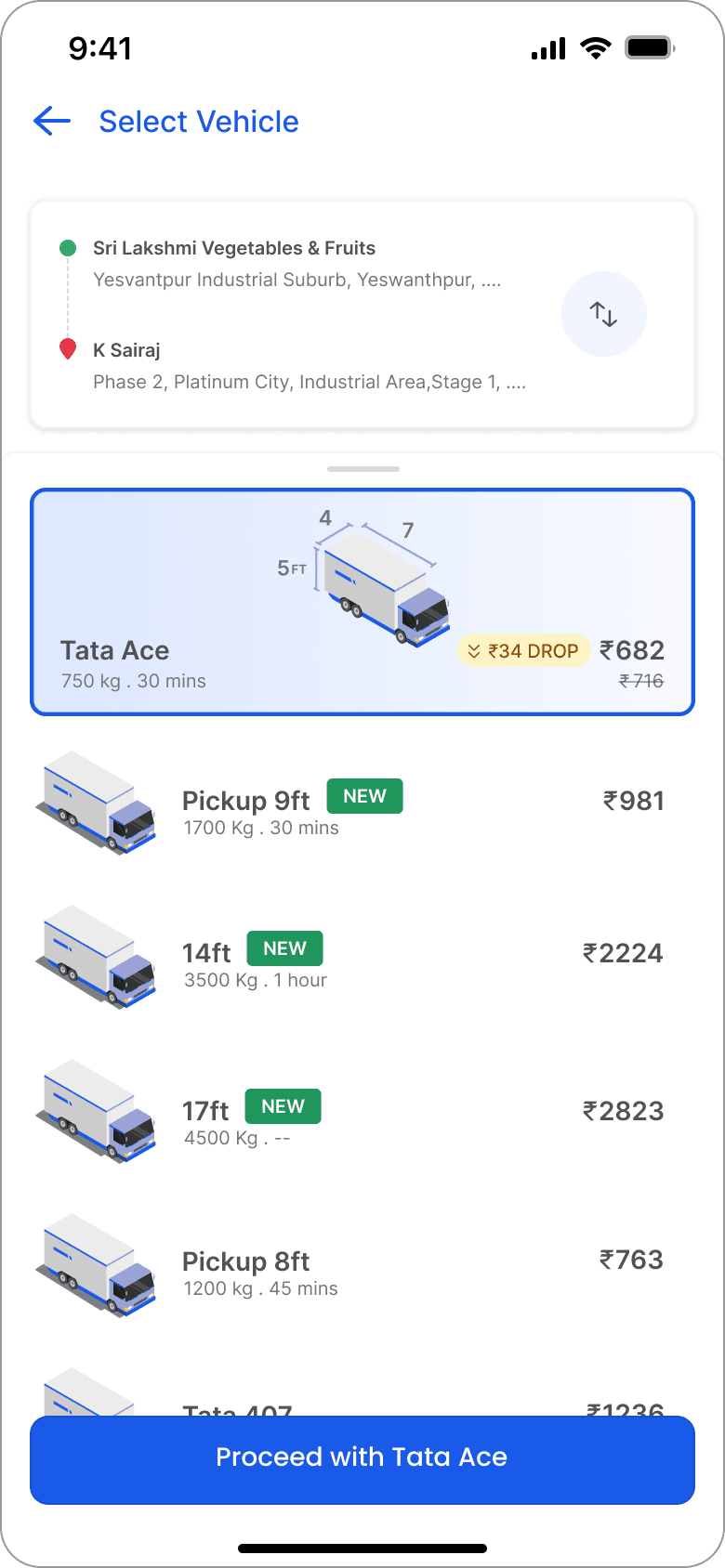
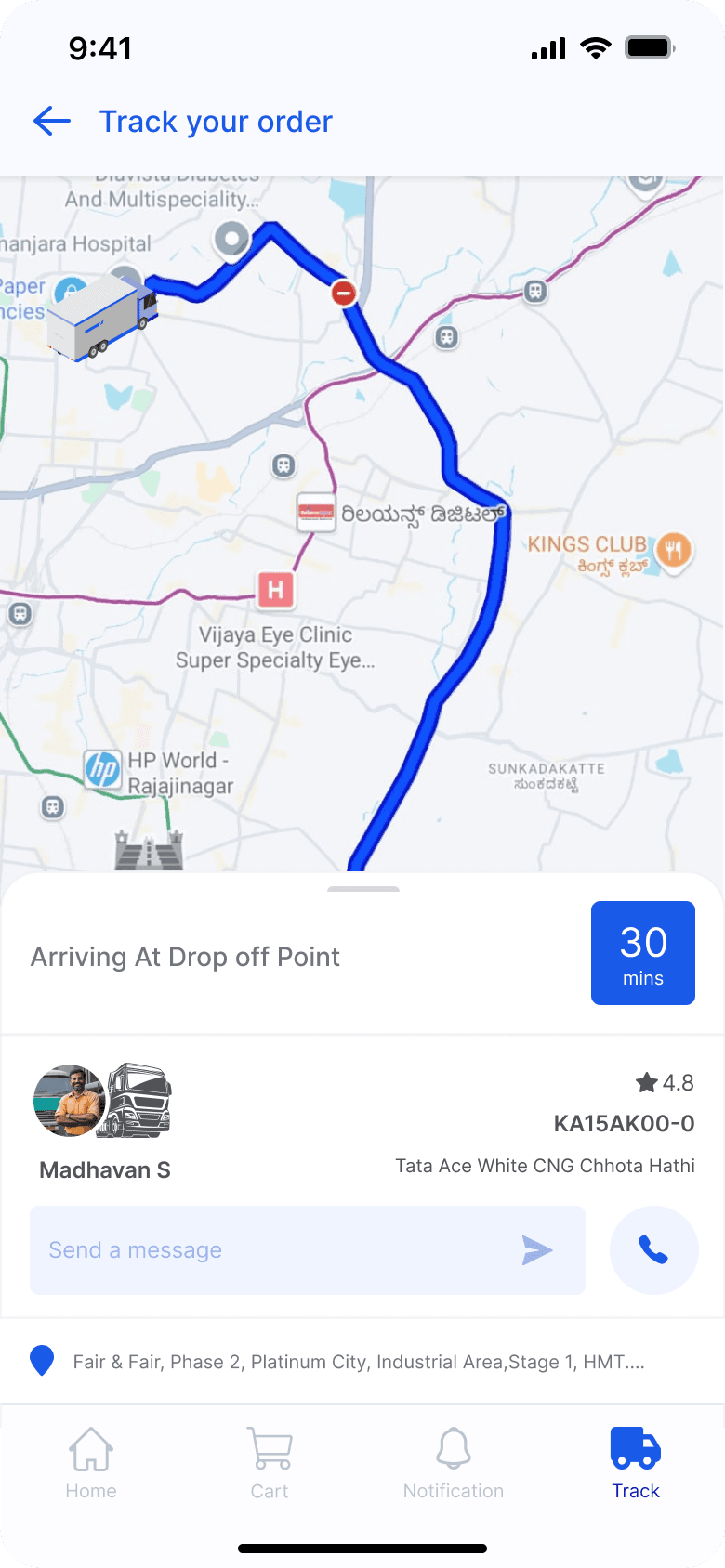
On selecting the delivery option, Asaan redirects the user to porter app's (an already existing goods transportation vehicle booking app) interface for vehicle booking
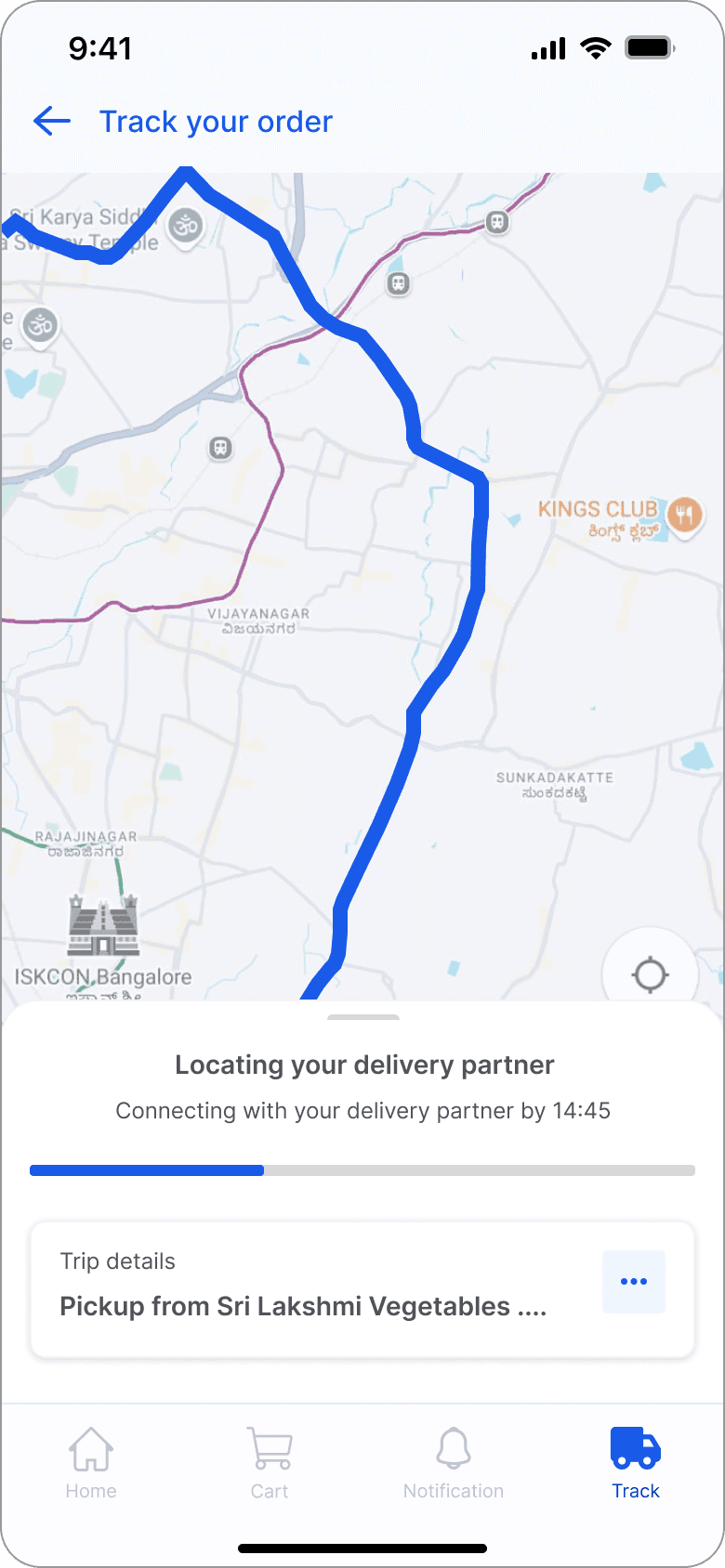
After booking, the driver partner will be assigned accordingly around the time of scheduled delivery
The porter app's charges are deducted separately during the time of delivery
The delivery is made to the address of the retailer's store registered with Asaan
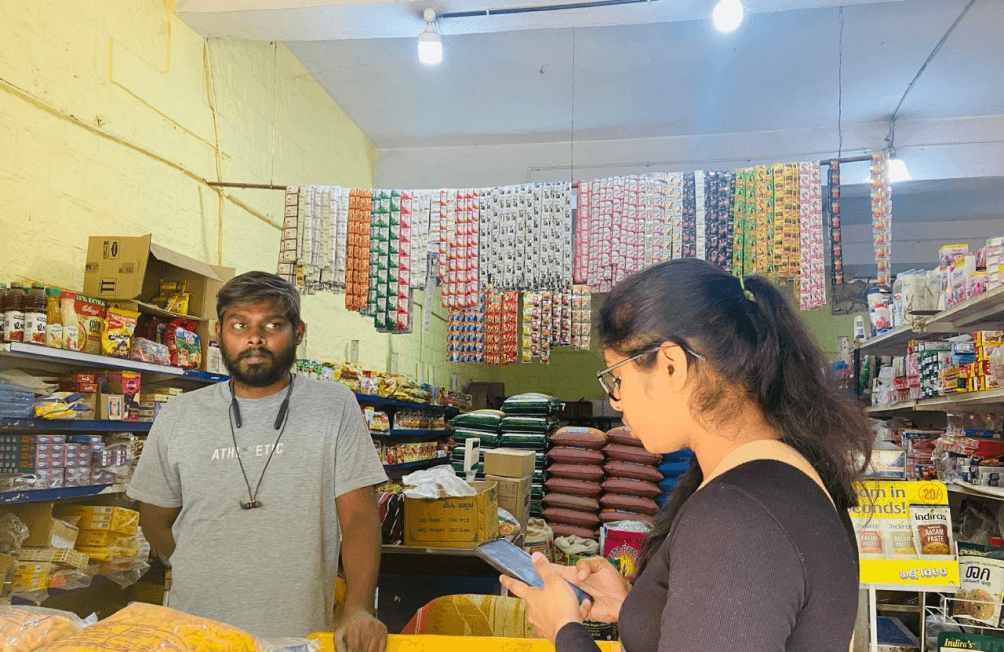
/ Prototype Testing & Feedbacks (Getting feedbacks from real users after testing the prototype)
execution

/ Reflections (Findings and understanding after testing the prototype)
execution
Streamlined Order Processing: Retail vendors appreciated the efficiency gains from the mobile app’s features, particularly the QR code scanning for order processing. Many found it faster and more reliable than traditional methods, reducing the risk of missing orders.
Adaptability for Non-SKU Items: The feature enabling the generation of codes for items without a Stock Keeping Unit (SKU) was viewed as a valuable addition. Wholesale vendors dealing with custom or handmade products, which often don’t have traditional barcodes, found this particularly useful. It allowed them to maintain accurate inventory records for these non-standard items.
Ease of Use: Overall, the app was intuitive and user-friendly for vendors with basic mobile literacy. However, a few vendors, particularly those who were less tech-savvy, mentioned a slight learning curve in navigating the app, especially when using the scanning features. More guidance or in-app tutorials could further simplify the experience.
In-Store Cart Building: The ability for buyers to use the barcode scanner in-store to build their cart in real time resonated strongly with users, particularly in wholesale settings where large volumes of products are often purchased. This feature not only sped up the checkout process but also reduced errors in order placement.
Connectivity and Performance: A recurring point of feedback was the app’s reliance on internet connectivity. In some testing environments, especially in rural areas or markets with poor network coverage, the app faced performance issues. Offline functionality for key features like scanning and cart building would significantly enhance its reliability and adoption.
Business Impact: Many vendors saw the potential for the app to increase their overall productivity by reducing time spent on manual tasks and minimizing errors in inventory and order management. Several noted that the app could positively impact their business growth by allowing them to focus more on customer service and strategic decisions rather than operational inefficiencies.

SYSTEMS THINKING
USER EXPERIENCE
Facilitating the ordering process between retail vendors and wholesale suppliers.
A
SAAN